RDL-3000 User Manual
70-00158-01-DRAFT Proprietary Redline Communications © 2010 Page 92 of 142 November 25, 2010
4.7.4 Antenna Alignment Screen
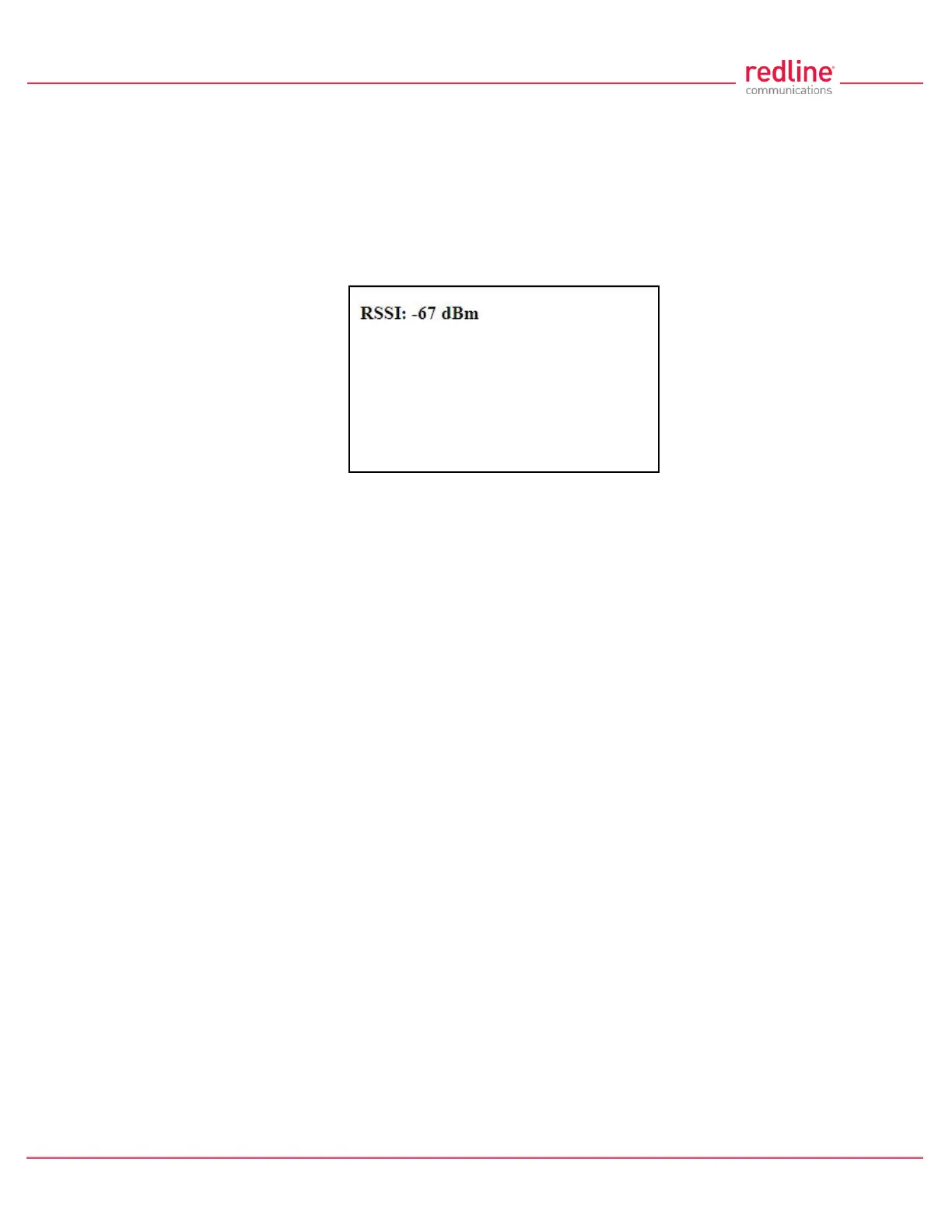
Click Utilities -> Antenna Alignment in the main menu to display the Antenna
Alignment Tool screen. This screen is used to assist when aligning the subscriber
antenna.
The most reliable method for obtaining optimum performance from a wireless link is by
fine alignment of the antenna to the position providing the highest RSSI (Received
Signal Strength Indication). This web page assists alignment by providing continuous
updates of the current measured RSSI value.
Fig. 59: Web - Antenna Alignment Tool Screen
If Wi-Fi service is available, you may also be able to access the web alignment page
directly from a laptop computer and most web-enabled handheld devices using the
following URL:
http:// [RDL-3000 IP Address] / usr / aa.html
For example: http:// 192.168.20.25 / usr / aa.html



 To Next Page