RDL-3000 User Manual
70-00158-01-DRAFT Proprietary Redline Communications © 2010 Page 73 of 142 November 25, 2010
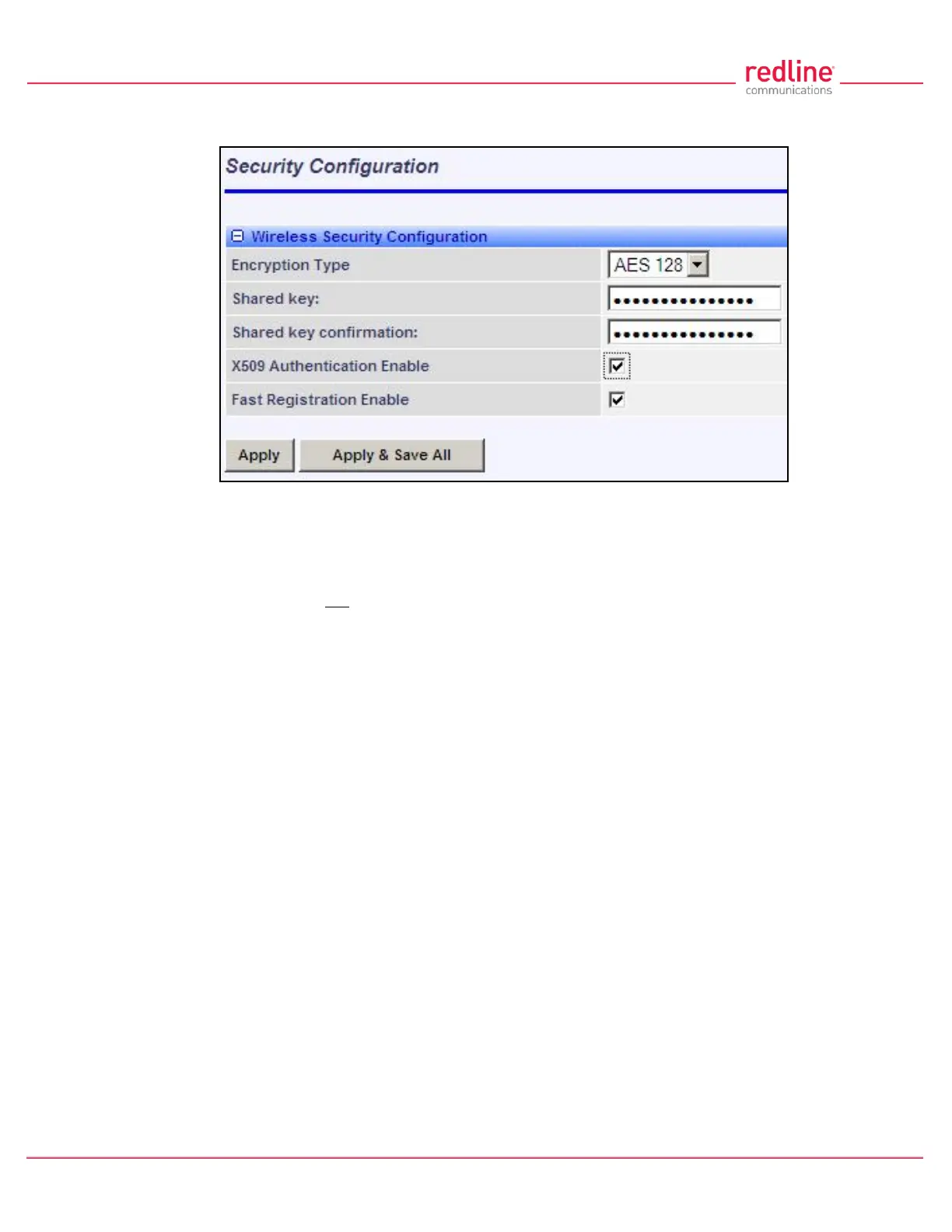
Apply & Save All: Click to activate and permanently save the security settings on this
screen. These settings will be restored on power-up, reboot, or at the end of a test cycle.
Fig. 48: Web - Wireless Security Screen - Subscriber
Notes:
1. Clicking on another main menu item before clicking Apply or Apply & Save All will
discard any changes made to settings displayed on the current screen.
2. HTTPS (SSL) is not available until an X.509 certificate and DSA private key have
been loaded (ssl_cert_<mac>.pem and ssl_key_<mac>.pem).
3. AES encryption is not available until the X.509 certificate and key files have been
loaded (usr_wacert_<mac>.der, usr_wcert_<mac>.der, and usr_wkey_<mac>.der).



 To Next Page