RDL-3000 User Manual
70-00158-01-DRAFT Proprietary Redline Communications © 2010 Page 40 of 142 November 25, 2010
Use the following steps to establish a Web session with the RDL-3000.
1. The IP address and subnet mask of the PC must be on the same subnet as the RDL-
3000. For example:
IP address = 192.168.25.11
Net Mask = 255.255.255.0
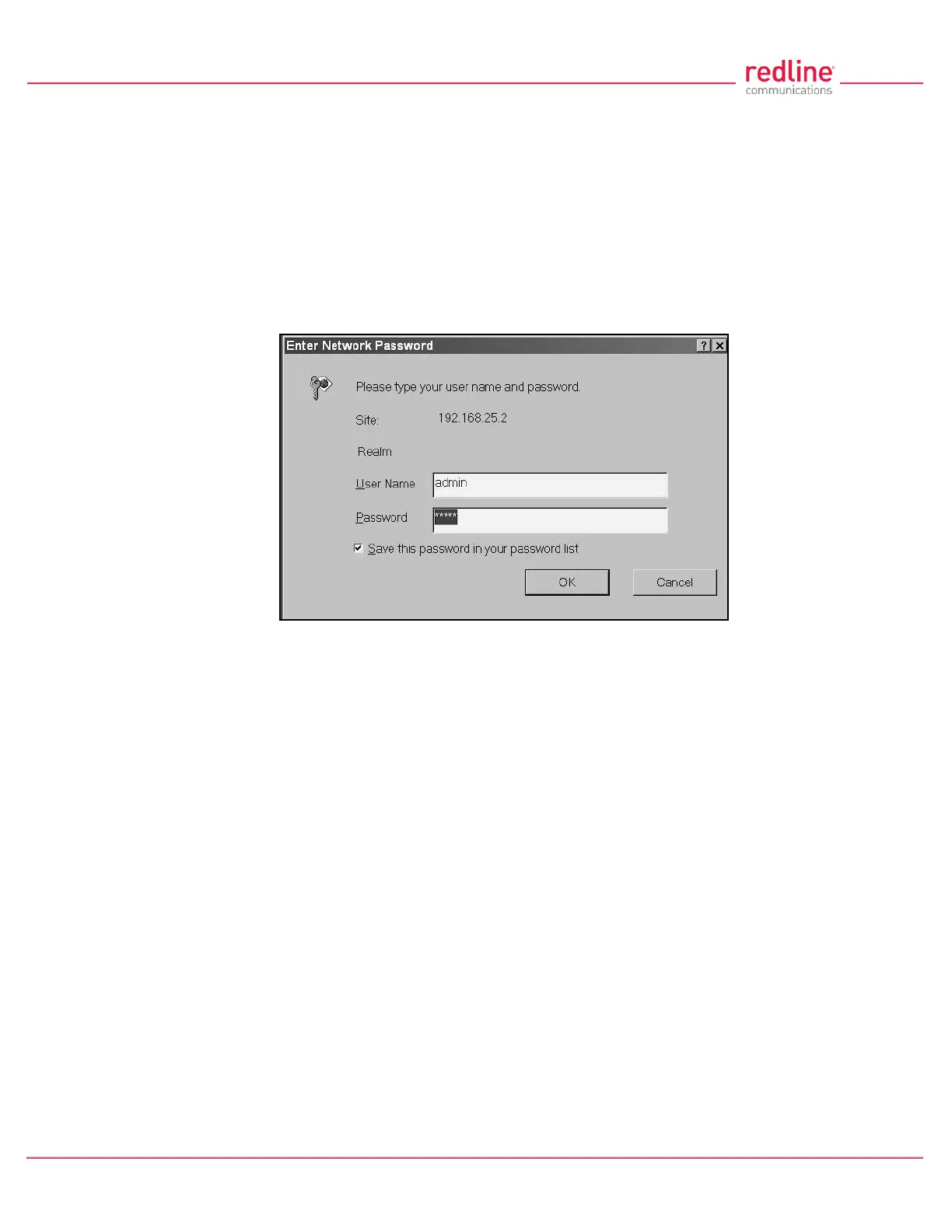
2. On the PC, open a browser and enter the unit RDL-3000 IP address. The factory default IP
address is 192.168.25.2.
3. Enter the username and password to login. The factory default username is 'admin', and the
default password is 'admin'.
Fig. 25: Web - Login Screen
4. If the login was successful, the General Information screen will be displayed in the Web
browser.



 To Next Page