VisualMotion 9 Troubleshooting Guide Monitoring and Diagnostics 3-21
DOK-VISMOT-VM*-09VRS**-WA02-EN-P
425 Instruction error: see Task %c diag.
Cause:
An error has occurred in a user program instruction. A more specific
message is displayed in the diagnostic message for task %c (where %c =
task letter) in which the error occurred (T-0-0122). This error usually
applies to coordinated motion instructions.
Remedy:
Verify that the following icons are setup properly and do not contain
variables with negative values or incorrect axis numbers.
Wait
ELS mode ELS Stop Text message
426 Drive %d is not ready
Cause:
Programmed motion was commanded to the axis of drive %d (where %d
= drive number) before the drive was enabled (AF).
Remedy:
1. Clear error and wait for drive to be enabled before commanding
motion.
2. Check the axis disable bit in Axis%d_Control register under Data ⇒
⇒⇒
⇒
Registers. If the bit is high (1), the drive is disabled. Change the
state to low and restart program.
3. Check the fiber optic connections and power to drive.
427 Calc: invalid table index %d
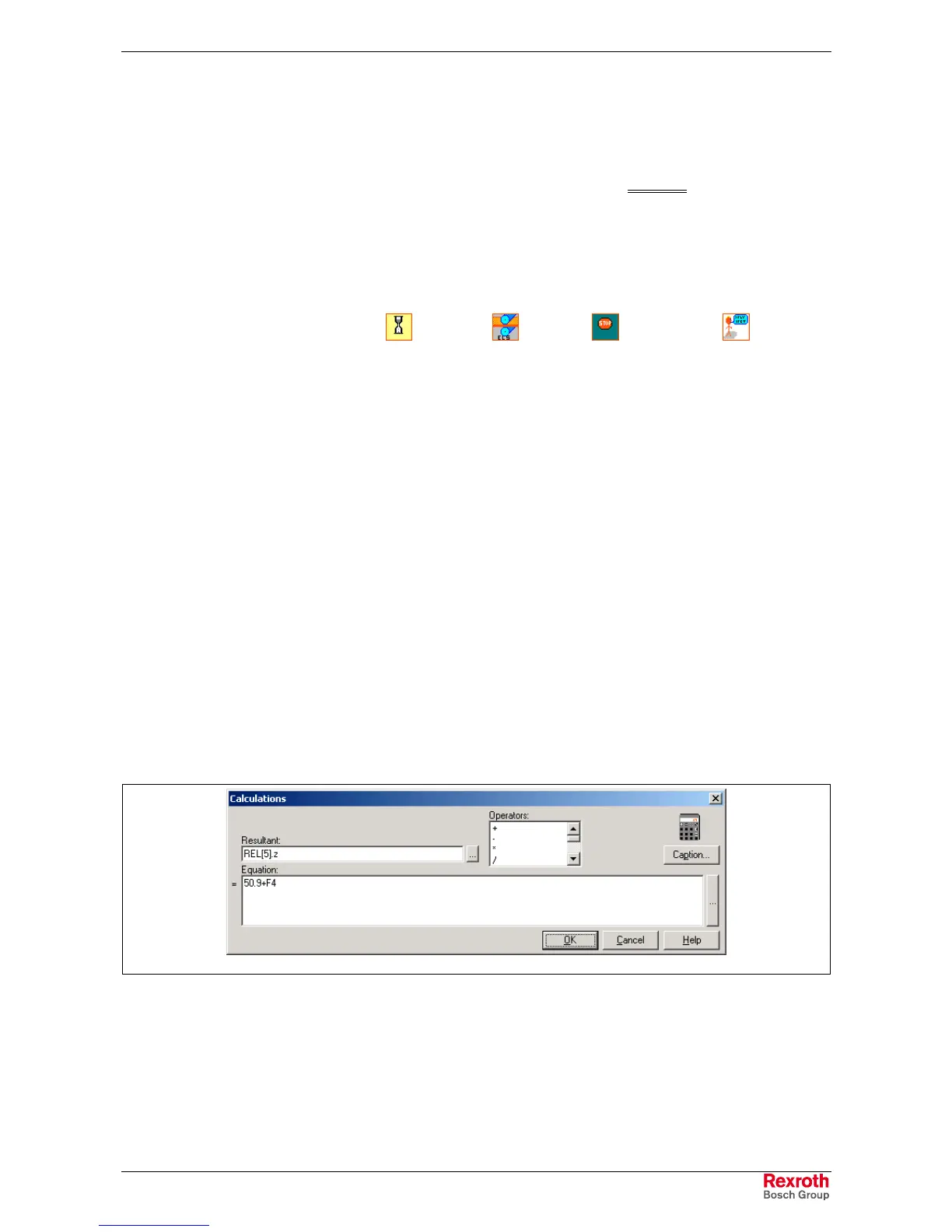
An invalid table index %d (where %d = index number) was specified using
the Calc icon.
Cause:
1. In a user program calculation expression, the index to a point or event
table is invalid.
2. A value used in the calculation expression is not accounted for when
either a points or event table was generated.
Calc_Icon_Value.tif
Fig. 3-9: Invalid Calculation Expression
Remedy:
3. Locate the Calc icon with the error, if more than one is used, by using
program flow <F7>.
4. If the value in the Calc icon is incorrect, change it to an allowable
value and clear the error.



 To Next Page