3-26 Monitoring and Diagnostics VisualMotion 9 Troubleshooting Guide
DOK-VISMOT-VM*-09VRS**-WA02-EN-P
459 Axis %d target position out of bounds
Cause:
The programmed position in an axis/move command or the Move
icon for axis %d (where %d = axis number) exceeds the drive's travel
limits.
Remedy:
1. Adjust the travel limits or check the variable or constant containing
the position. Drive travel limits are programmed in SERCOS
parameters S-0-0049, Positive position limit value and S-0-0050,
Negative position limit value. Check variable values under Data
Variables.
2. Check travel limits set using DriveTop. Select Commission Drive
Overview from VisualMotion Toolkit's main menu.
460 Invalid program %d from binary inputs
Cause:
Program %d (where %d = program number) selected from the Binary
Program Select bits 9-12 in System register 1 does not exist on the
control’s memory or is greater than the maximum number of programs.
Remedy:
Make certain that the program number being selected is available on the
control. Program number can be viewed using VisualMotion and
selecting Build ⇒
⇒⇒
⇒ Program Management.
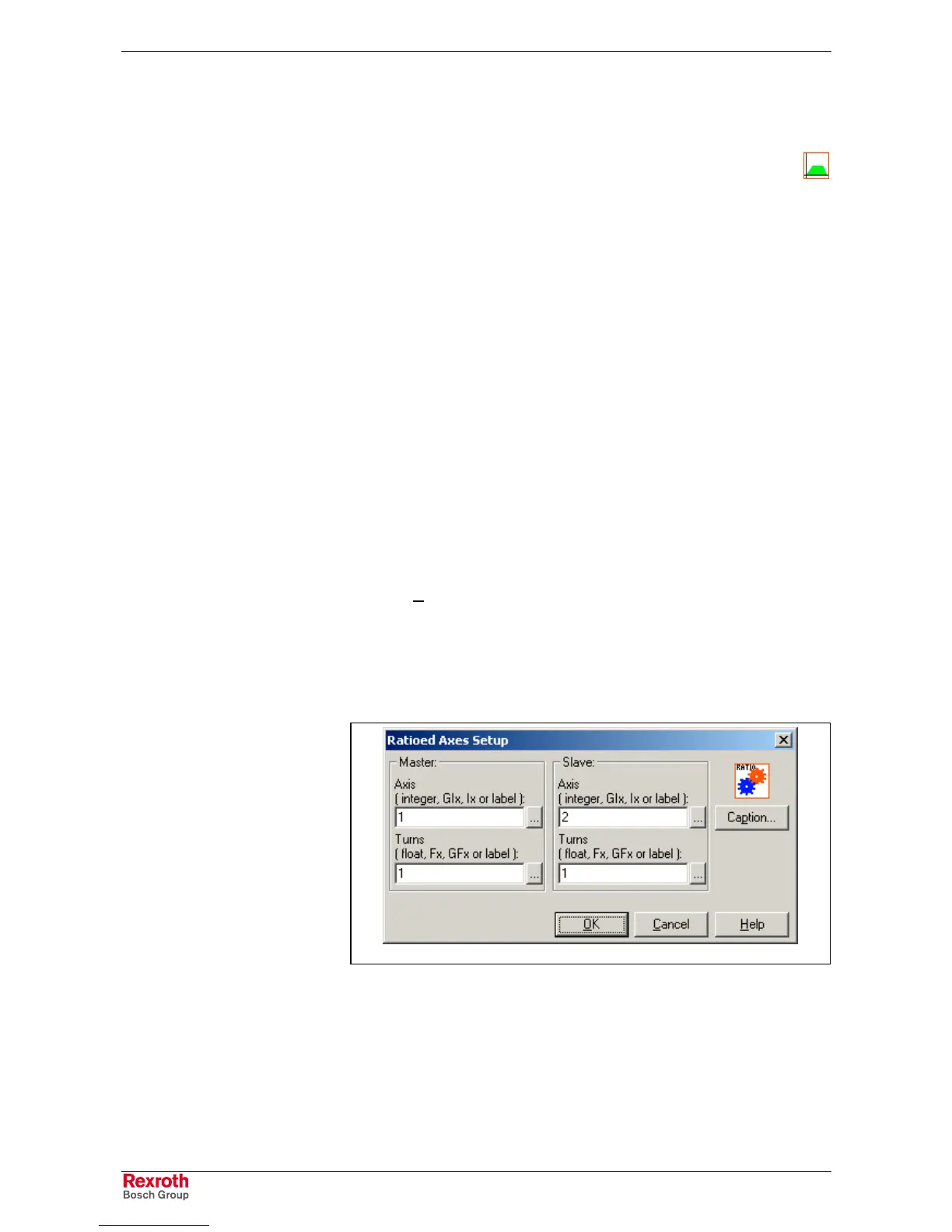
463 Ratio command: invalid ratio
Cause:
In the RATIO command, one of the factors is too large or the master
factor is zero. The values entered in the Turns field are not correct.
Ratio_Axes.tif
Fig. 3-11: Ratio Axes Setup
Remedy:
Update the ratios so that the master is not a zero and the values are not
too large.



 To Next Page