VisualMotion 9 Troubleshooting Guide VisualMotion Tools for Diagnosing 2-1
DOK-VISMOT-VM*-09VRS**-WA02-EN-P
2 VisualMotion Tools for Diagnosing
2.1 Using VisualMotion Toolkit for Diagnosing
VisualMotion Toolkit 9 (VMT) is Rexroth's Windows based development
environment for programming VisualMotion Controls. Along with VMT's
programming capabilities, it can also be used to help diagnose
VisualMotion programs, control and drive diagnostics.
Note: The information provided in this section is intended to illustrate
only those screens in VisualMotion Toolkit that can assist in
determining a diagnostic fault. For a complete description of
VisualMotion Toolkit's menu selections, refer to chapter 2 of
the VisualMotion 9 Functional Description.
VisualMotion to PC Connection
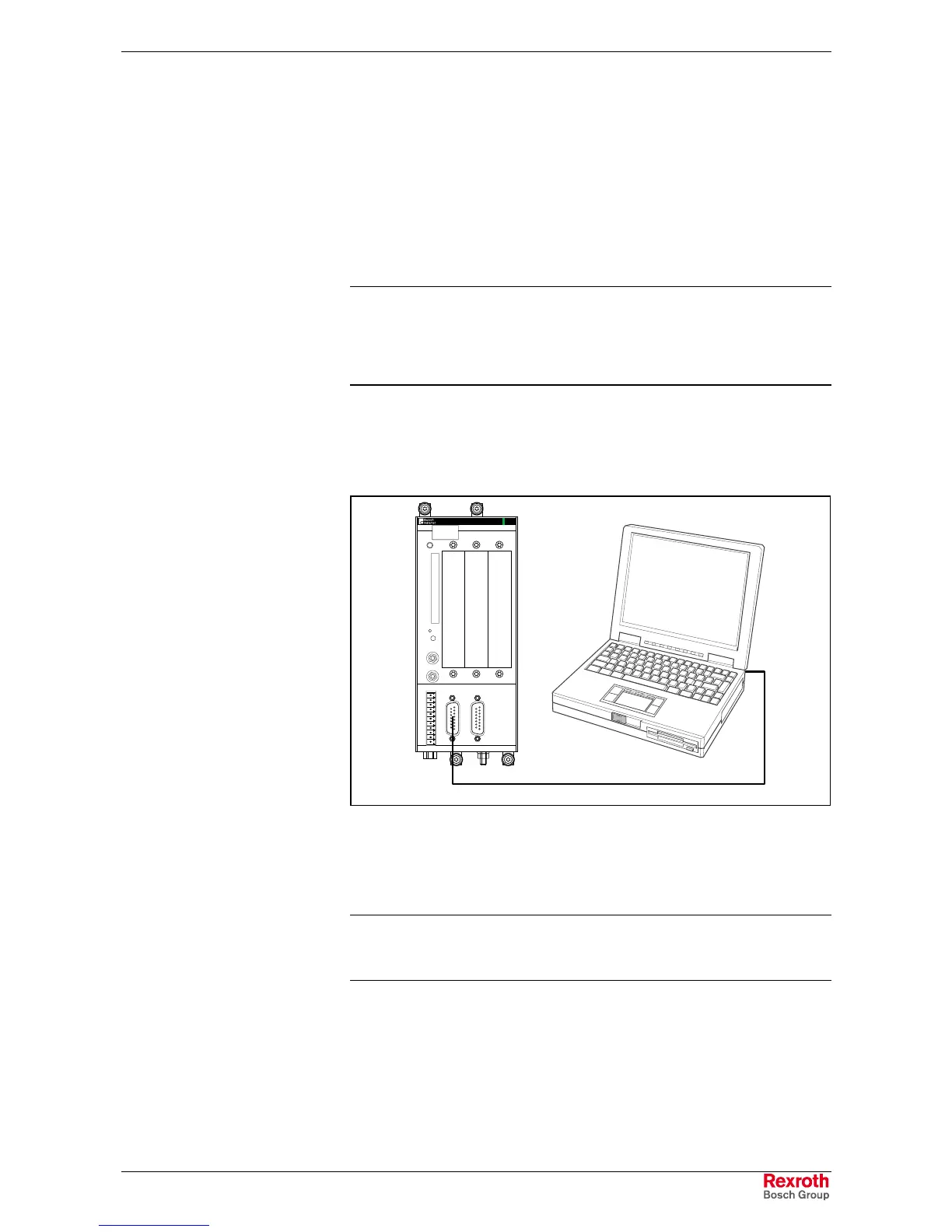
To establish communications between VisualMotion (PC) and the PPC-R
control, use an IKB0005 standard RS-232 serial communication cable.
RECO
PPC-R02.2
H1
PROG
U2
X10
X1
Q1
Q2
24V
e
0V
e
Bb
Bb
24V
0V
S1
RX
TX
U1
RESET
S2
H2
DIST
COM
X16
U3 U4
8888
I1
I3
I2
IKB0005
PPC-R_Serial.FH7
Fig. 2-1: VisualMotion (PC) to PPC-R Serial Connection
Use the following procedure to confirm hardware connections.
1. Connect communication cable IKB0005 between PPC-R X10 and the
PC's Com port.
Note: Communication can also be established using the ETH01
Ethernet card. Refer to the VisualMotion 9 Project Planning
Manual for details.
2. Power-up VisualMotion System (drives, control, motors, etc.).
3. Start VisualMotion Toolkit in "Service" mode by selecting the
(view and edit control data in "Service" mode) radio button.
4. From the VisualMotion Toolkit main menu, select Diagnostics ⇒
⇒⇒
⇒
System. If the System Parameters screen loads with information,
communications have been established. The user is now ready to
use VisualMotion Toolkit.



 To Next Page