2-4 VisualMotion Tools for Diagnosing VisualMotion 9 Troubleshooting Guide
DOK-VISMOT-VM*-09VRS**-WA02-EN-P
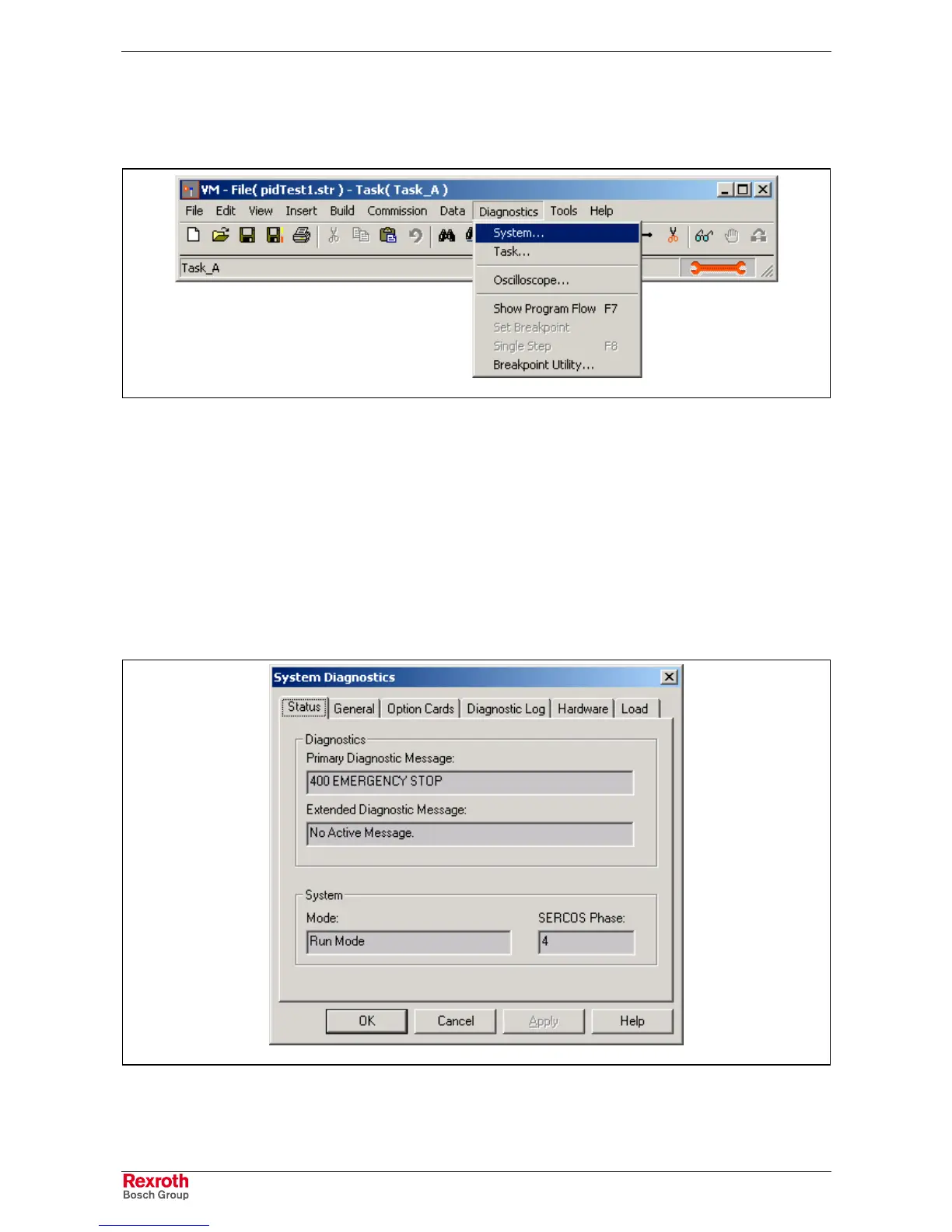
The Diagnostics Menu
The diagnostics menu provides system information for logging and
monitoring system errors and diagnostics.
DiagnosticsSystem.tif
Fig. 2-5: Diagnostics Menu
System Diagnostics
The system diagnostic window displays current diagnostic information for
diagnostic messages, hardware and firmware information, installed option
cards, diagnostic log, hardware status, and control load status. This
section will only focus on diagnostic messages and logging.
Status…
The Status tab displays the current diagnostic message with an extended
message, if available. The system's current mode and SERCOS phase is
also displayed.
system_parameters.tif
Fig. 2-6: Primary and Extended Diagnostic Message



 To Next Page