VisualMotion 9 Troubleshooting Guide Monitoring and Diagnostics 3-3
DOK-VISMOT-VM*-09VRS**-WA02-EN-P
DriveTop
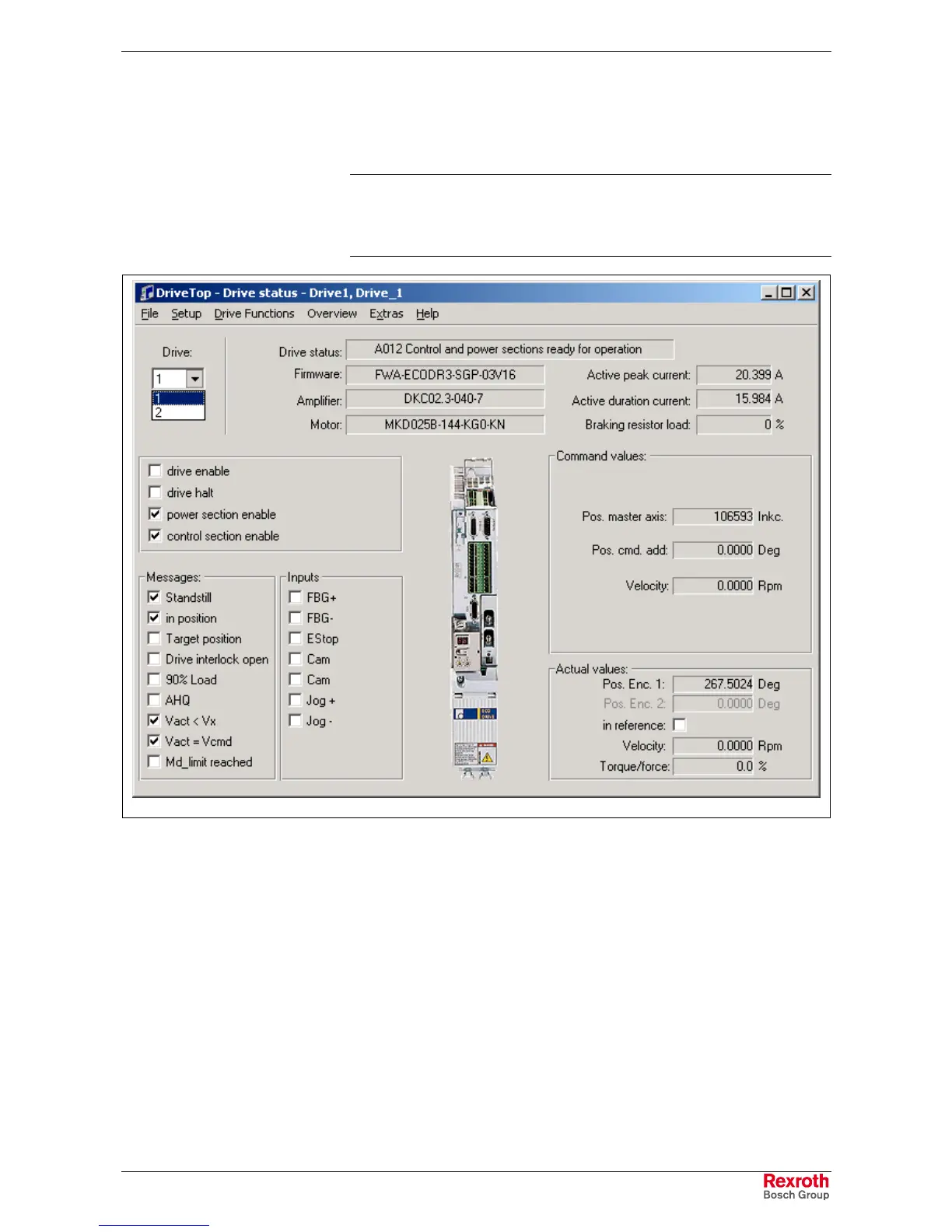
Parameters pertaining to drive diagnostics can be viewed by selecting
Commission ⇒
⇒⇒
⇒ Drive Overview. This menu selection opens DriveTop.
Note: The Drive Parameter Editor used with VisualMotion 8 can only
be accessed when communicating with GPP08 firmware.
When communicating with GPP09 firmware, a new version of
DriveTop will be used for the commissioning digital drives.
DriveStatus_DriveTop.tif
Fig. 3-4: DriveTop Drive Status
Select the drive number containing the diagnostic error code and the
Status line will display the drive diagnostic message from parameter
S-0-0095. Refer to the Drive manual for descriptions of drive diagnostics.



 To Next Page