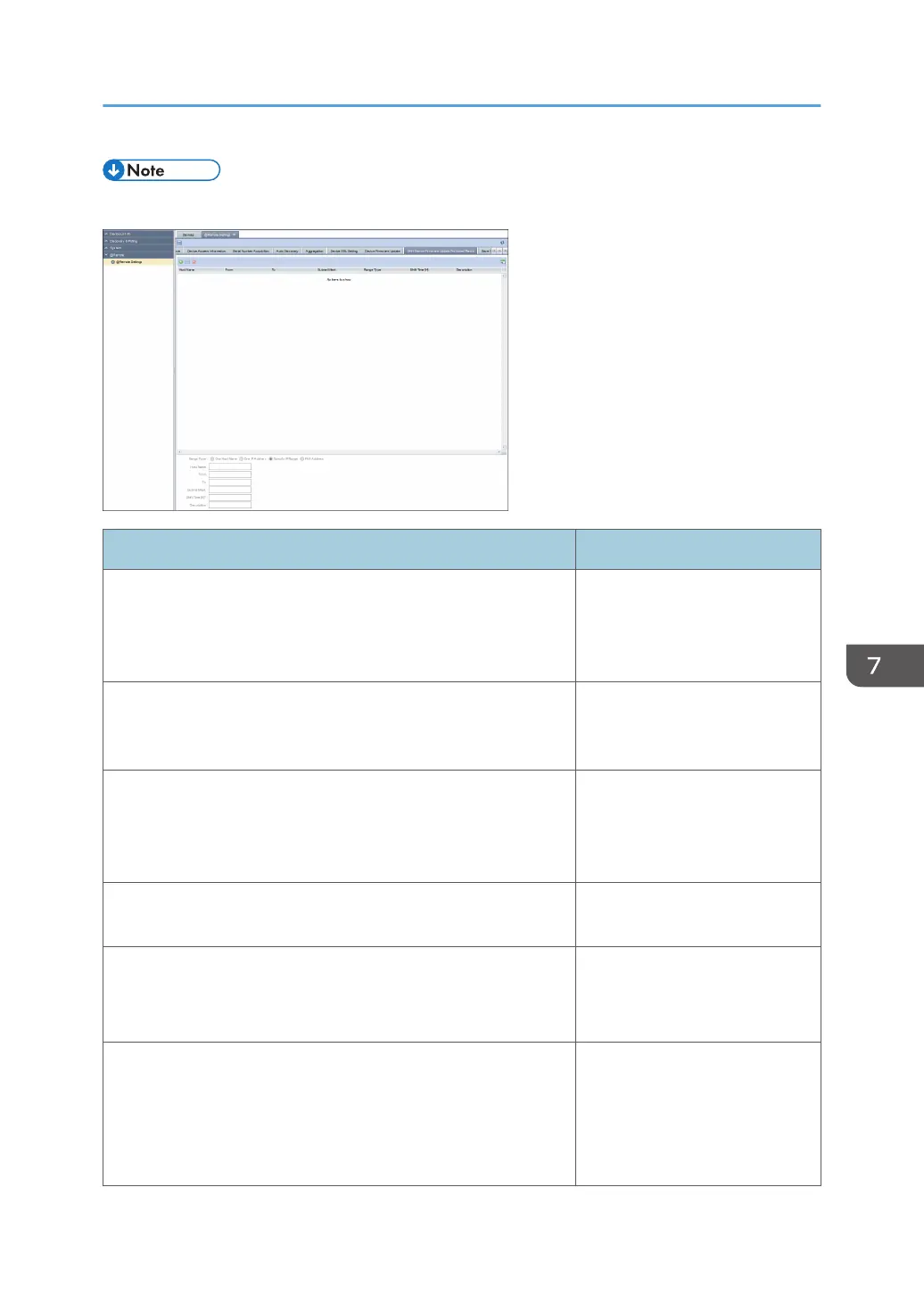
• You can specify this setting for up to 256 devices.
Item Detail
Range Type Select [One Host Name], [One
IP Address], [Specify IP Range],
or [IPv6 Address] as a type of
the value to be specified.
Host Name Specify this setting only if [Range
Type] is set to [One Host Name].
Use 1 to 255 characters.
From Enter the discovery target IP
address, IPv6 address or start IP
address of the discovery target IP
address range.
To Enter the end address for the IP
address range.
Subnet Mask Enter the subnet mask.
Only IPv4 address can be
allowed.
Shift Time [H] You can specify the time
difference between different
locations.
Specify a figure between -12
and 12.
@Remote Settings
101



 To Next Page