Item name Description
Reverse DNS Lookup Select this to enable the [Reverse DNS Lookup] to determine
device host names.
For an outline of the functions related to these settings and their operation, see page 62 "Searching for
Devices".
Access Profiles
A list of the registered access accounts is displayed. An access account can be configured for [Device
Administrator] and [SNMP].
For details about how to configure access accounts, see page 59 "Configuring Access Accounts".
• To manage a device using the discovery and polling, make sure that the authentication information
of the access account matches the authentication information specified on the device.
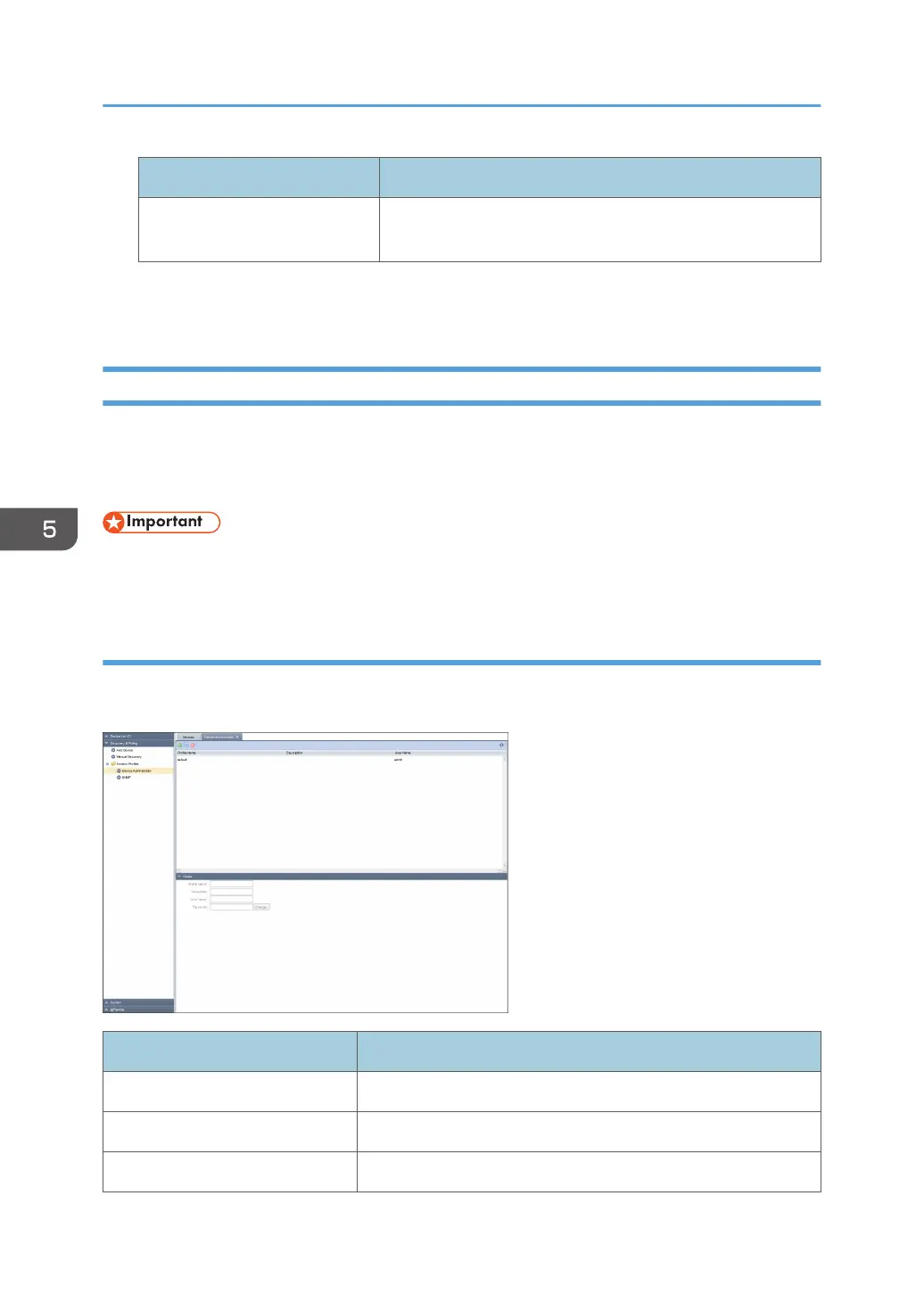
Device Administrator
Indicates an access account that can be used for the Device Administrator in the list area. To display the
settings screen, click [Discovery & Polling] - [Access Profiles] and [Device Administrator].
Item name Description
Profile Name Enter a profile name. Use 1 to 255 characters.
Description Enter a profile description. Use 0 to 511 characters.
User Name User name is "admin". You can't change the user name.
5. Discovery and Polling
56



 To Next Page