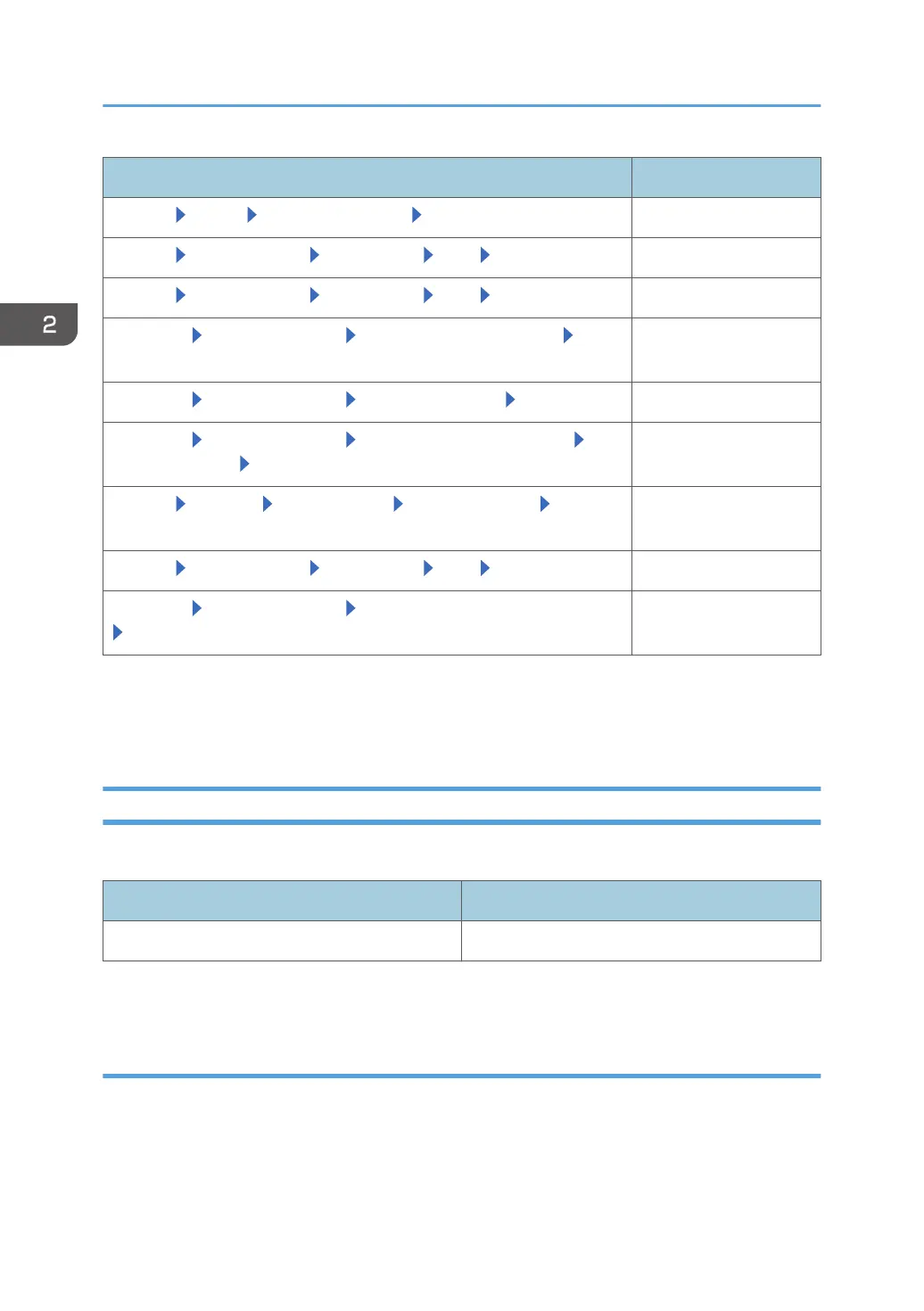
Item name Description
[System] [Setup] [Date/Time Settings] [Time Settings] Current time
[System] [Server Settings] [Networking] [SSL] [Use SSL]
*1
[On]
[System] [Server Settings] [Networking] [SSL] [SSL 3.0] [Inactive]
[@Remote] [@Remote Settings] [Save Call/Counter History] [S/
MIME Setting]
*1
[On]
[@Remote] [@Remote Settings] [Device SSL Setting] [Use SSL]
*1
[On]
[@Remote] [@Remote Settings] [Connect to @Remote System]
[Security Settings] [Device Encryption Level]
2048bit
[System] [Security] [User Accounts] [Access Accounts] [Login
password minimum length]
8 characters or more
[System] [Server Settings] [Networking] [SSL] [Disable HTTP] Check the button
[@Remote] [@Remote Settings] [Permit @Remote Task Performance]
[Update System Firmware]
*2
[Do not permit]
*1
These settings can be specified at the initial setting.
*2
To update the RC Gate firmware, select [Permit]. If you update the system firmware, the system configuration
will differ from the CC-certified one, so typically select [Do not permit].
Checking Versions for CC Conformance
You can display the firmware version.
Classification Version
System 1.0.2
You can check the system version in [System Information and Settings] in [Server Settings] in [System].
Manuals
The reference numbers of the CC-certified manuals are as follows:
2. Setting up the RC Gate
22



 To Next Page