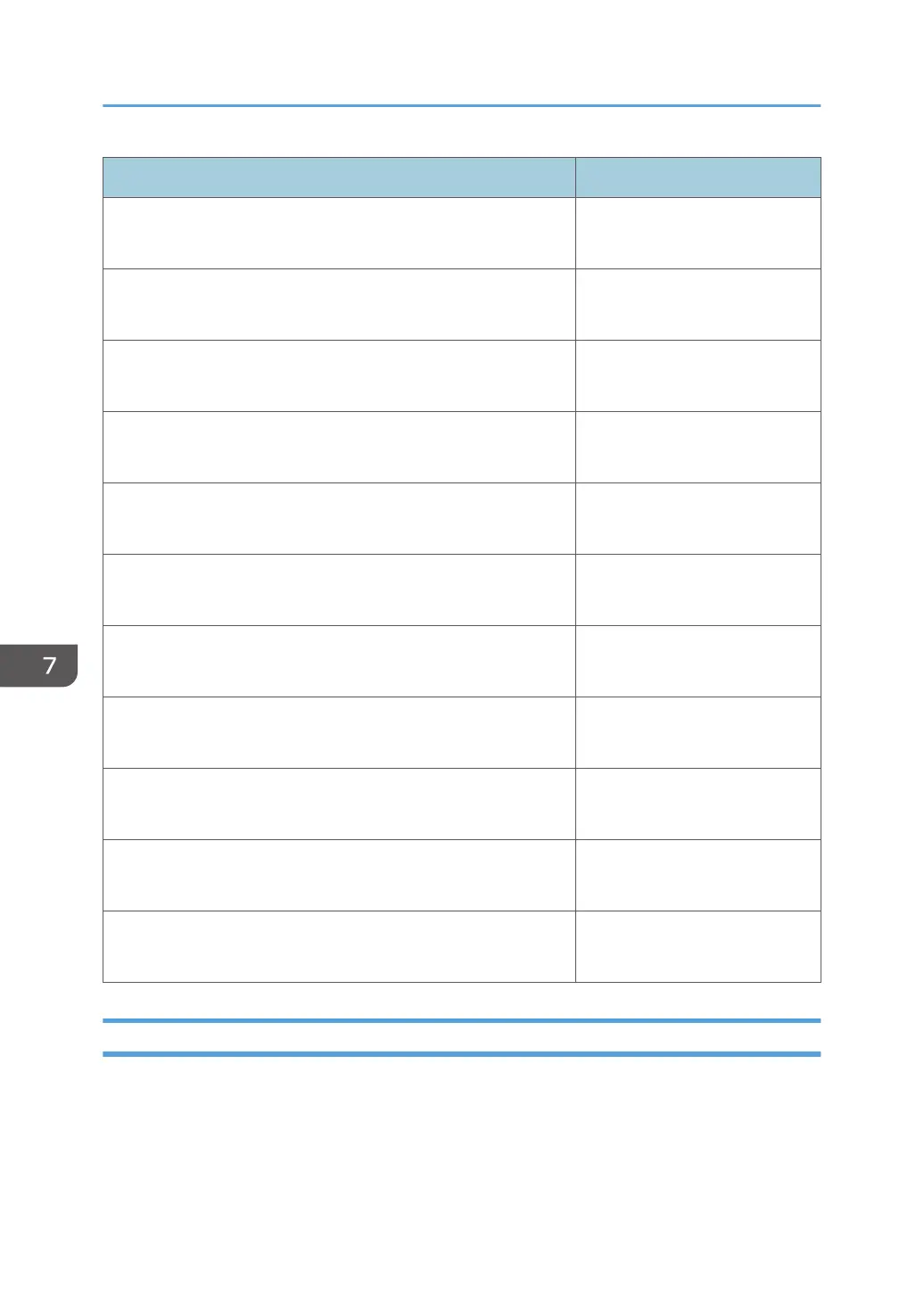
Item Detail
Device Counter Information Notification Permit
Do not permit
Device Service Call Permit
Do not permit
Device Manual Call/ Customer Call Permit
Do not permit
Device Alarm Call Permit
Do not permit
Device Supply Call Permit
Do not permit
Device Information Change Notification Permit
Do not permit
Device Firmware Updating Permit
Do not permit
Update System Firmware Permit
Do not permit
Device Registration from @Remote Center System Permit
Do not permit
Information Setting Request from @Remote Center System Permit
Do not permit
Information Retrieval Request from @Remote Center System Permit
Do not permit
Device Access Information
You can display the device access settings and connection status. To display the settings screen, click
[@Remote] - [@Remote Settings] and [Device Access Information] tab.
7. @Remote
92



 To Next Page