Item Detail
Description Enter the description of each item
in the Shift setting. Use up to 61
characters.
Save Call/Counter History
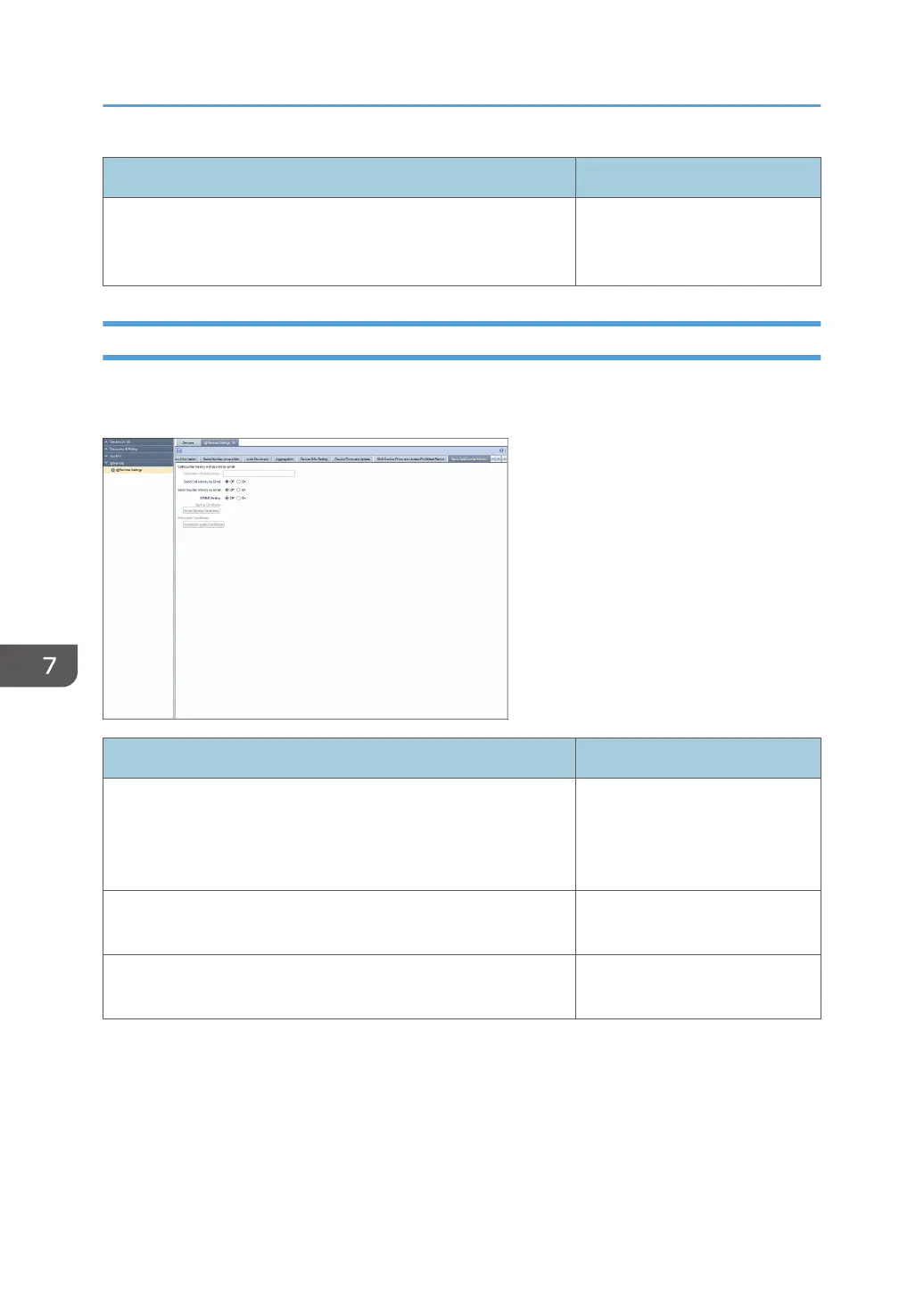
You can specify e-mail settings for call or counter e-mail notifications. To display the settings screen, click
[@Remote] - [@Remote Settings] and [Save Call/Counter History] tab.
Item Detail
Destination Email Address Enter the e-mail address to send
for [Send Call History by Email]
and [Send Counter History by
Email]. Use 0 to 512 characters.
Send Call History by Email If using [Send Call History by
Email], select [On].
Send Counter History by Email If using [Send Call History by
Email], select [On].
7. @Remote
102



 To Next Page