4. Device List
This chapter explains the items included in the Device list.
Device List Items
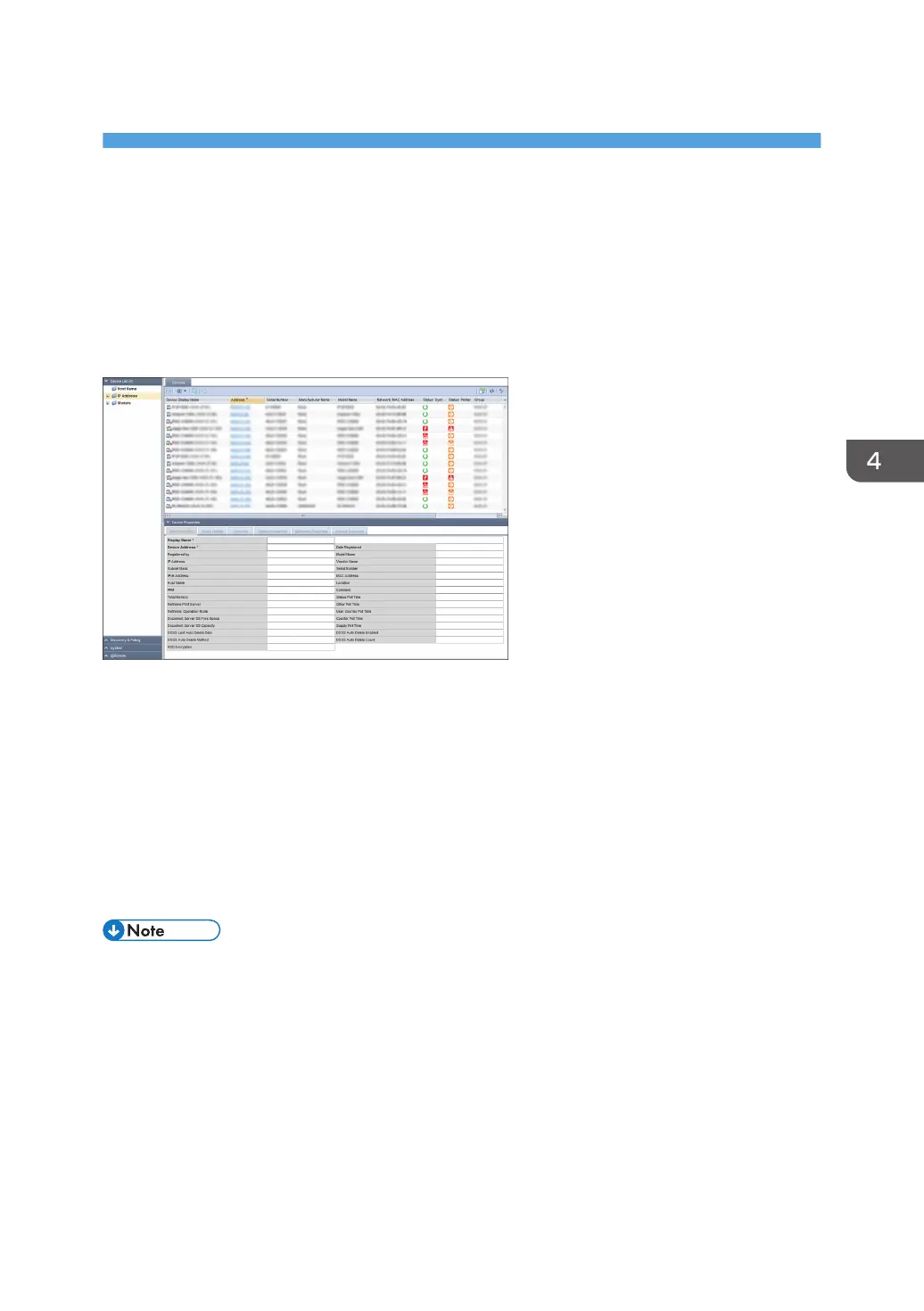
The devices that this product manages appear in the [Device List] section. To display the settings screen,
click [Device List].
Retrieved devices are automatically classified according to the following three list items:
Host Name
A tree view is used to display host names that are separated by domain hierarchies. Whether an
actual domain or not, domain hierarchies are separated by dots.
IP Address
A tree view is used to display IPv4 addresses that are separated every 8 bits.
Models
Names of device manufacturers or models are used for classification.
• The device list applies only to models registered in the RS center System. For details about adding a
device to the device list and registering a device to the RS Center System, see page 62
"Searching for Devices".
41



 To Next Page