Item Description
Security Log Details Displays the details of the security log.
Result • Succeeded: "Succeeded"
• Failed: "Failed"
*1
"System" refers to the RC Gate itself.
*2
Details of "(****)" appear in [Security Log Details].
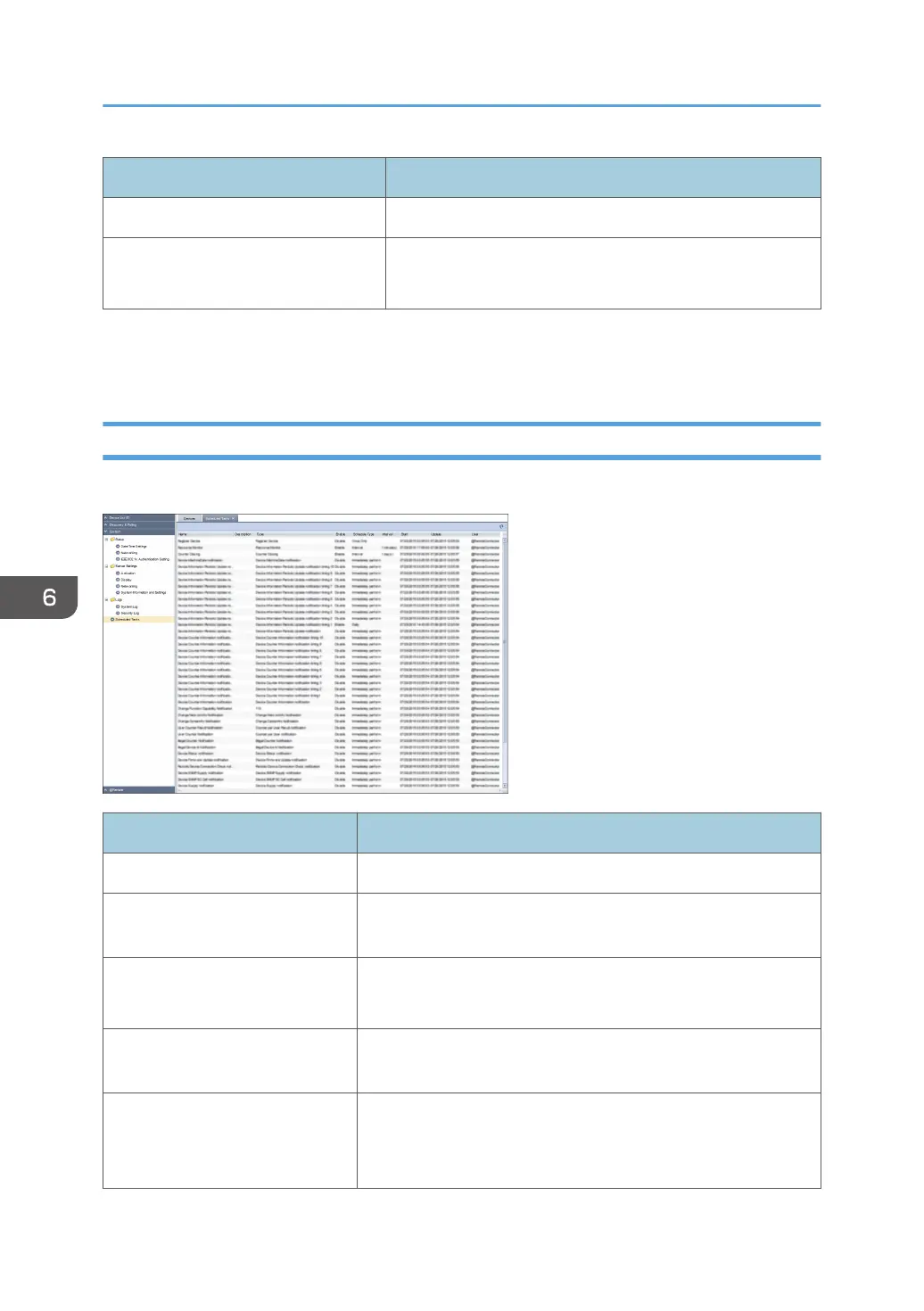
Scheduled Tasks
You can check the scheduled tasks. To display the settings screen, click [System] - [Scheduled Tasks].
Item Description
Name This is the task name entered when the task was registered.
Description This is the description of task entered when the task was
registered.
Type Indicates the task type.
ex) Discovery, Status Polling
Enable Indicates whether the schedule for the task is enabled or
disabled.
Schedule Type Indicates the schedule settings.
ex) Immediately perform/Once Only/Interval/Repeatedly/
Daily
6. System
82



 To Next Page