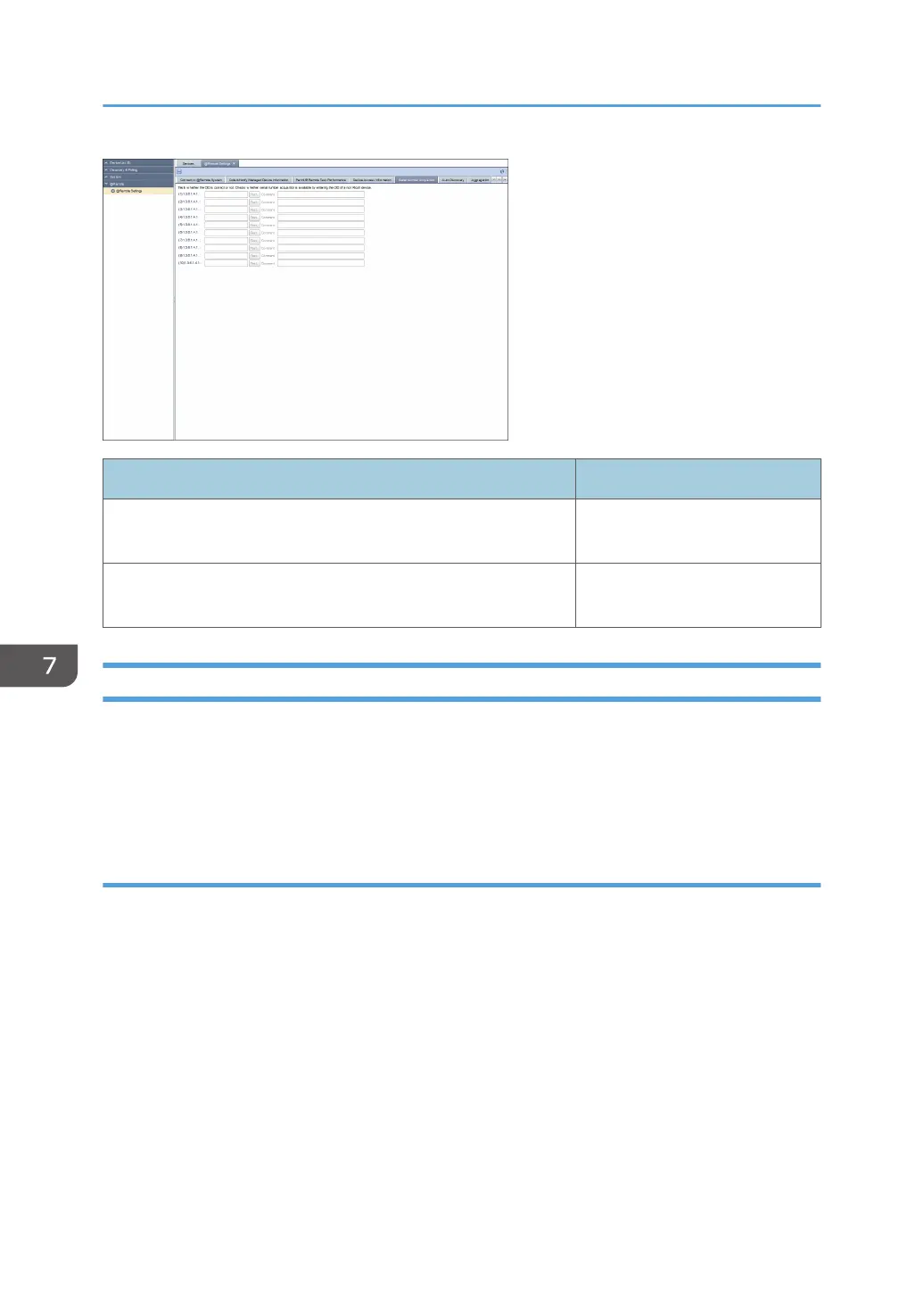
Item Detail
OID (1-10) You do not have the authority to
perform this function.
Comment You do not have the authority to
perform this function.
Auto Discovery
This is the setting for collecting the network device information and sending it to the RS Center System
according to the specified schedule. To perform auto discovery, set auto discovery to [Permit] on [Permit
@Remote Task Performance] tab. To display the settings screen, click [@Remote] - [@Remote Settings]
and [Auto Discovery] tab.
Broadcast
Select the broadcast in the drop-down list box.
7. @Remote
94



 To Next Page