3. How to Configure and Check the
Device
This chapter explains operations that can be done from each screen of the RC Gate Monitor.
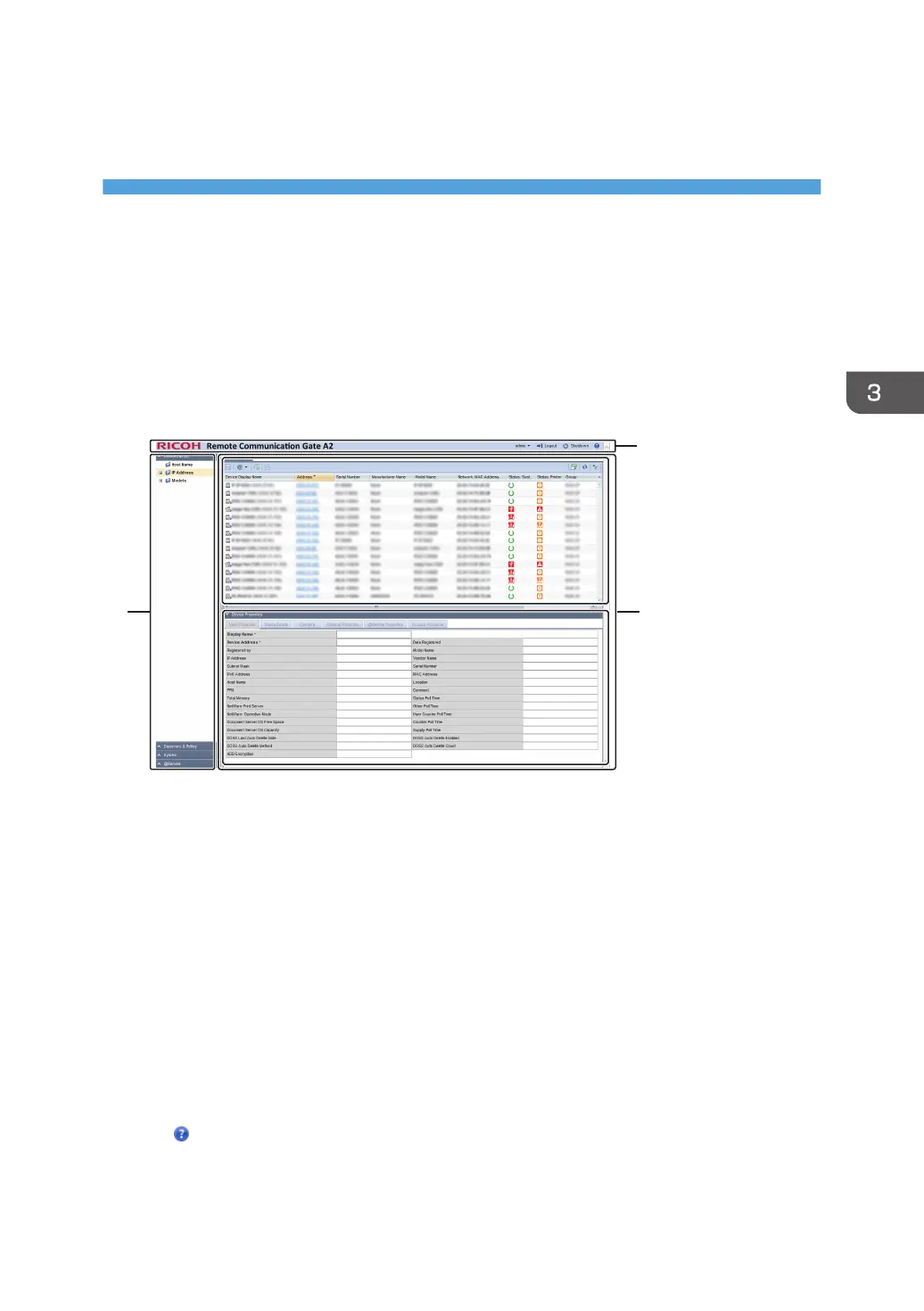
Screen Configuration
The standard screen configuration of the RC Gate Monitor is explained below using the Device List
section as examples.
1. Section area
Items in each section are displayed in this area.
When a section is clicked, details of each item are displayed in a tree structure.
2. Header area
• admin
You can change the RC Gate Monitor login password. For details about the password setting method,
see page 28 "Setting a Password".
• Logout
Log out the RC Gate Monitor. For details about log out, see page 19 "To Close the RC Gate Monitor".
• Shutdown
Shut down and put the RC Gate in standby mode. For details about shutdown, see page 29
"Shutdown the RC Gate".
•
Connect to the Ricoh website. You can also download "Setup Guide" and "Operating Instructions" from
the Ricoh website.
27



 To Next Page