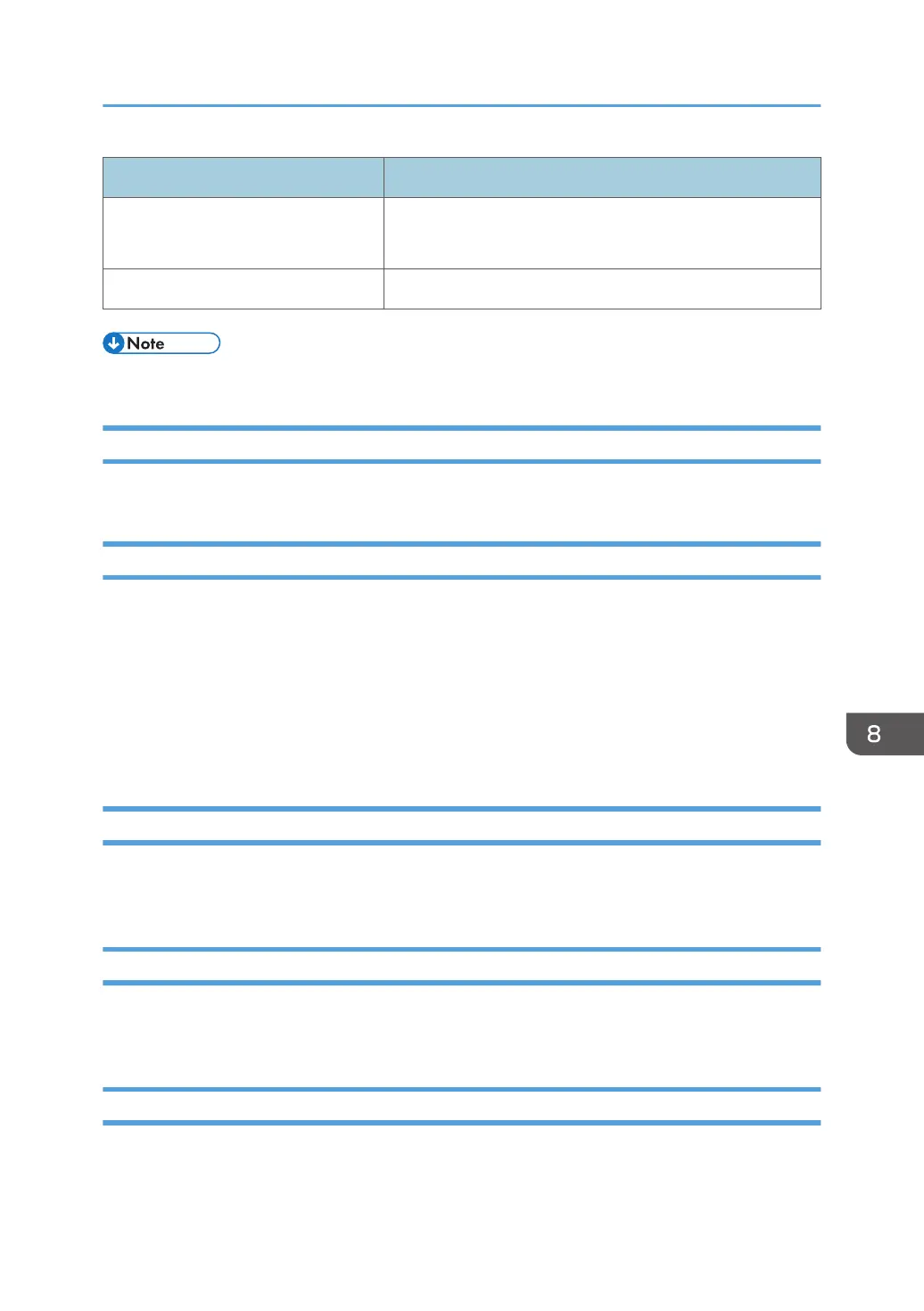
Message Reason and Action
Connection is failed.
(Error code)
An attempt to establish a connection has failed. Check and
report the error code to your service representative.
An unexpected error has occurred. Contact your service representative.
• The variables are indicated by "X".
If Problems Described in Error Messages Persist
Contact your service representative if problems described in error messages persist.
When the Office or Devices are Moved
Registration to the RS Center System is required in the following cases. Contact your service
representative.
• When your office has moved (The RC Gate has moved.)
• When managed devices are moved (Except Auto Discovery)
• When managed devices are newly connected (Except Auto Discovery)
• When managed devices are deleted (Except Auto Discovery)
Inquiry for Repair and Maintenance Services
For details about machine operation and product specifications, contact your sales or service
representative.
To Return the RC Gate
Contact your service representative when you no longer require the RC Gate. Your service
representative will collect it and, for security purposes, will erase all information it has stored.
Error Codes
The causes of errors and their solutions are described below:
Troubleshooting
109



 To Next Page