Logs
In the RC Gate, you can check the following system operation logs.
System Log
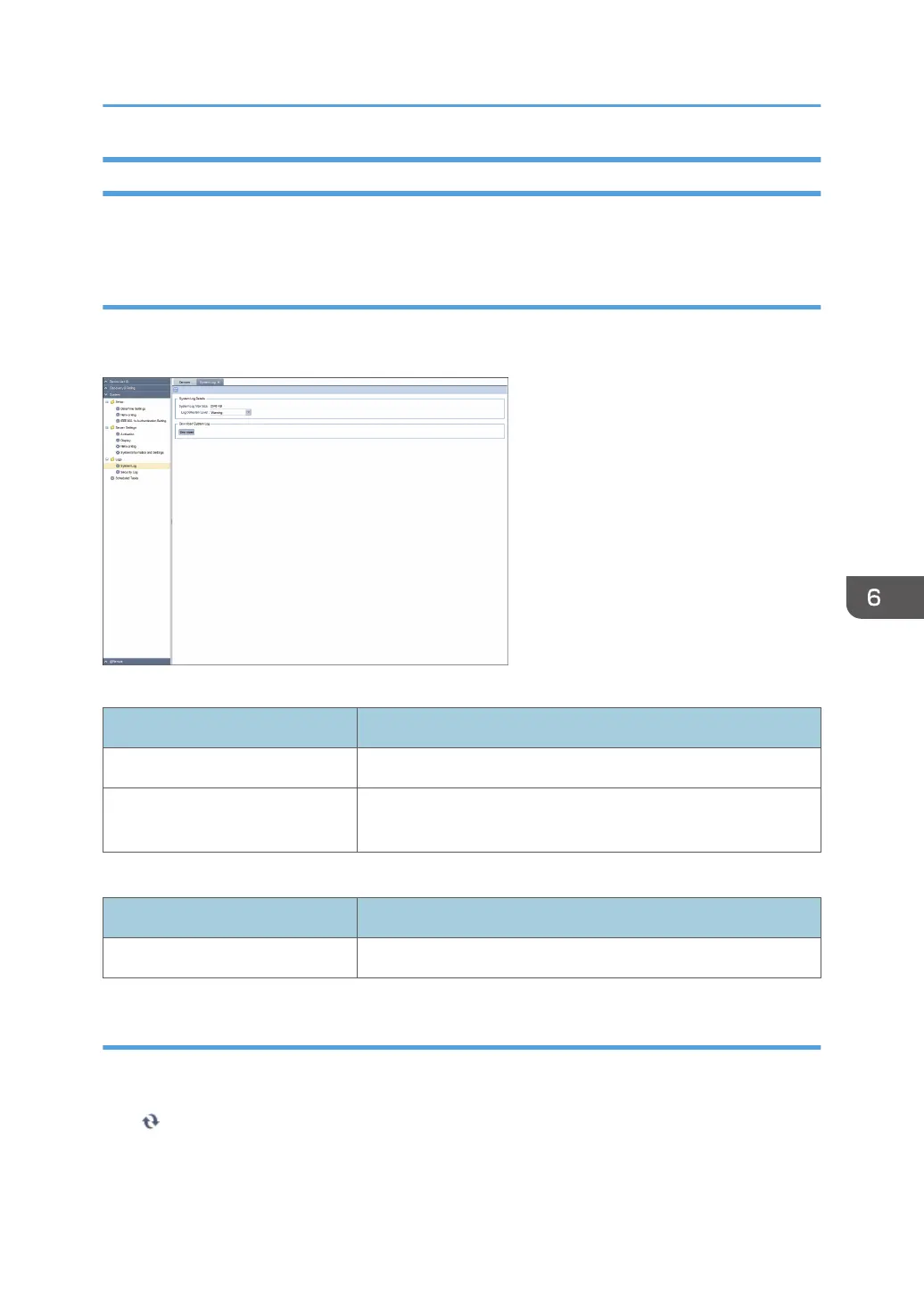
You can download the internal system operation log to analyze the system log at the time the error
occurred. To display the settings screen, click [System] - [Logs] and [System Log].
System Log Details
Item Description
System Log Max Size Indicates the maximum size of system log.
Log Collection Level Adjust the log collection level to a suitable level for analyzing the
error.
Download System Log
Item Description
[Download] (button) You can download the system log file by clicking [Download].
Security Log
The security log contains a list of security-related events, such as logins, logouts, and system changes. To
display the security log, click [System] - [Logs] and [Security Log].
Click (Refresh) to obtain the latest log.
System Settings
79



 To Next Page