Item Description
Domain Name The login domain name for the authentication server. Use 1 to
96 characters.
Tunneling Method Set the tunneling method to MSCHAPv2, PAP, CHAP or
MSCHAP.
Tunneling User Name Set the user name. Use 1 to 31 characters (ASCII characters).
Tunneling Password Enter the certificate password. Use up to 128 characters (ASCII
character).
Server Authentication Set whether to enable the server authentication.
Server Certificate This is displayed only when the authentication is [Use]. Click
[Browse...], upload the certificate.
After registering all items, click (Save).
Server Settings
Activation
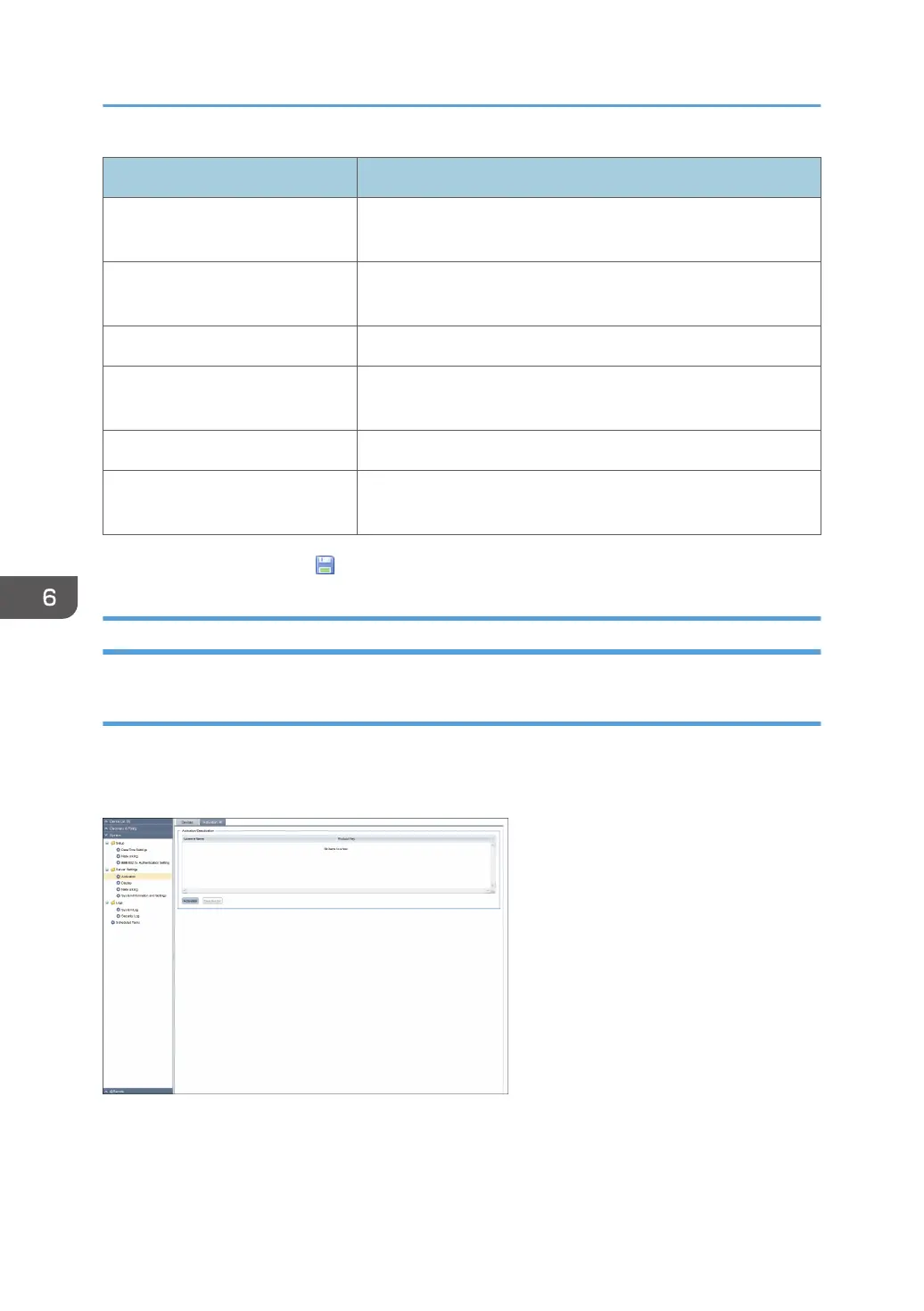
To use the counter per user function, you need to register the license by activation. When the activation
is complete, the activated license appears in the list area. To display the settings screen, click [System] -
[Server Settings] and [Activation].
6. System
72



 To Next Page