Item Description
Available Memory Space You can check the available memory space.
Used Storage Space You can check the used storage space.
Available Storage Space You can check the available storage space.
If an SD expansion card is installed, the occupied and available capacities of the external storage also
appear.
Security
User Accounts
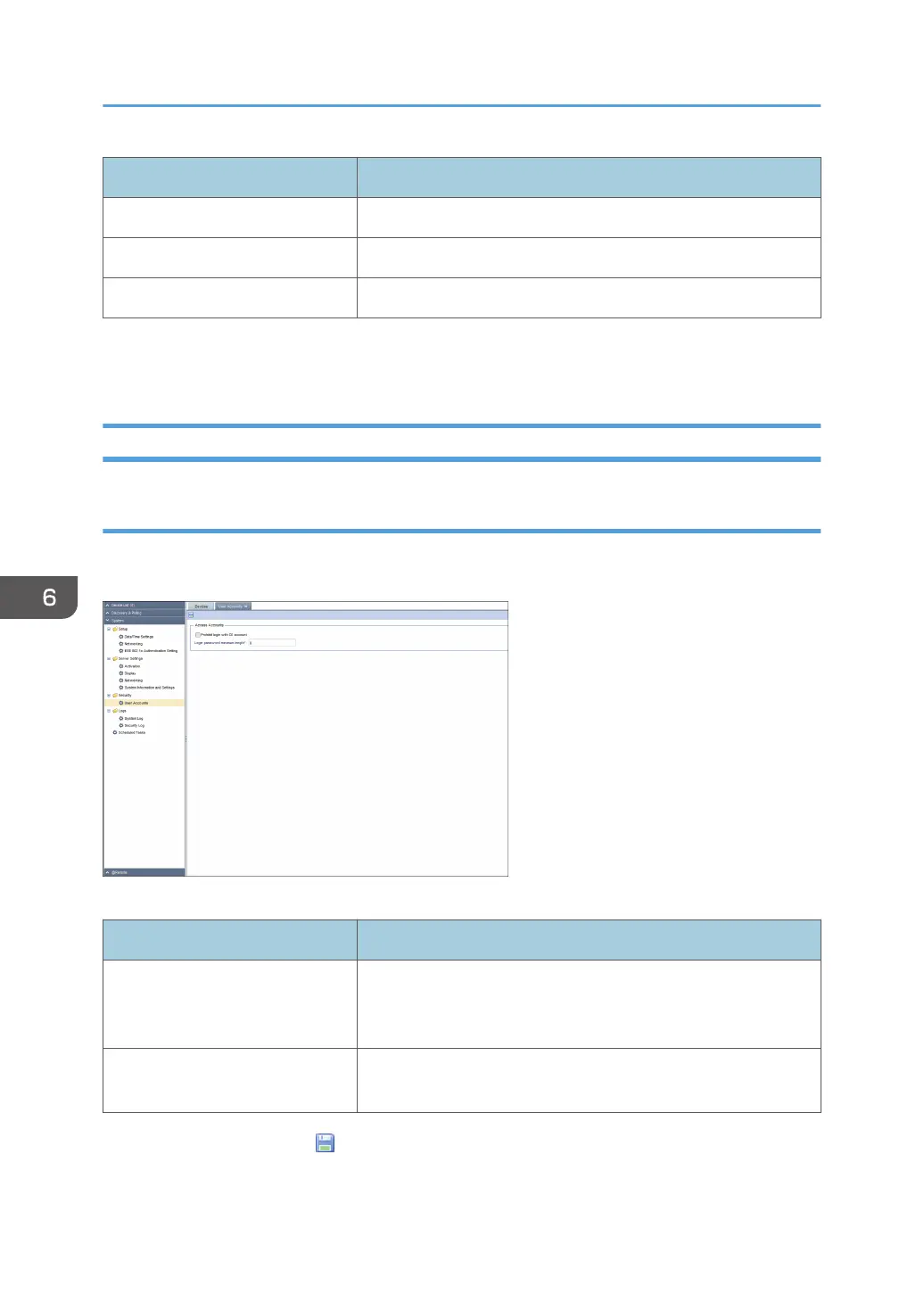
Match the settings with those of the CC-certified environment. To display the settings screen, click
[System] - [Security] and [User Accounts].
Access Accounts
Item Description
Prohibit login with CE account Check this to prevent the customer engineer from logging in. If
you forget the password while the check box is selected, the
customer engineer cannot reset the password.
Login password minimum length You can specify the minimum number of characters required for
the login password. The default is 8 characters.
After configuring settings, click (Save).
6. System
78



 To Next Page