6. System
This chapter explains the items that appear in the System.
System Settings
Setup
Date/Time Settings
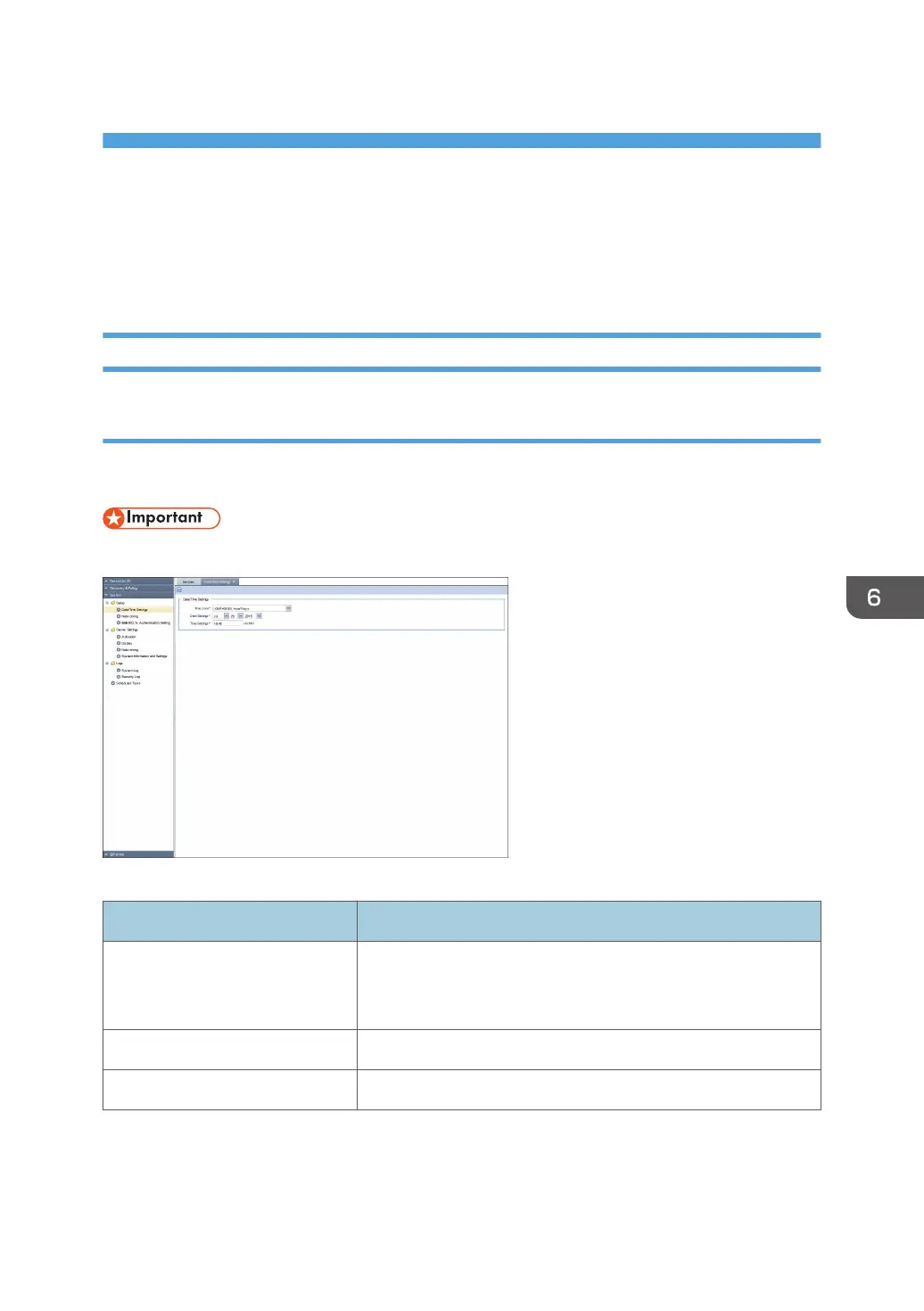
You can confirm and change the clock of the RC Gate. To display the settings screen, click [System] -
[Setup] and [Date/Time Settings].
• Check the time and date regularly, and correct them if necessary.
Date/Time Settings
Item Description
Time zone The standard time of the place where the RC Gate is set (The
time zone indicates the time difference from Universal
Coordinated Time).
Date Settings Set the current date of the place where the RC Gate is set.
Time Settings Set the current time of the place where the RC Gate is set.
67



 To Next Page