Networking
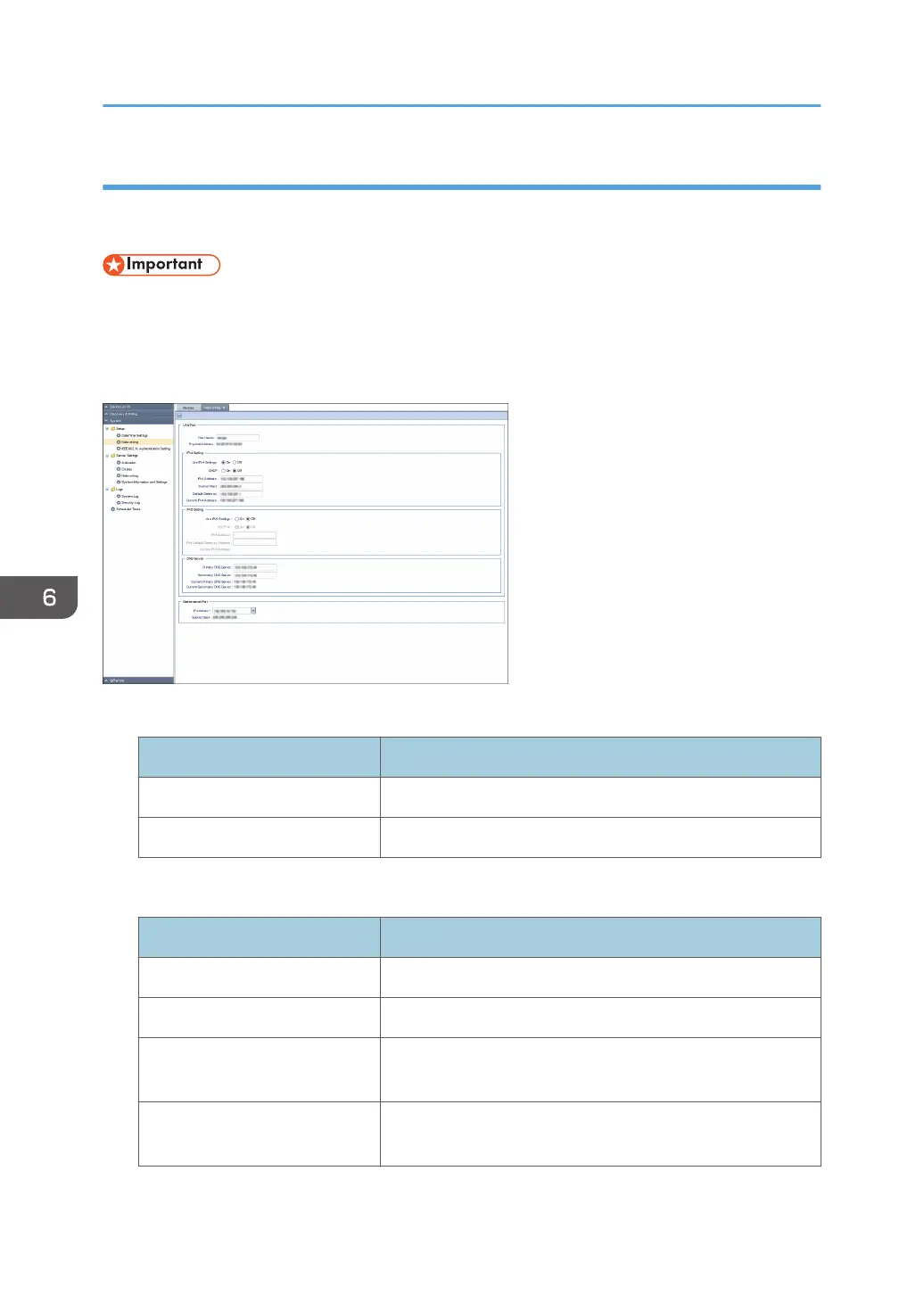
You can change and confirm the network settings of the RC Gate. To display the settings screen, click
[System] - [Setup] and [Networking].
• After changing the network settings, you have to log in to the RC Gate again. Using the changed
address, open the new URL with the web browser.
• After changing the DNS server setting, reboot the machine. (You do not need to reboot the
machine after configuring the initial setting.)
LAN Port
Item Description
Host Name A host name for the RC Gate.
Physical Address A MAC address for the PC port.
[LAN Port] - [IPv4 Setting]
Item Description
Use IPv4 Settings Select whether or not to use IPv4 server.
DHCP Select whether or not to use DHCP server.
IPv4 Address An IPv4 address for the RC Gate (LAN port). You can specify
this setting only if DHCP is set to [OFF].
Subnet Mask A subnet mask for the RC Gate. You can specify this setting
only if DHCP is set to [OFF].
6. System
68



 To Next Page