• Under the following operating conditions, about 28 log entries are generated each day. Because
the Maximum number of security log entries is 5,824, about 208 days of records can be stored in
the security log (5,824 divided by 28 = 208).
• Administrator logs in and out once a day.
• Device polling occurs once an hour.
• It is recommended that you check the security log at least once every 104 days (about 15 weeks)
to ensure that logs are not overwritten before you view them. Check the security log more
frequently if your usage is greater than that given above.
• If the number of security log entries exceeds the maximum, new entries will overwrite the oldest
entries, regardless of whether or not the log has been checked.
• When checking the log, make sure to check that your most recent login information is displayed. If
your most recent login information is not displayed, contact your service representative.
• If the security log is not saved immediately, it may be that downloading is taking time. Wait a while.
• If the security log cannot be displayed or saved, try a different web browser. If the problem persists
even with a different web browser, shut down the RC Gate, and then contact your service
representative.
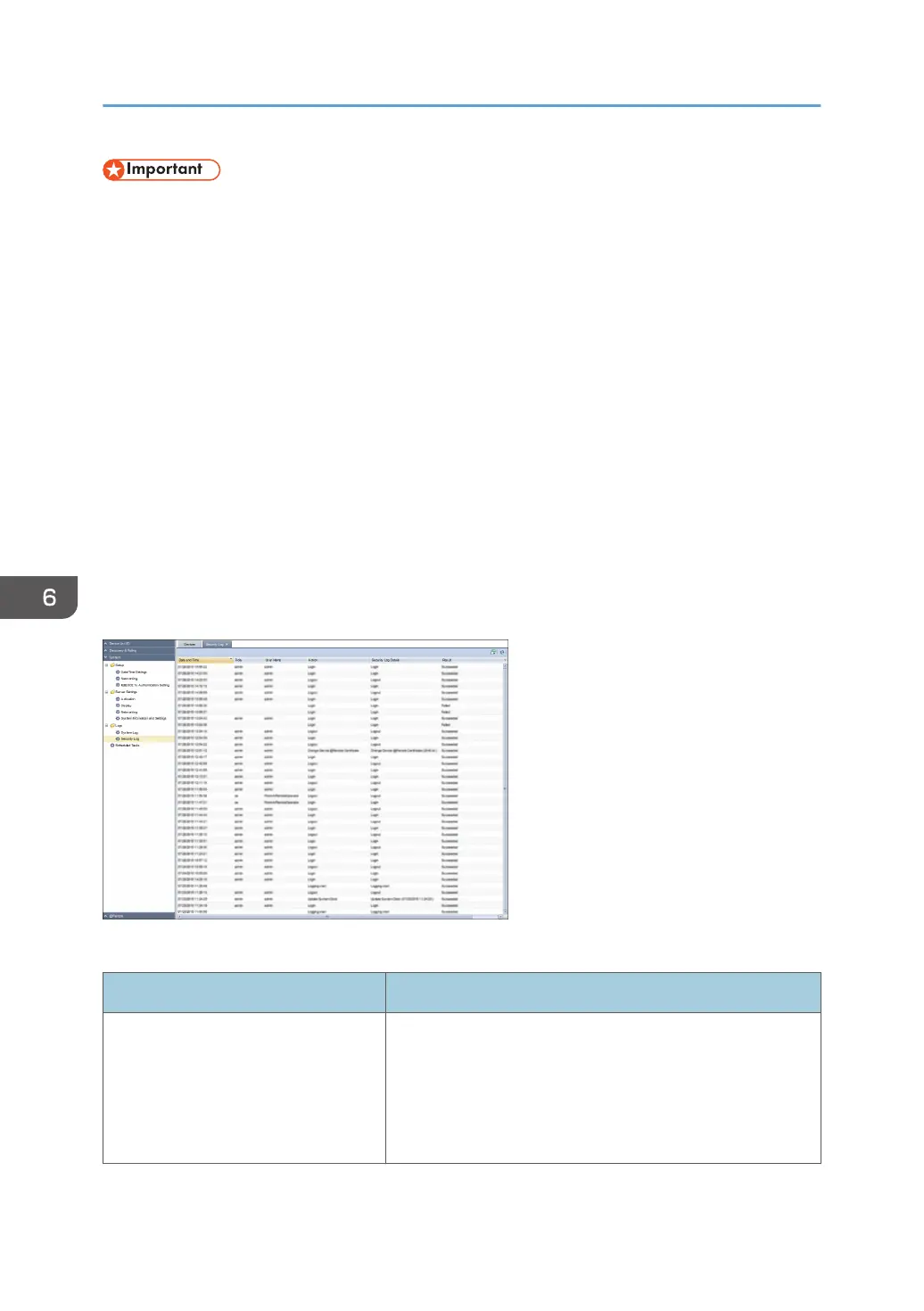
The following table explains the information that is displayed for one entry in the security log.
Item Description
Date and Time Displays the date and time of the log entry according to the
local time specified in [Time zone] in [Date/Time Settings] in
[Setup] in [System].
m-d-y H:M:S
y: year, m: month, d: day, H: hour, M: minute, S: second
6. System
80



 To Next Page