Item name Description
Password Click [Change...], enter a changing password. Use up to 128
characters (ASCII character).
• "default" is registered as a default account in the system.
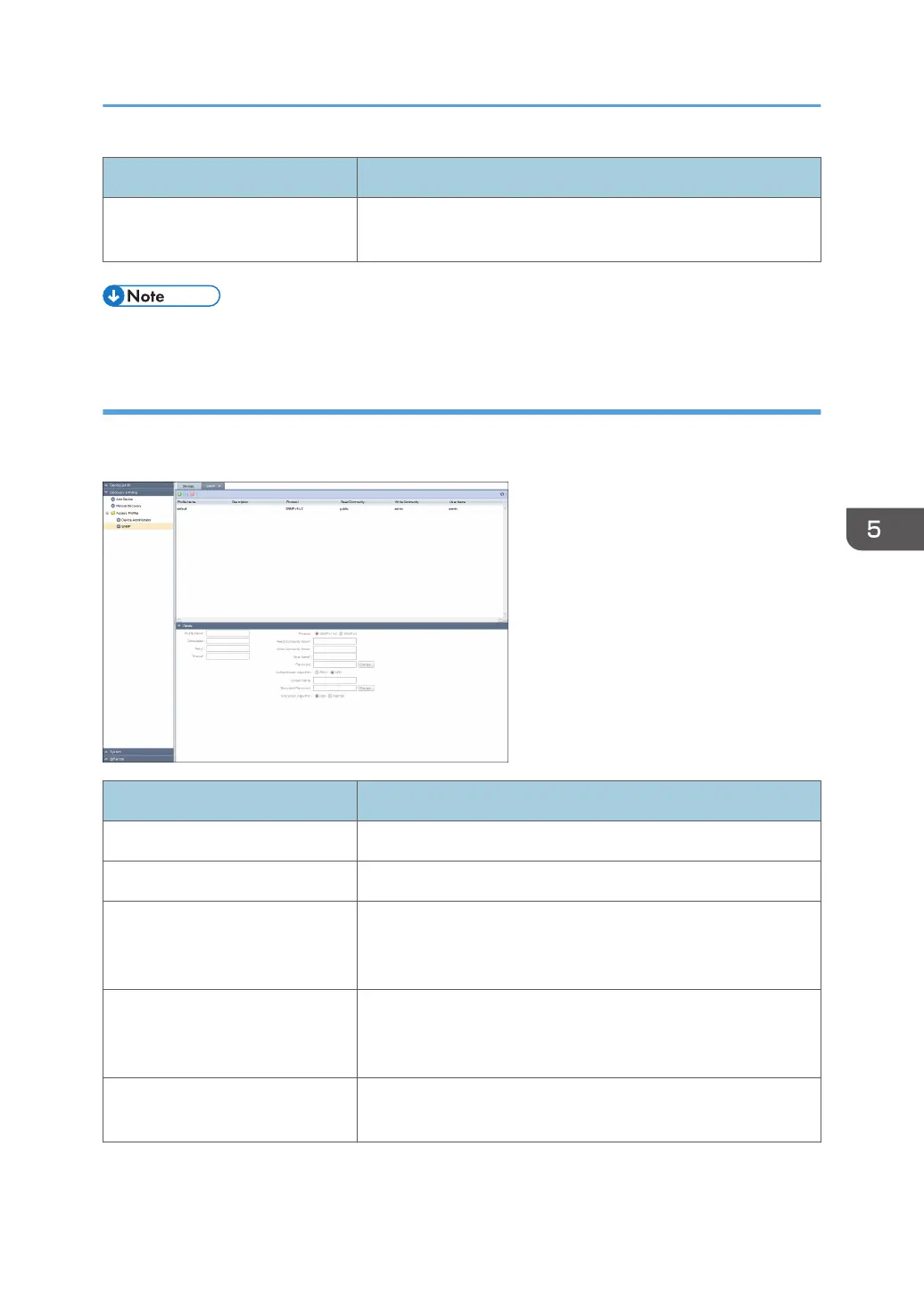
SNMP
Indicates an access account that can be used for SNMP protocol in the list area. To display the settings
screen, click [Discovery & Polling] - [Access Profiles] and [SNMP].
Item name Description
Profile Name Enter a profile name. Use 1 to 255 characters.
Description Enter a profile description. Use 0 to 511 characters.
Retry Specify how many retry attempts can be performed if a device
does not respond during discovery. Select from 0 to 5 attempts.
The default is 2 attempts.
Timeout Specify how long the waiting period can be if a device does not
respond during discovery. Any value between 500 and 60000
milliseconds can be specified. The default is 2000 milliseconds.
Protocol Select either [SNMP v1/v2] or [SNMP v3] as the protocol type.
Configuration items vary depending on protocol types.
Discovery and Polling
57



 To Next Page