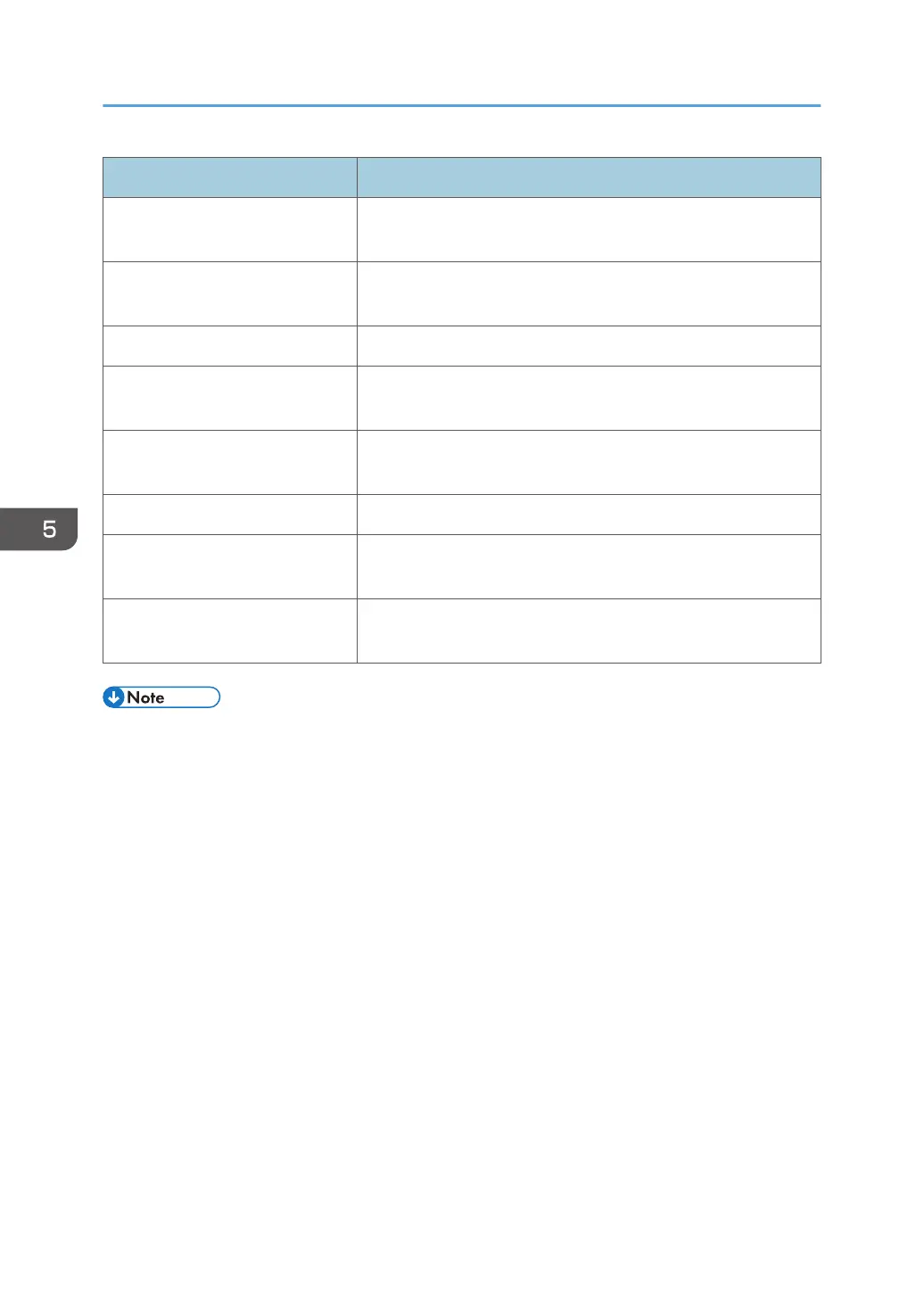
Item name Description
Read Community Name Specify a read community name. Use 1 to 15 characters.
(SNMPv1/v2)
Write Community Name Specify a write community name. Use 1 to 15 characters.
(SNMPv1/v2)
User Name Enter a user name. Use 1 to 32 characters. (SNMPv3)
Password Click [Change...], enter a changing password. Use up to 128
characters (ASCII character). (SNMPv3)
Authentication Algorithm Select [MD5] or [SHA1] as the authentication algorithm.
(SNMPv3)
Context Name Enter a context name. Use 0 to 256 characters. (SNMPv3)
Encrypted Password Click [Change...], enter a changing password. Use up to 32
characters (ASCII character). (SNMPv3)
Encryption Algorithm Select [DES] or [AES128] as the encryption algorithm.
(SNMPv3)
• "default" is registered as a default account in the system.
5. Discovery and Polling
58



 To Next Page