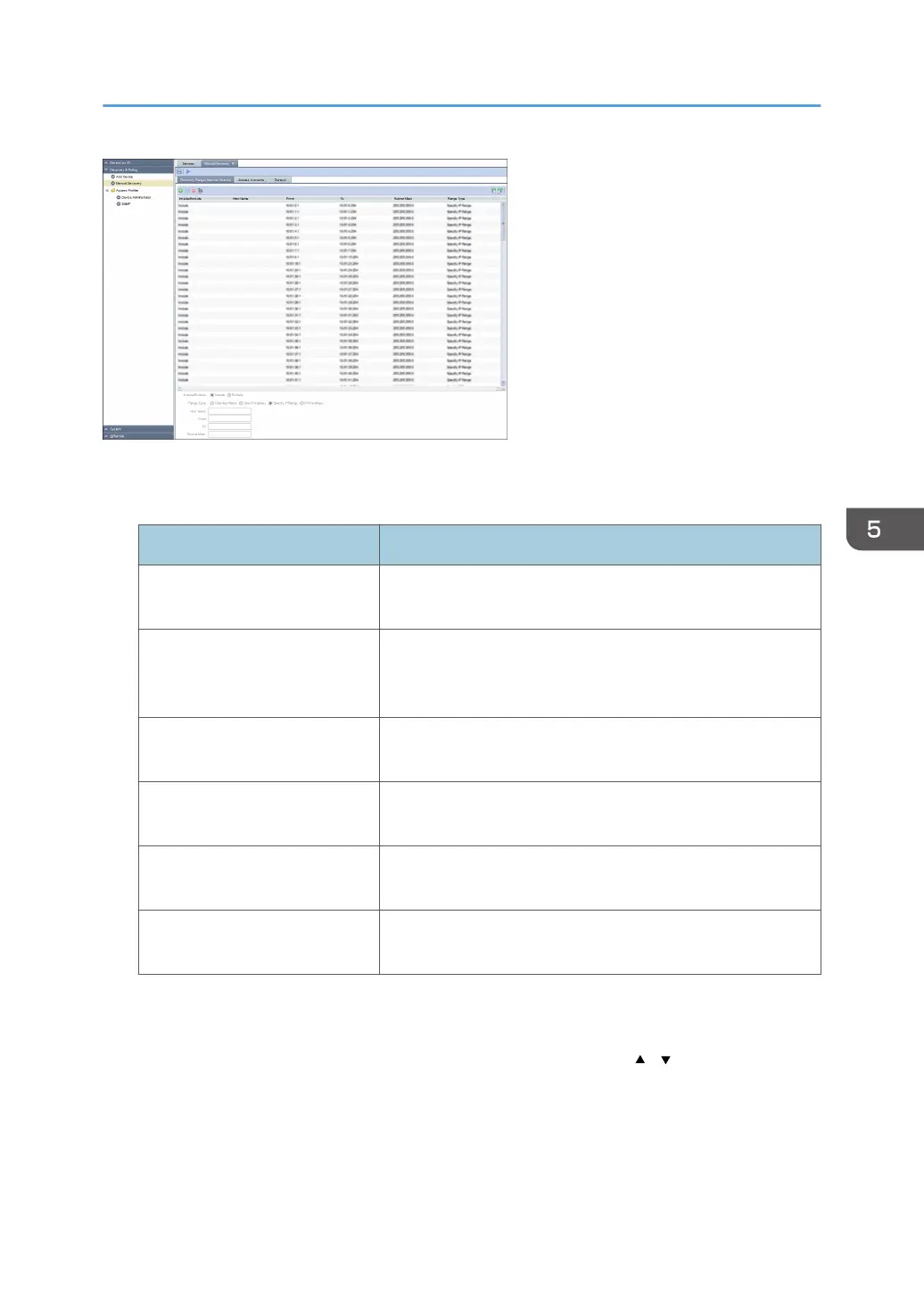
[Discovery Range (Network Search)] tab
Set the target range of discovery by network search.
Item name Description
Include/Exclude Specify whether to include or exclude a specified range in
the network search.
Range Type Select [One Host Name], [One IP Address], [Specify IP
Range], or [IPv6 Address] as a type of the value to be
specified.
Host Name Specify this setting only if [Range Type] is set to [One Host
Name]. Use 1 to 255 characters.
From Enter the discovery target IP address, IPv6 address or start IP
address of the discovery target IP address range.
To Enter the end IP address of the discovery target IP address
range.
Subnet Mask Enter the subnet mask in the IP address range specified by
[From] and [To].
[Access Accounts] tab
Set an account used for access to devices at the time of discovery. Change the account to be used
from [Not Assigned Accounts] to [Assigned Account] list by clicking the [ ] [ ] button or by
dragging and dropping.
[General] tab
If the [Reverse DNS Lookup] is enabled, the machine attempts to determine the host name of the
device whose address has been detected. If the attempt fails, only the device address appears.
Discovery and Polling
55



 To Next Page