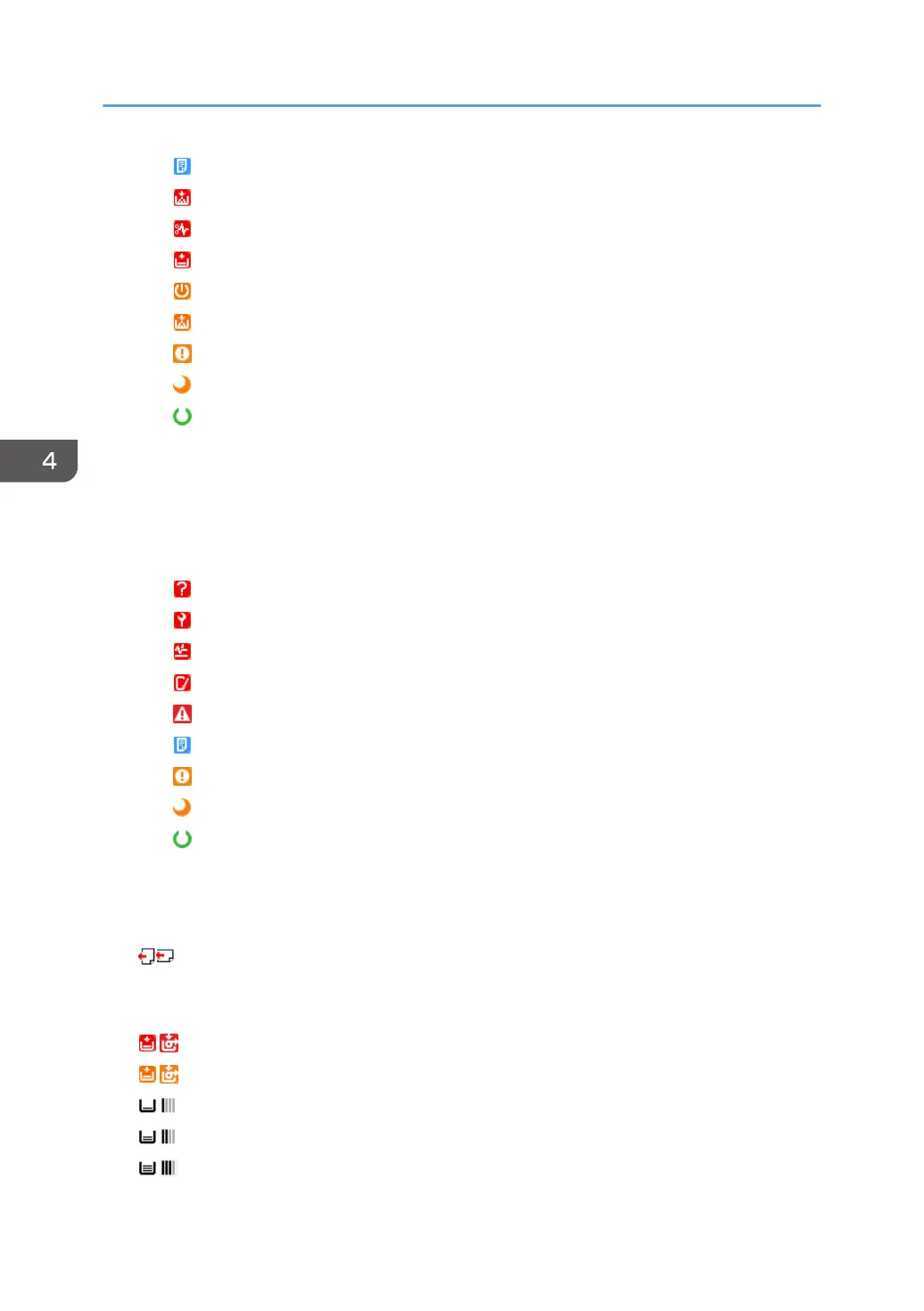
: Busy
: Toner/ink exhausted
: Paper jam
: No paper
: Warming up
: Toner/ink cartridge almost empty
: Caution
: Energy saver mode
: Ready
• Scanner
You can check the statuses of the scanner functions. To display detailed information, place the
mouse cursor on the status icon. If there are multiple statuses, the status of the higher priority is
displayed.
Descriptions of the icons indicated below are displayed in the order of highest priority.
: No response
: Service call
: Paper jam in ADF
: Open cover
: Miscellaneous error
: Busy
: Caution
: Energy saver mode
: Ready
Paper Tray
You can check the paper tray type. Also, you can check the orientation, size, type and remaining
quantity of paper loaded in each paper tray.
: Indicates two orientations of the loaded paper
On devices using rolled paper, the icon on the right-hand side that indicates the remaining paper
amount is displayed.
: No paper
: 0-20%
: 20-40%
: 40-60%
: 60-80%
4. Device List
46



 To Next Page