Preparing to Print (Computer Side)
33
Basic Operation
7
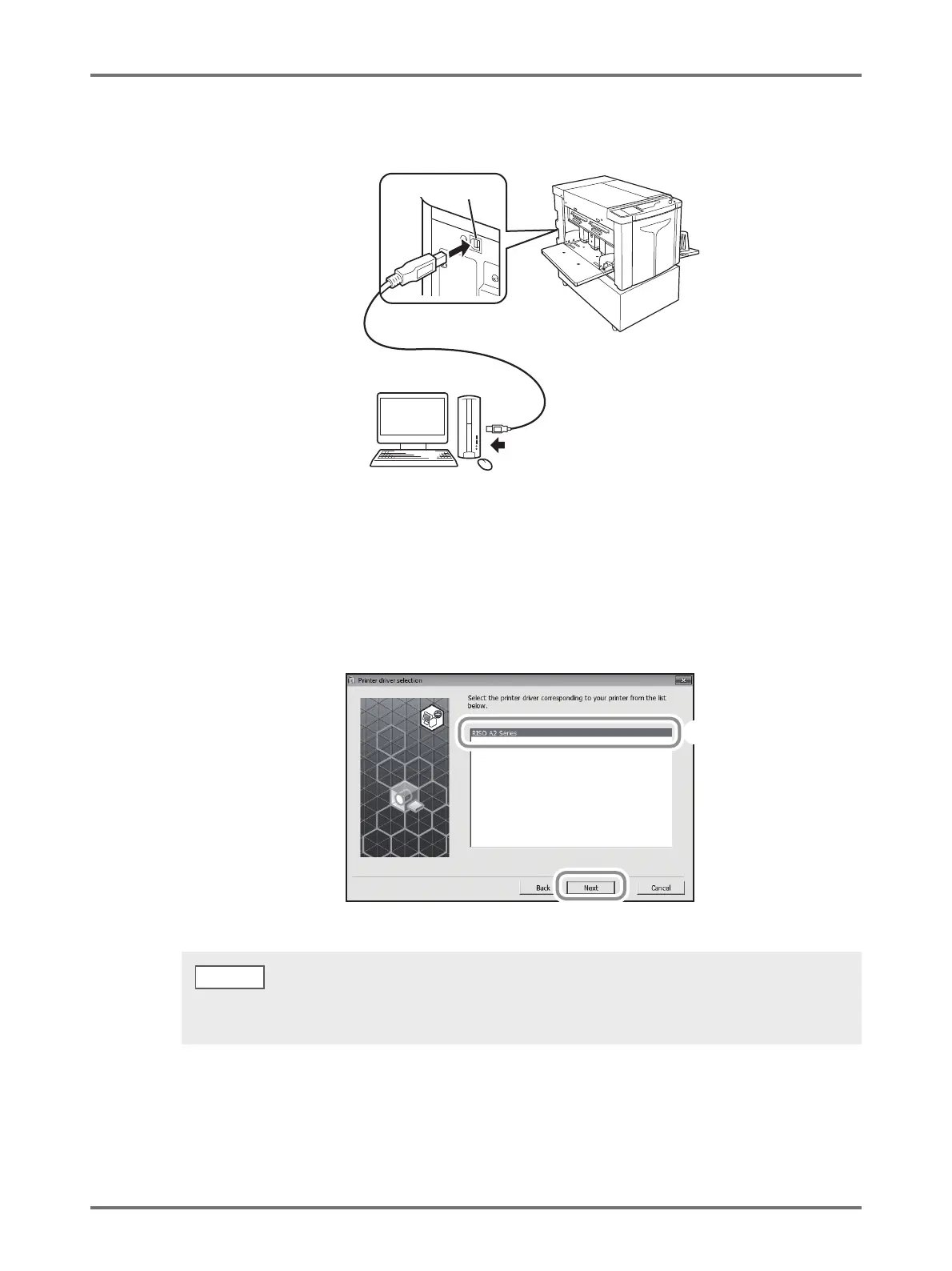
Connect the computer to the machine with a USB cable.
8
When the [Printer automatic recognition and USB port setting are
complete.] dialog box appears, click [OK].
9
Ensure that [RISO A2 Series] is selected, and then click [Next].
(1) To the USB port on the machine
USB port
(2) To the USB port on
the computer
(2)
(1)
For Windows XP, when selected Printer Driver has already been installed, [Procedure of installation] dialog box appears.
Click [Next].
NOTE



 To Next Page