5
To
Administrators
98
Print Operation Management
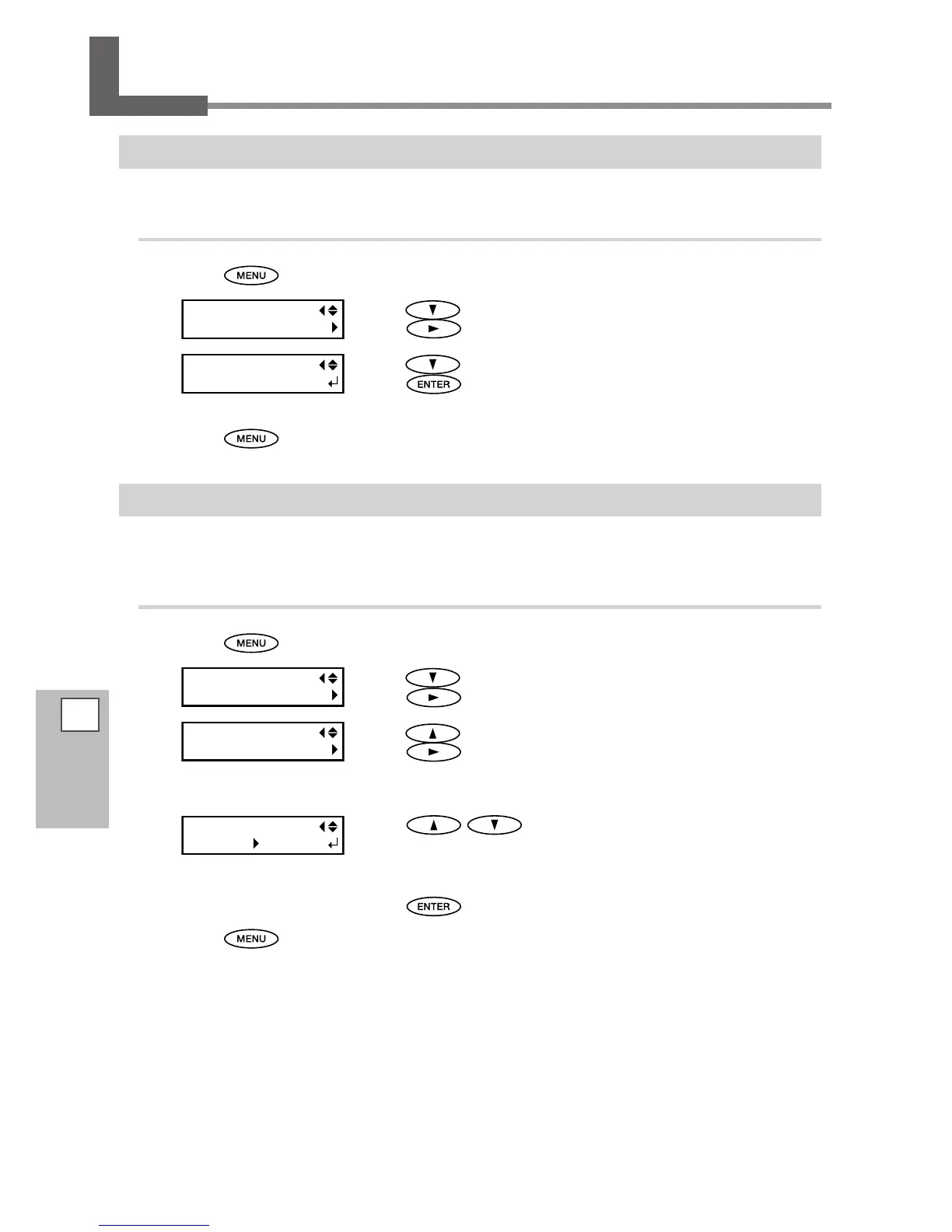
Printing a System Report
This prints system information, including a list of setting values.
Procedure
Press .
Press several times until the screen on the left appears.
Press
.
Press several times until the screen on the left appears.
Press
.
Start printing.
Press to go back to the original screen.
Determining What Happens When Ink Runs Out (RF-640A only)
This lets you change, according to your purpose, the operation that takes place when an ink cartridge becomes
empty.
Procedure
Press .
Press several times until the screen on the left appears.
Press
.
Press several times until the screen on the left appears.
Press
twice.
Press to select a setting.
STOP: Printing pauses immediately when a cartridge becomes empty.
CONT (continue): Printing does not stop when a cartridge becomes empty.
When a cartridge becomes empty, a warning beep sounds.
Press to enable the setting.
Press to go back to the original screen.














 To Next Page