4
Part of
Practice
Accommodating to the Types and Condition of Media
91
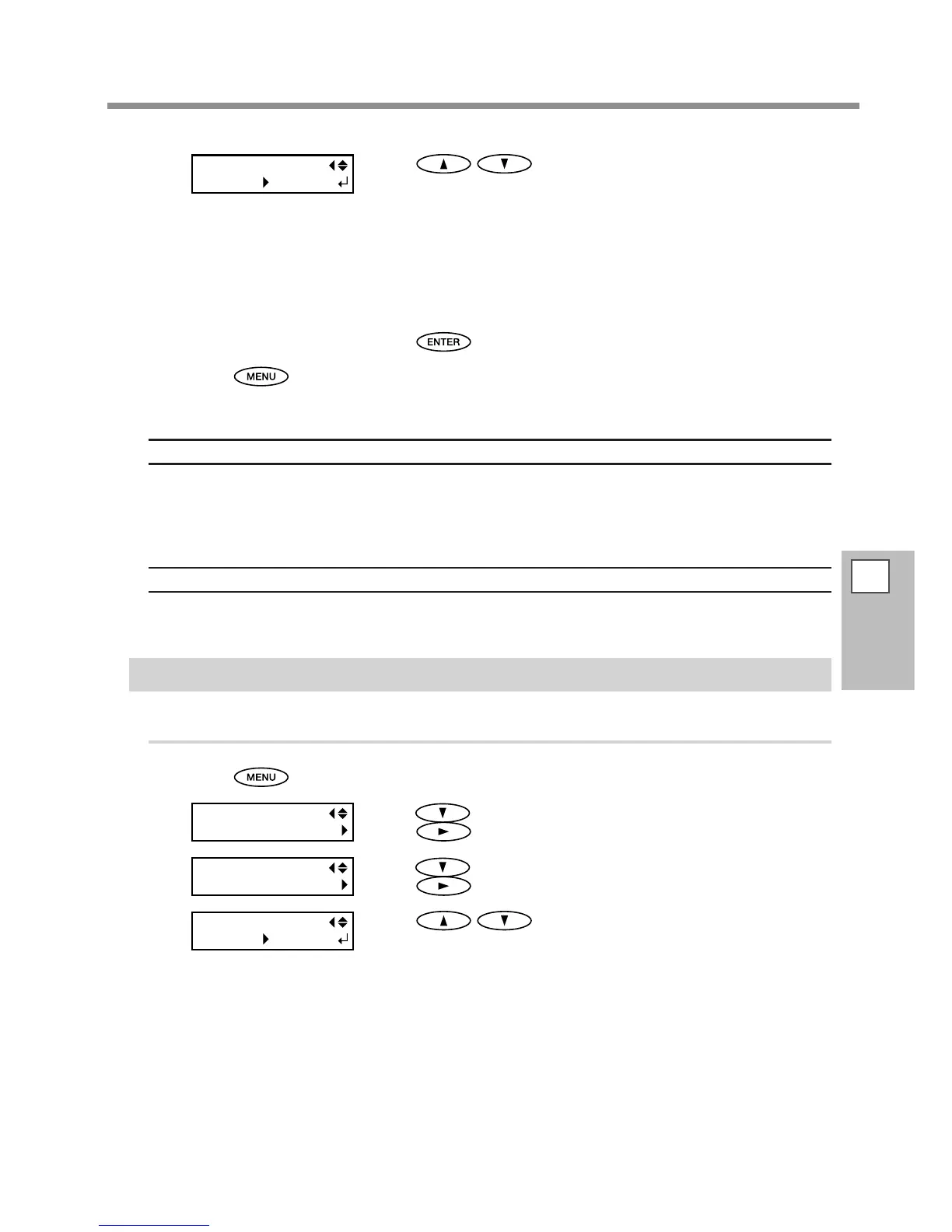
Press to select a value.
0 to 100%
A larger value produces a larger suction force. For the media easy to be
loose due to warping or wrinkling, increase of the suction force may help
correct the problem. When the media is imsy and cannot move smoothly,
reduction of the suction force may correct such the problem.
AUTO
The suction force is automatically adjusted to the optimal level for the
media width.
Press to enable the setting.
Press to go back to the original screen.
Description
The platen uses suction to grip the media and keep it stable. The suction force can be adjusted corresponding
to the nature and condition of the media.
You can also make this setting on the RIP software. When you have made the setting on the software, the
software's setting is used and the machine's setting is ignored.
Default Setting
[VACUUM POWER]: AUTO
Speeding Up Printing for Narrow Media
Procedure
Press .
Press several times until the screen on the left appears.
Press
.
Press several times until the screen on the left appears.
Press
.
Press to select a setting.
SHEET
"SHEET" matches the range of print-head carriage movement to the width
of the media.
OFF
"OFF" matches the range of print-head carriage movement to the print
data. Movement is limited to the minimum amount necessary, and this can
be expected to yield the fastest printing. Note, however, that because the
speed of media movement is no longer constant, colors may be uneven.














 To Next Page