4
Part of
Practice
Fully Utilizing Preset Function
78
Loading a Saved Preset
Procedure
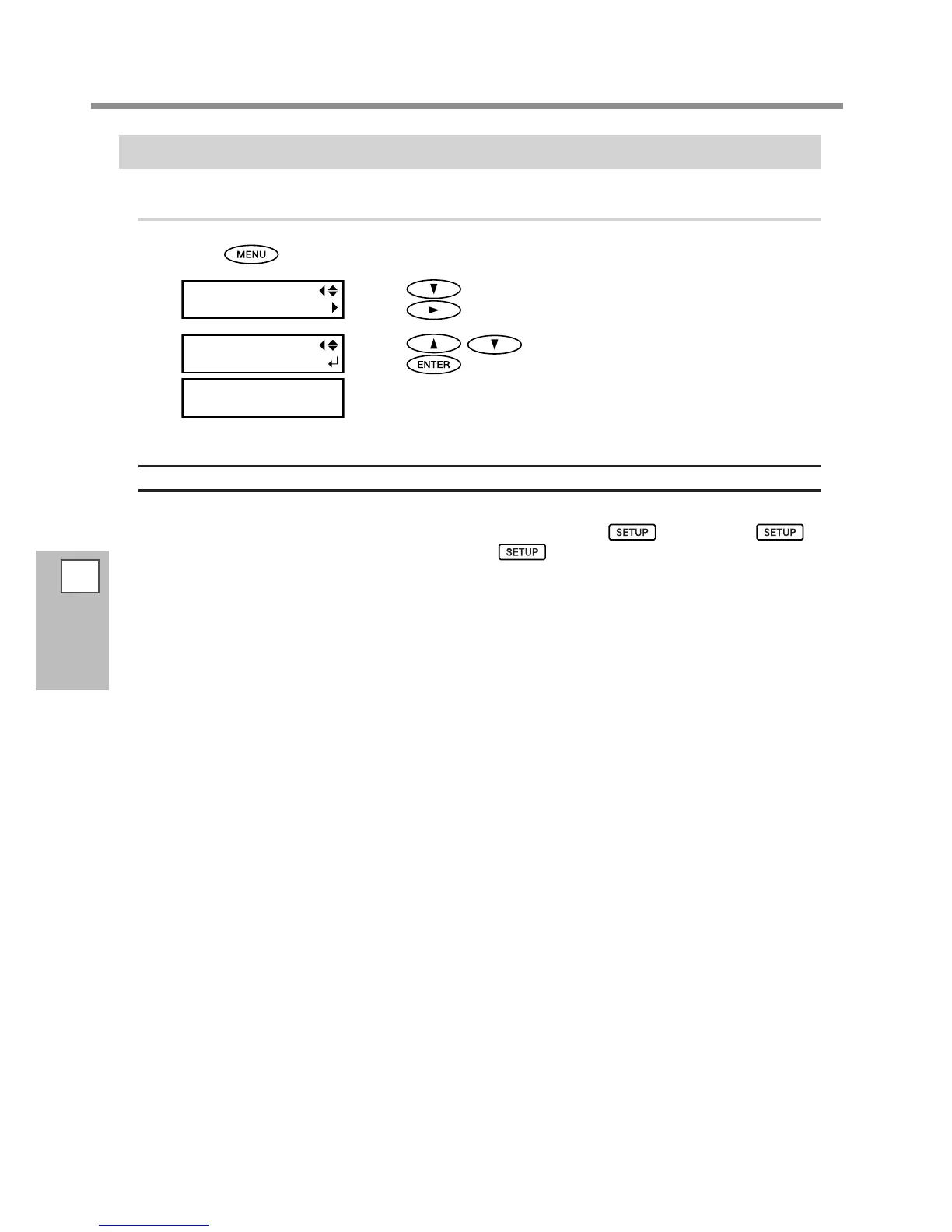
Press .
Press to display the screen on the left.
Press
twice.
Press to select a name to be loaded.
Press
to enable the setting.
The settings are changed and the screen on the left appears.
Description
This loads a saved preset. You can select any one of eight types of presets (When no names have been assigned,
you select from among NAME1 through NAME8). If you load a preset while
stays lighted,
starts ashing. When the setup operation is completed,
is lighted again.














 To Next Page