4
Part of
Practice
Accommodating to the Types and Condition of Media
92
FULL
This makes the speed of media movement constant at all times and produces
the most stable print result.
Press to enable the setting.
Press to go back to the original screen.
Description
This shortens printing time by reducing the width of print-head carriage movement to the minimum neces-
sary. This is eective when the width of the media or the print data is narrow.
Default Setting
[FULL WIDTH S]: FULL (RF-640, RF-640A solvent-based ink type)
[FULL WIDTH S]: OFF (RF-640A water-based ink type)
Expanding the Printing Area by Reducing the Margins
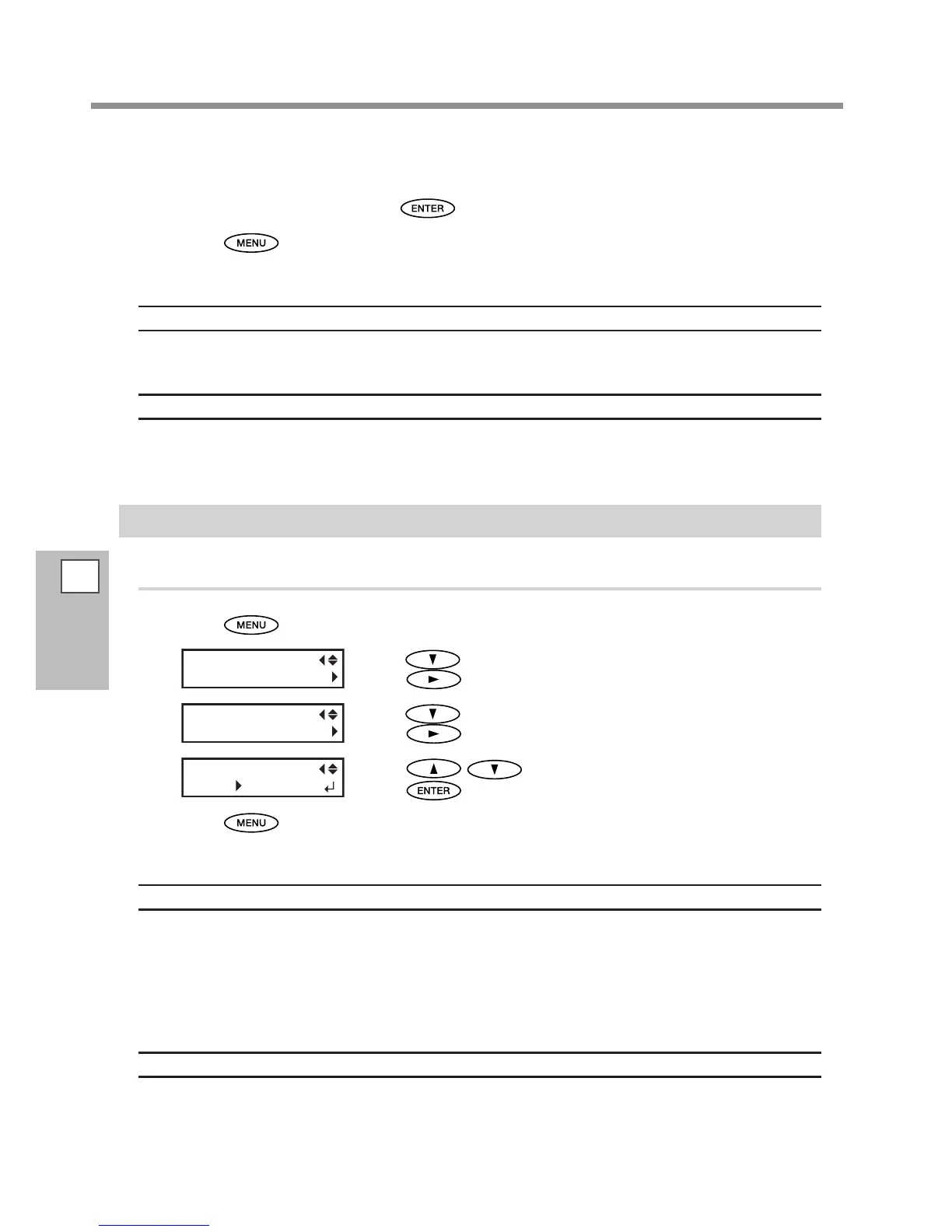
Procedure
Press .
Press several times until the screen on the left appears.
Press
.
Press several times until the screen on the left appears.
Press
.
Press to select [5mm].
Press
to enable the setting.
Press to go back to the original screen.
Description
This makes the setting for distance from the left or right media clamp to the corresponding left or right edge
of the printing area. You can select either "5 mm", "10 mm," or "25 mm." Setting this to "5 mm" lets you expand
the printing area.
P. 124, "Maximum Printing Area and Margins""
Note, however, that when you're using transparent media, setting this to "5 mm" may result in printing on
the media clamps.
Default Setting
[SIDE MARGIN]: 10 mm














 To Next Page