4
Part of
Practice
Accommodating to the Types and Condition of Media
90
Printing Hard-to-Dry Media
Procedure
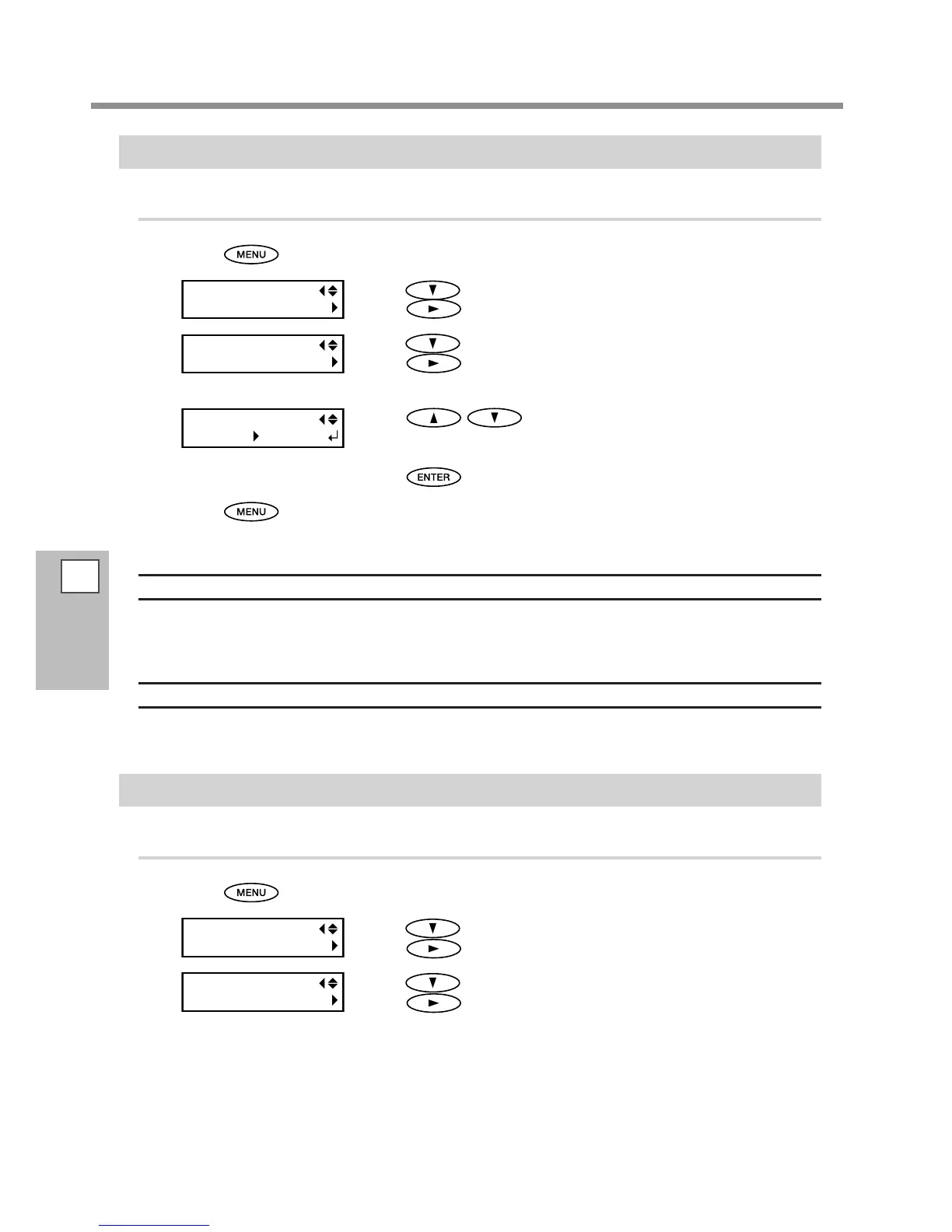
Press .
Press several times until the screen on the left appears.
Press
.
Press several times until the screen on the left appears.
Press
.
Press to select a value.
Larger values produce progressively slower movement of the media, en-
abling you to extend the drying time accordingly.
Press to enable the setting.
Press to go back to the original screen.
Description
You use this when ink dries poorly even when the media heating system is used. You can also make this set-
ting on the RIP software. When you have made the setting on the RIP software, the software's setting is used
and the machine's setting is ignored.
Default Setting
[SCAN INTERVAL]: OFF
Using the Media Easy to Curl Up / Hard to Be Fed
Procedure
Press .
Press several times until the screen on the left appears.
Press
.
Press several times until the screen on the left appears.
Press
.














 To Next Page