2
Basic
Operation
Printing
44
Pausing and Canceling Printing
You can pause and cancel printing before it nishes. We do not recommend resuming printing because hori-
zontal stripes are produced at the place where printing stopped.
Procedure
Press before printing nishes.
This pauses print operation.
Press again to resume printing.
To cancel the print, go to the next procedure without pressing in this procedure.
When the screen on the left appears, hold down for
one second or longer.
This cancels printing operation.
Stop sending the print data from the computer.
Cutting Off the Media
Procedure
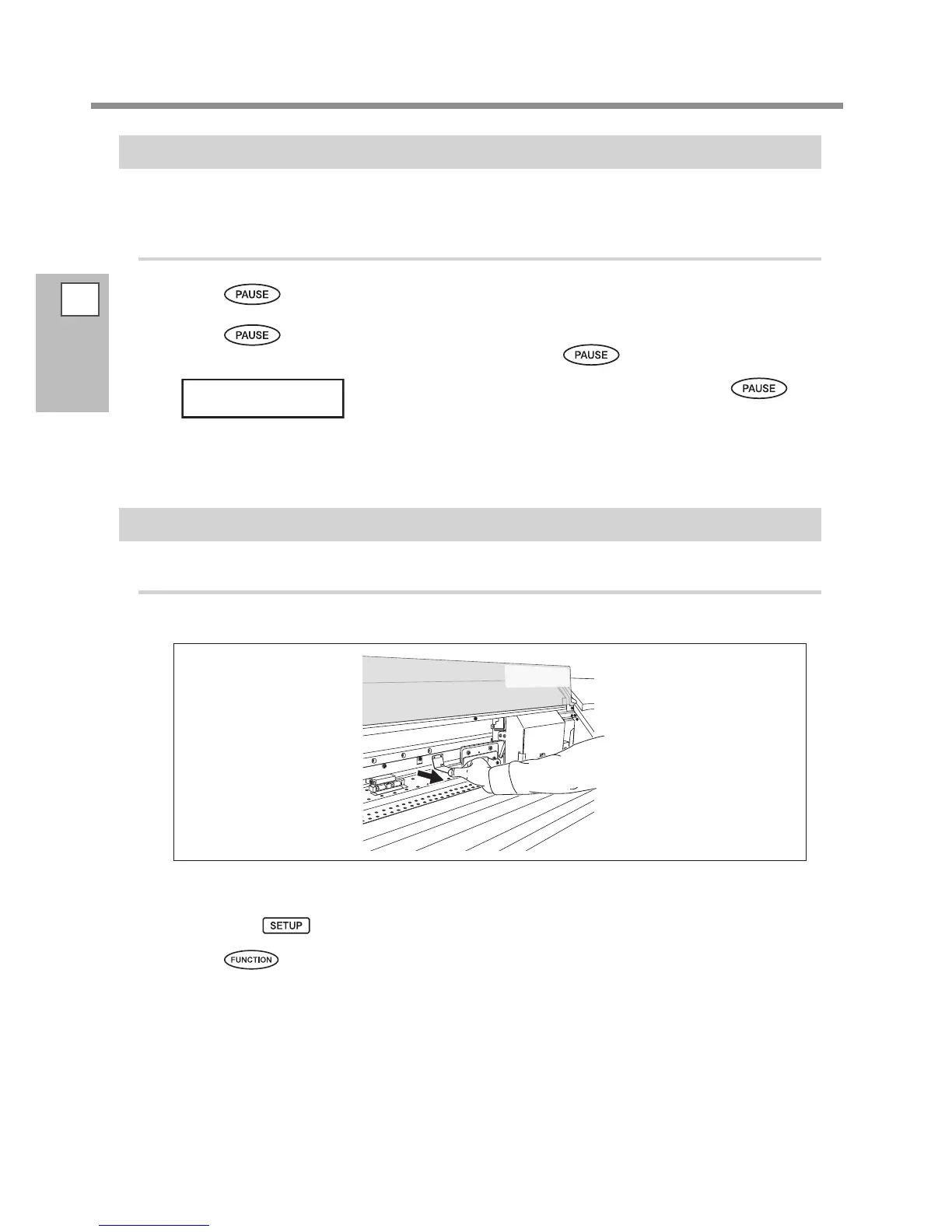
Detach the left and right media clamps.
Close the front cover.
Make sure lights up.
Press .














 To Next Page