4
Part of
Practice
Accommodating to the Types and Condition of Media
93
Preventing Soiling of the Media and Dot Drop-Out
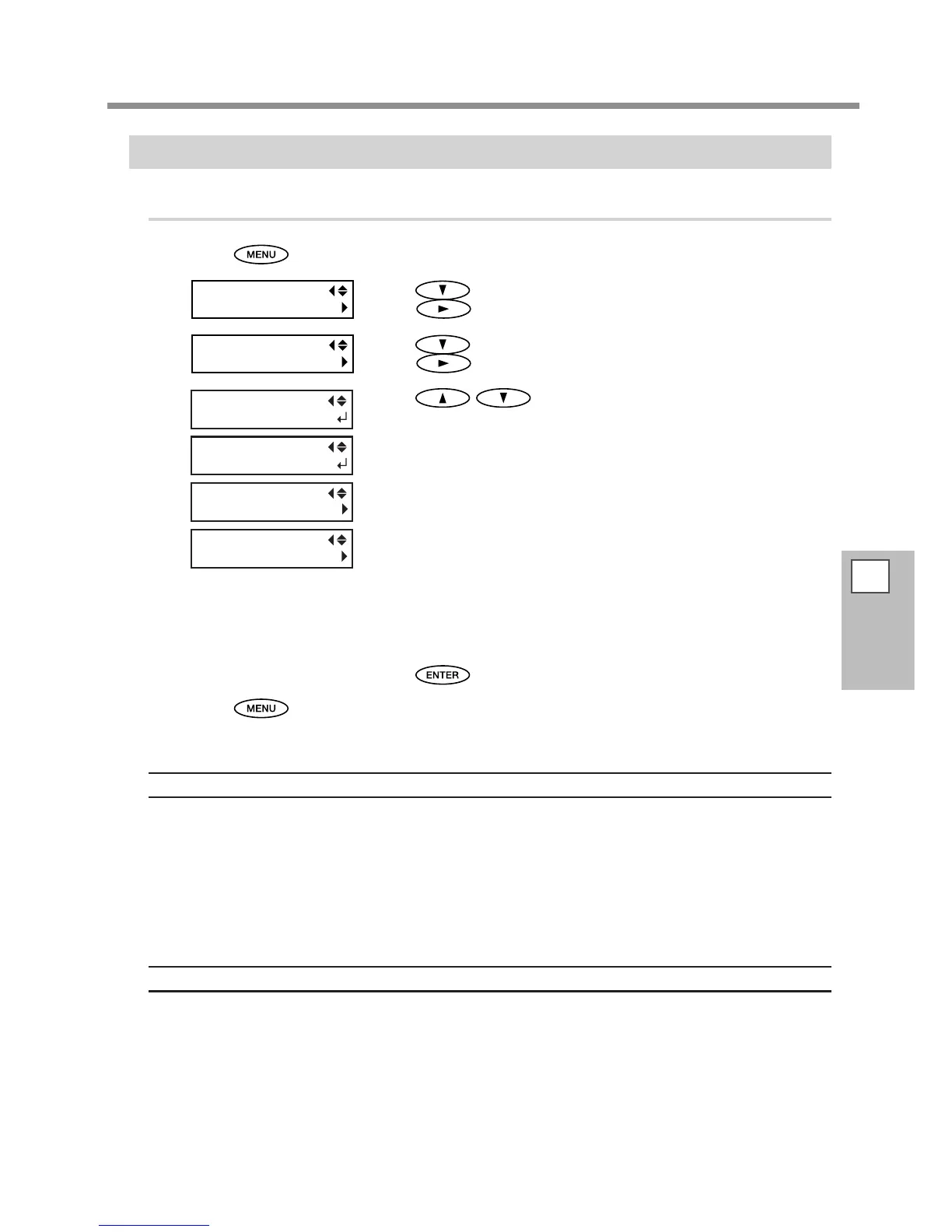
Procedure
Press .
Press several times until the screen on the left appears.
Press
.
Press several times until the screen on the left appears.
Press
.
Press to select a setting.
NONE
Automatic cleaning is not performed.
PAGE
Automatic cleaning is performed every time before printing starts.
INTERVAL (JOB)
Automatic cleaning is performed when the cumulative printing time
reaches the value you set here. Colors may not be uneven by pausing print-
ing because the automatic cleaning is not performed during printing but
performed before the next print starts.
INTERVAL (TIME)
Automatic cleaning is performed when the cumulative printing time reaches
the value you set here. Colors may be uneven because printing is paused
if the cumulative printing time reaches the value you set during printing.
Press to enable the setting.
Press to go back to the original screen.
Description
In the following cases, ink tends to collect on the surface of the print heads. Under some conditions, this ink
may be transferred to the media or cause dot drop-out.
When you use media prone to buildup of static charge.
When the ambient temperature is low.
When the head height is set to “HIGH.”
Selecting "PAGE" or "INTERVAL (JOB)", "INTERVAL (TIME)", the ink buildup is removed before or during printing.
Note, however, that using these results in longer printing time.
Default Setting
[PERIODIC CL.]: NONE














 To Next Page