4
Part of
Practice
Accommodating to the Types and Condition of Media
94
Using Sticky Media
Procedure
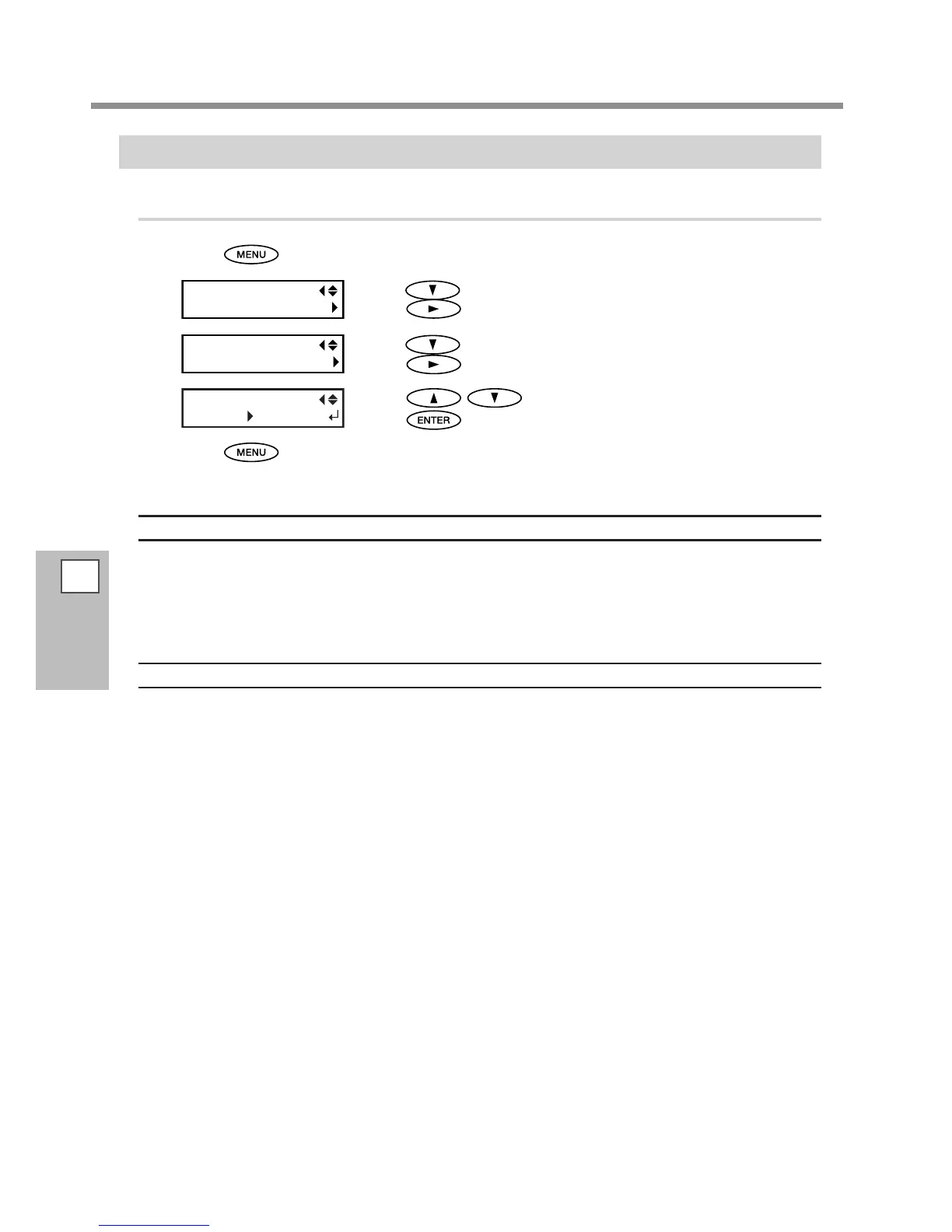
Press .
Press several times until the screen on the left appears.
Press
.
Press several times until the screen on the left appears.
Press
.
Press to select "ENABLE."
Press
to enable the setting.
Press to go back to the original screen.
Description
Some types of media may tend to stick to the platen. Starting printing with the media sticking to the platen
may make normal media feed impossible and cause the media to jam. When you're using such media, set the
[MEDIA RELEASE] menu item to "ENABLE." This peels o the media if sticking before starting printing. Note,
however, that media feed may be unstable when printing is performed after executing this operation. Leave
this menu item set to "DISABLE" unless you specically need to change it.
Default Setting
[MEDIA RELEASE]: DISABLE














 To Next Page