3
Maintenance
48
Checking for Remaining Ink and Replacing Cartridges
Checking for Remaining Ink
Procedure
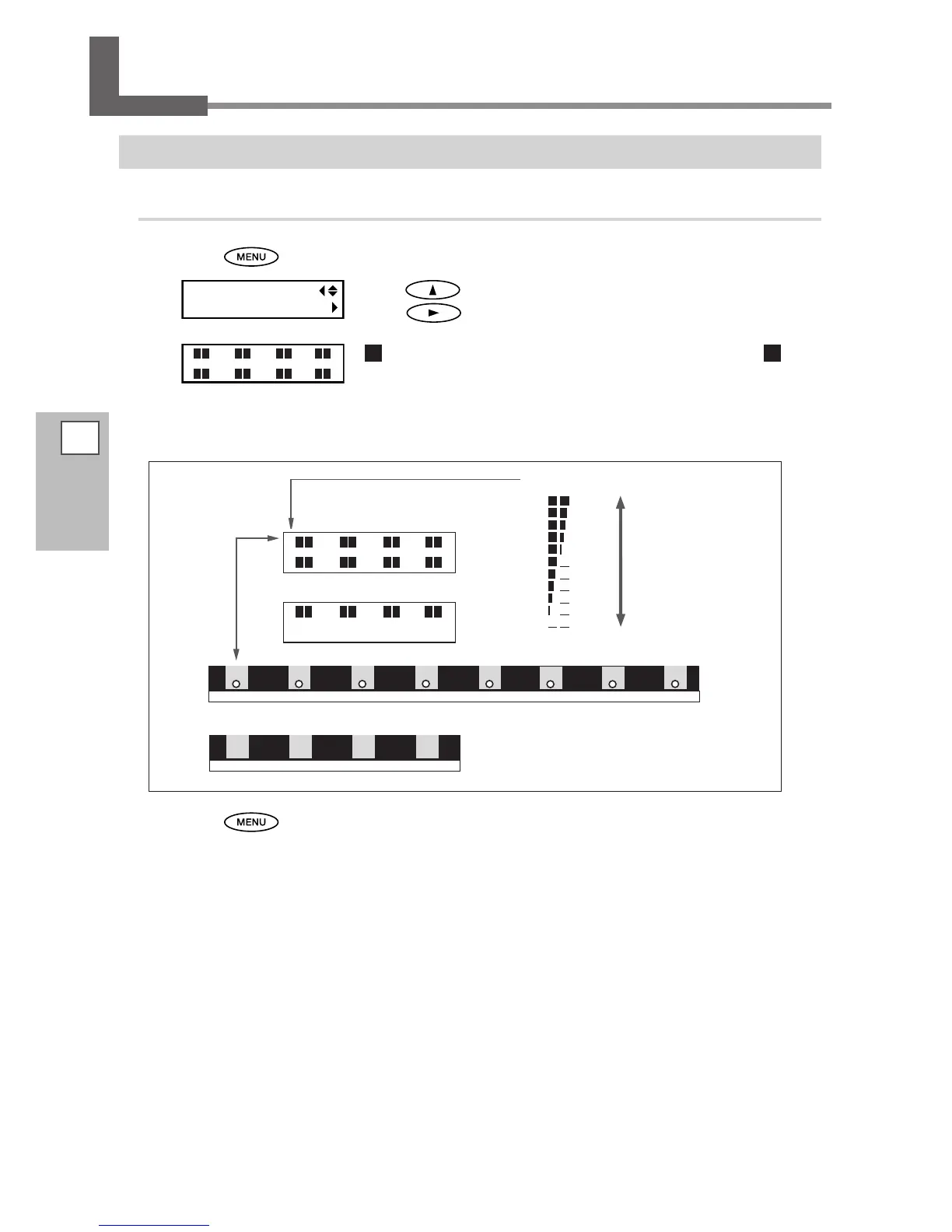
Press .
Press several times until the screen on the left appears.
Press
.
indicates the amount of ink remaining. When there are more , the
amount of ink remaining is larger.
* The screen shows an approximate guide to the amount of remaining ink. It may differ somewhat
from the actual amount remaining.
1 2 53 64 7 8
BK
YE YE
CY
CY
BK
BK
BK
MG
BK
MG
1 2 3 4
5 6 7 8
1 2 3 4
1 2 3 4
YE
CY
BK
MG
RF-640
RF-640A
RF-640
RF-640A
The number of
cartridge slots
Amount of ink remaining
Much
Little
Press to go back to the original screen.














 To Next Page