2
Basic
Operation
Loading Media
28
Loading the Sheet Media
Procedure
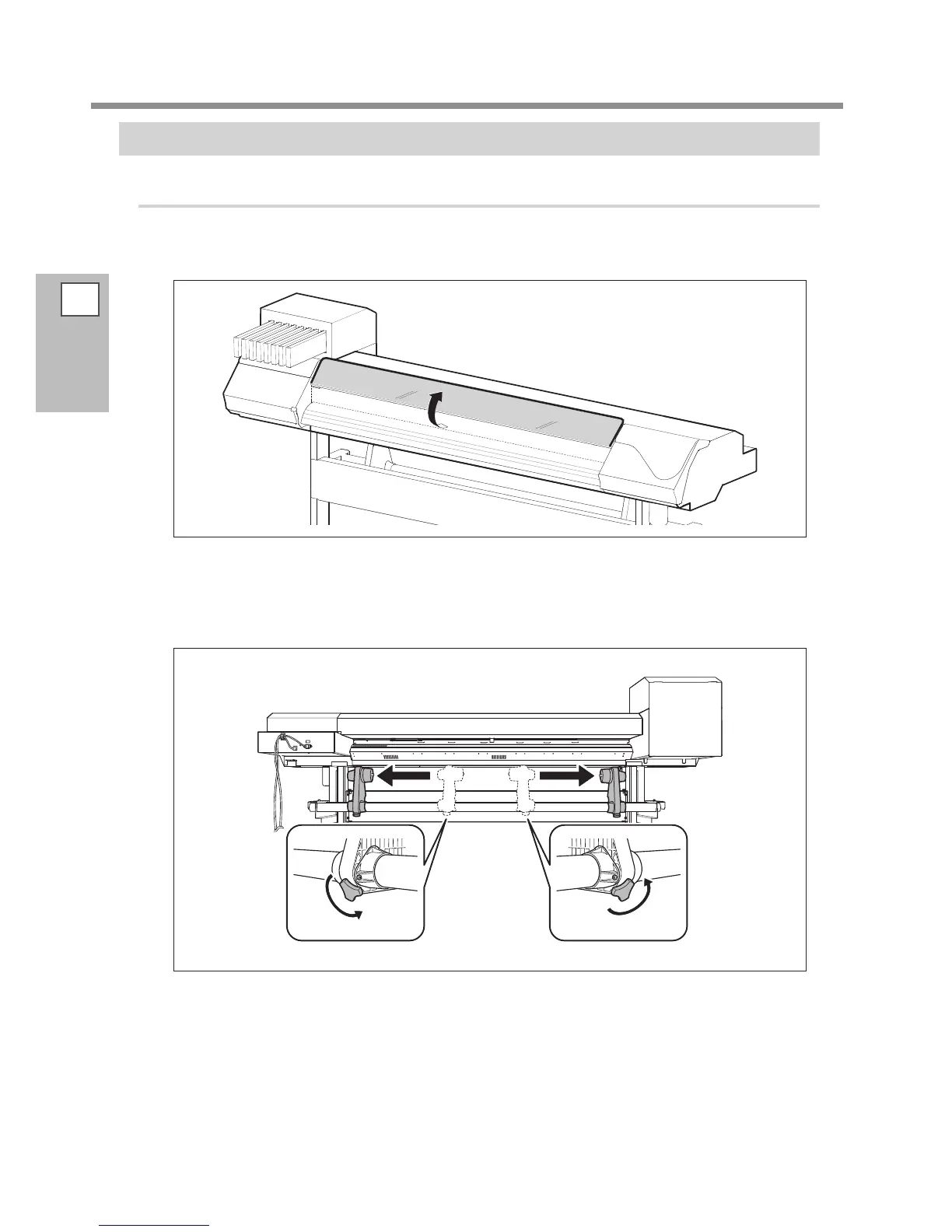
Open the front cover.
Keep the front cover open until instructed.
Move the media holders to the left and right.
Move them to a location where they don't disturb the media when the media is hung down from the
rear of the machine. If they disturb the media, remove them with the shafts. For information on how to
remove, refer to "Setup Guide."
Pass the media through the machine.
Procedure
2
to
of P. 24, "Pass the media through the machine and secure the media holders."














 To Next Page