4
Part of
Practice
Fully Utilize the Media Heating System
83
Description
Set the interval after the 1st page is printed. The next operation is not started until the set time passes.
is lighting during the interval. When pressing while is lighting, the interval is
nished and the next operation is started. When holding on
while is lighting, printing is
canceled. You can also make this setting on the software RIP. When you have made the setting on the software,
the software's setting is used.
Default Setting
[DRYING TIME]: 0 min
Using an Optional Dryer
Procedure
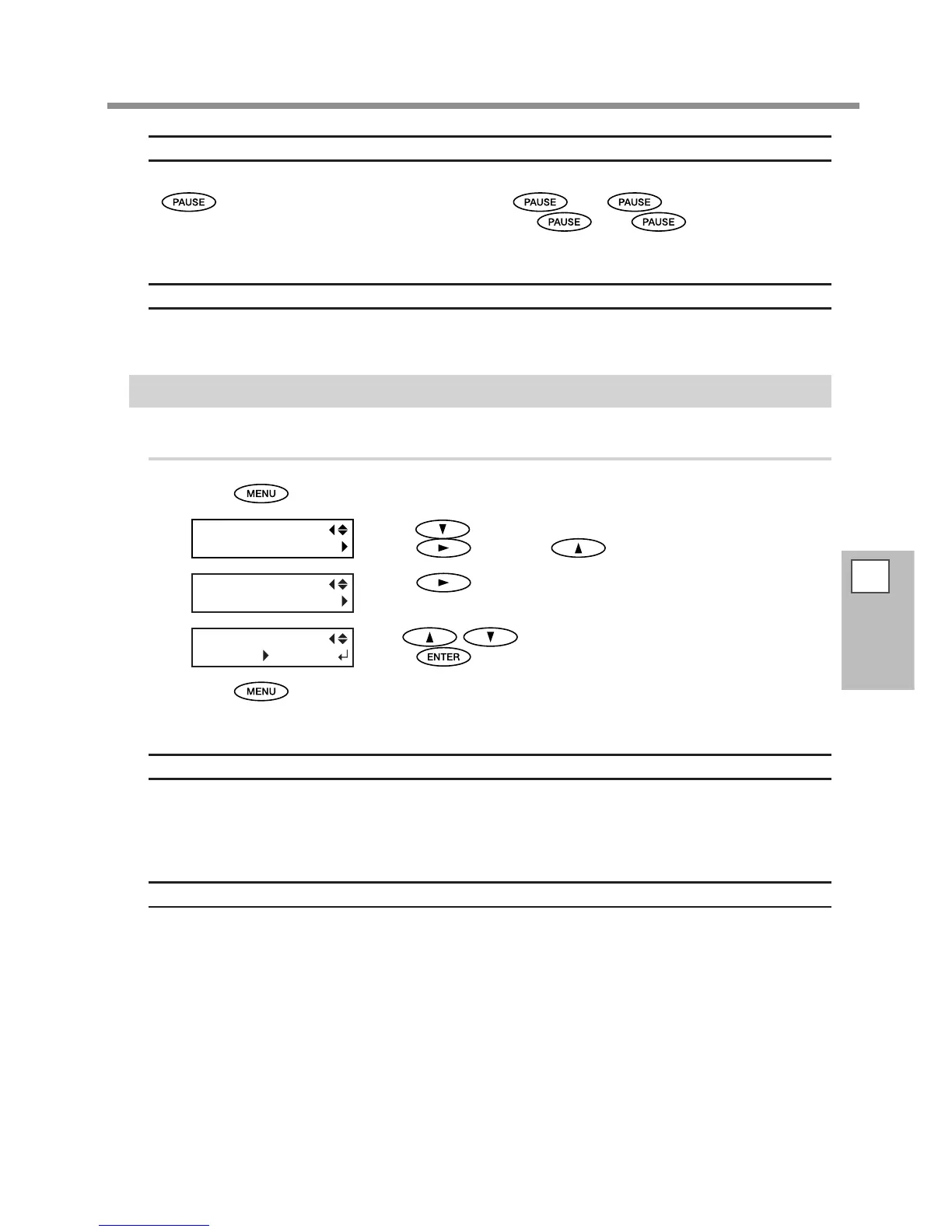
Press .
Press several times until the screen on the left appears.
Press
, and then twice.
Press .
Use to select "ENABLE."
Press
to enable the setting.
Press to go back to the original screen.
Description
This switches the optional dryer "ENABLE" or "DISABLE".
When using an optional dryer, set [OPTION DRYER] to "ENABLE". You can speed up drying of the ink more.
Contact your authorized Roland DG Corp. dealer or us for recommended dryer models. For the details of how
to use an optional dryer, refer to the documentation for the dryer you're using.
Default Setting
[OPTION DRYER]: DISABLE














 To Next Page