3
Maintenance
56
When Uneven Color Issue Occurs
Light Choke Cleaning
If nothing is printed for an extended period, color may be uneven and unstable, i.e. darkness or brightness is
dierent though the same data is printed with the same settings. In that case, perform the light choke clean-
ing. To obtain stabilized print color, stir the ink.
Procedure
Press .
Press several times until the screen on the left appears.
Press
.
Press several times until the screen on the left appears.
Press
, and then .
x
Press .
Light choke cleaning consumes a large amount of ink. Frequently performing light choke cleaning
makes the print heads more likely to be damaged. Avoid using it more than necessary.
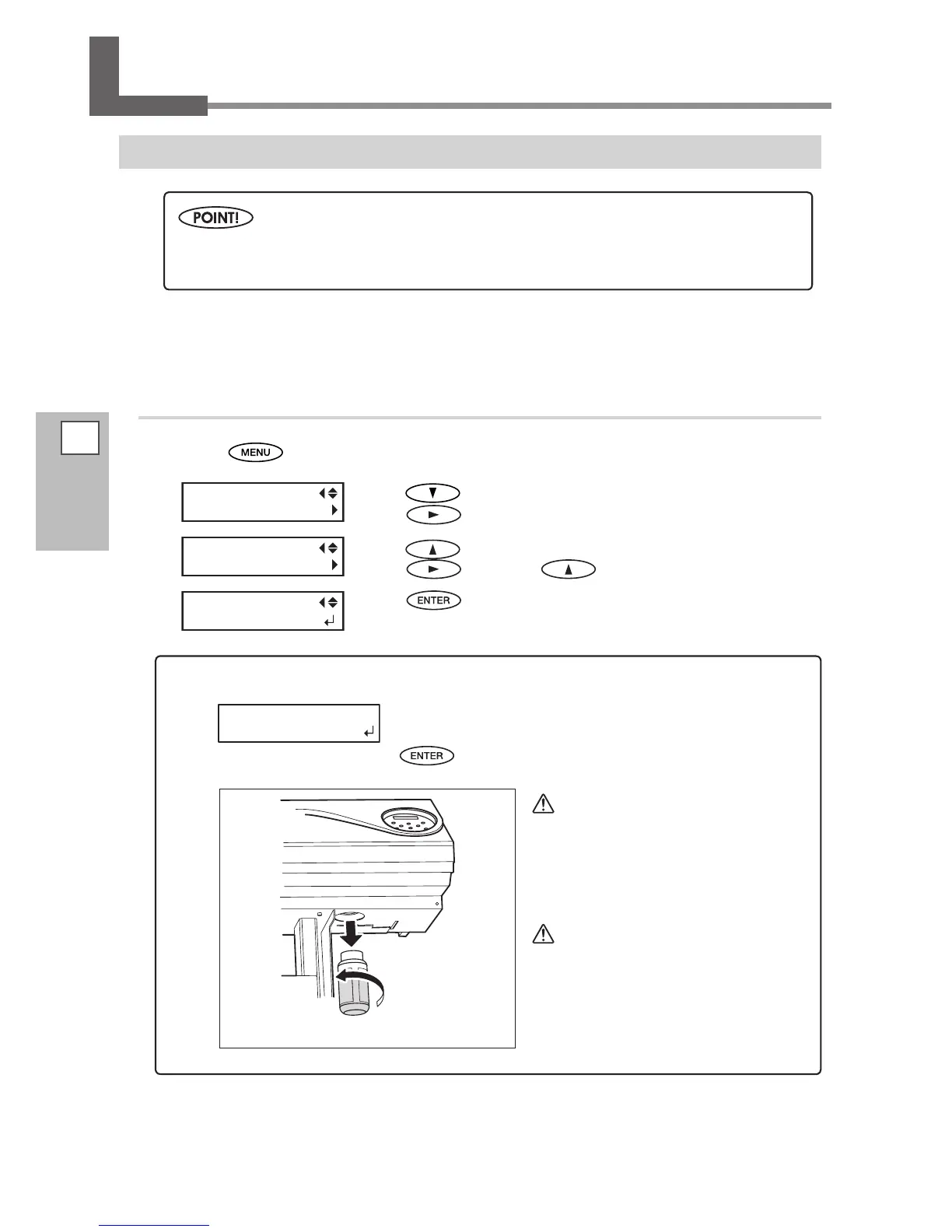
When the [EMPTY DRAIN BOTTLE] message appears on the screen:
When the message on the left appears, discard the discharged
uid. Attach the empty drain bottle to the machine again, and press
to go to the next step.
CAUTION
Be sure to dis-
card the discharged uid at this step.
If you do not discard the discharged uid
at this step, the discharged uid overows
from the drain bottle during the subse-
quent process.
CAUTION
Before you de-
tach the drain bottle, be sure to wait for
the screen to display "EMPTY DRAIN
BOTTLE."
Failing to follow this procedure may cause
discharged uid to ow out of the machine
and spill, soiling your hands or the oor.














 To Next Page