2
Basic
Operation
46
Switch Off
Switch Off
WARNING
When print is not being performed, remove any loaded media or switch
off the sub power.
The continued application of heat at a single location may cause the release
of toxic gases from the media or pose a re hazard.
Procedure
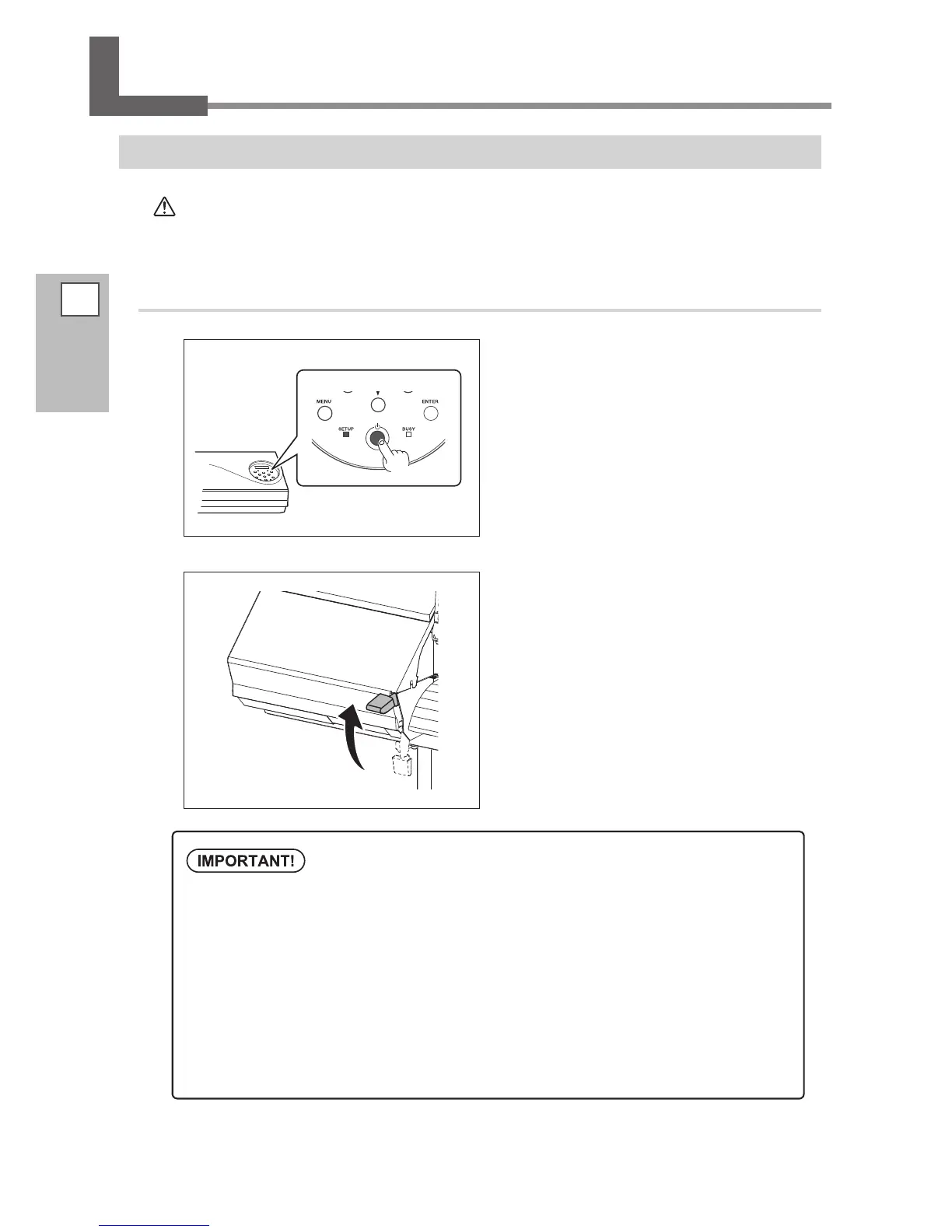
Switch off the sub power whenever printing
is nished.
Hold down the sub power button for one second
or longer.
Raise the loading lever and remove the
loaded media.
Raise the loading lever when the machine is not used
even if the power is not turned o.
Leave the main power switched on at all times.
Never switch o the main power. By switching on the main power, the automatic maintenance function
is carried out periodically. If the automatic maintenance is not carried out, it may result in breakdown
of this machine such as breakdown of the print heads.
Never switch off the main power or unplug the power cord suddenly while operation is
in progress.
Switching o the main power or unplugging the power cord suddenly while operation in progress
may damage the print heads. Be sure to rst switch o the sub power.
If the main power is accidentally switched o, immediately turn the power back on.














 To Next Page