5
To
Administrators
Print Operation Management
100
Making Sure to Verify the Setting for the Amount Remaining Every Time the Media Is Changed
Set to display
every time when a media is changed.
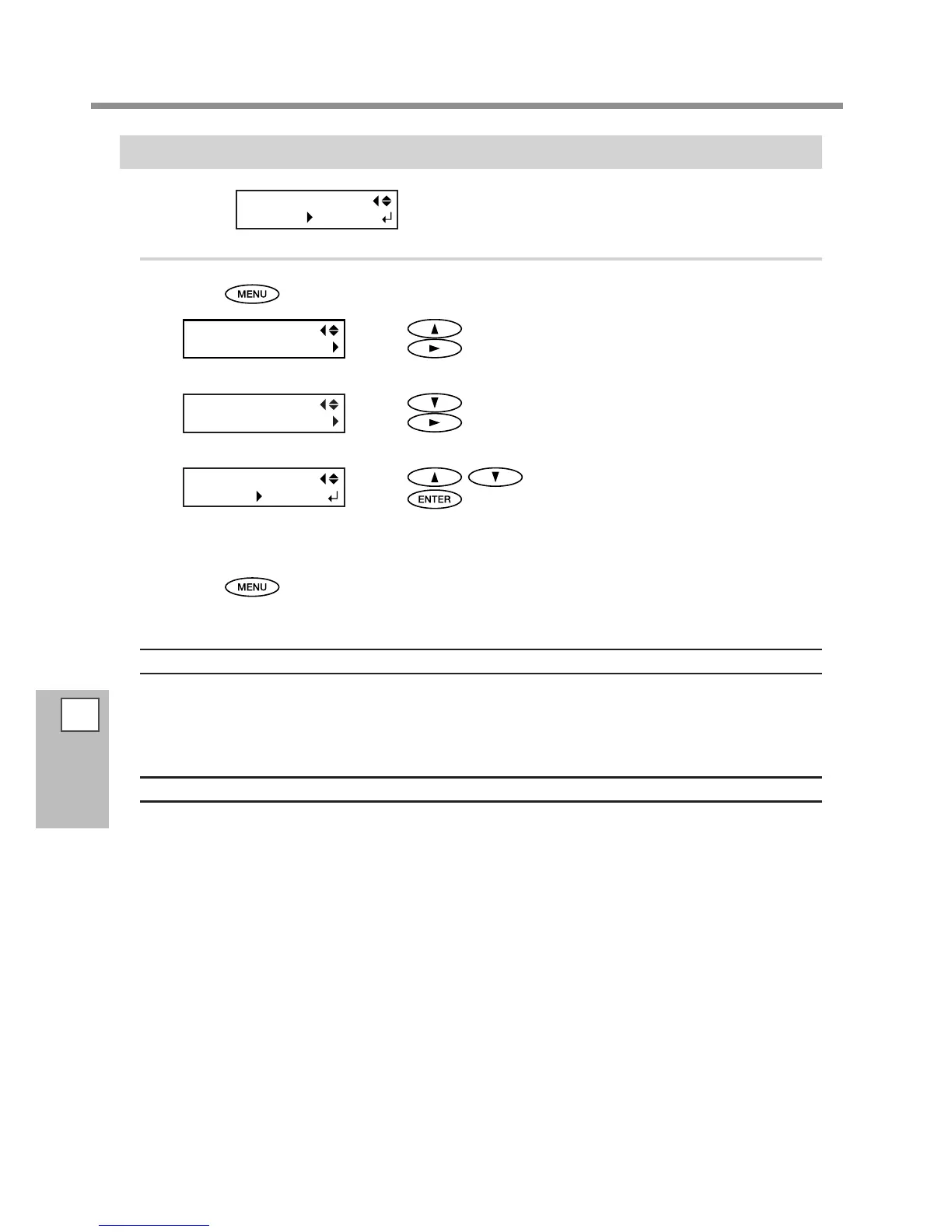
Procedure
Press .
Press to display the screen on the left.
Press
.
Press twice.
Press
.
Press to select "ENABLE".
Press
to enable the setting.
If you set to "ENABLE", you must set the [SHEET TYPE] menu to "OPAQUE."
P. 88, "Using Transparent Media"
Press to go back to the original screen.
Description
Setting this menu to "ENABLE" can keep you from forgetting to redo the setting when you change the media.
Be sure, however, also to set the [SHEET TYPE] menu (refer to P. 88, "Using Transparent Media") to "OPAQUE."
When [SHEET TYPE] is set to "CLEAR", [SHEET REMAIN] is not displayed automatically.
Default Setting
[AUTO DISPLAY]: DISABLE














 To Next Page