6
FAQ
Print-head Carriage Stops Moving. Why?
113
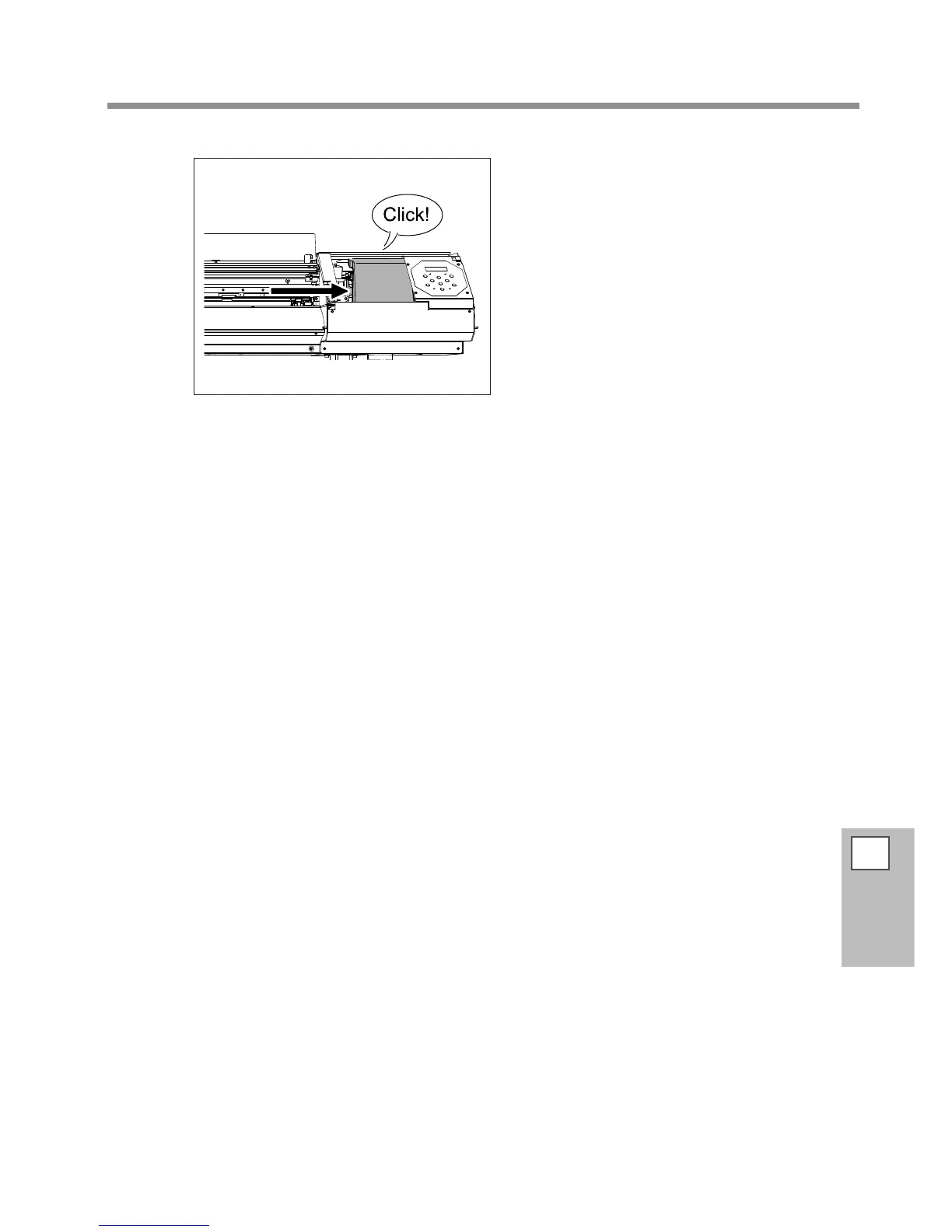
Gently move the print-head carriage to the
standby position.
Stopping at the place where the audible click is heard
locks the print-head carriage in place.
Gently apply pressure from the right side to make sure the print-head carriage does
not move to the left.
If the print-head carriage moves to the left, again move it slowly by applying pressure from the left side
and make sure it locks in place.














 To Next Page