1. Place the CT phantom on the patient bed
in that region that is irradiated. Place the
CT chamber in the centre of the
phantom. Connect the CT chamber to
the Barracuda cabinet. Make sure that
the bias voltage is off by checking the
yellow LED on the EMM-Bias module.
Do not connect the CT chamber if the
LED is on without first turning off the
bias.
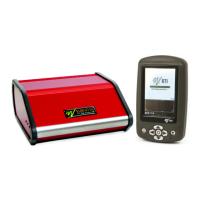
2. Set up the Barracuda and the handheld computer according to the description in
Setting Up the Barracuda .
Place the phantom with the one of the peripheral holes at "12 o'Clock". Use the laser
alignment tool on the CT to centre the phantom in both vertical and horizontal
direction.


 To Next Page