6. CONFIGURATION
26.
To define the CUSTOM program. follow these steps:
1. From the PROGRAMS menu, select the number to which the program is to be associated
(see the previous description) and then select CUSTOM in the next screen. The following
menu will appear:
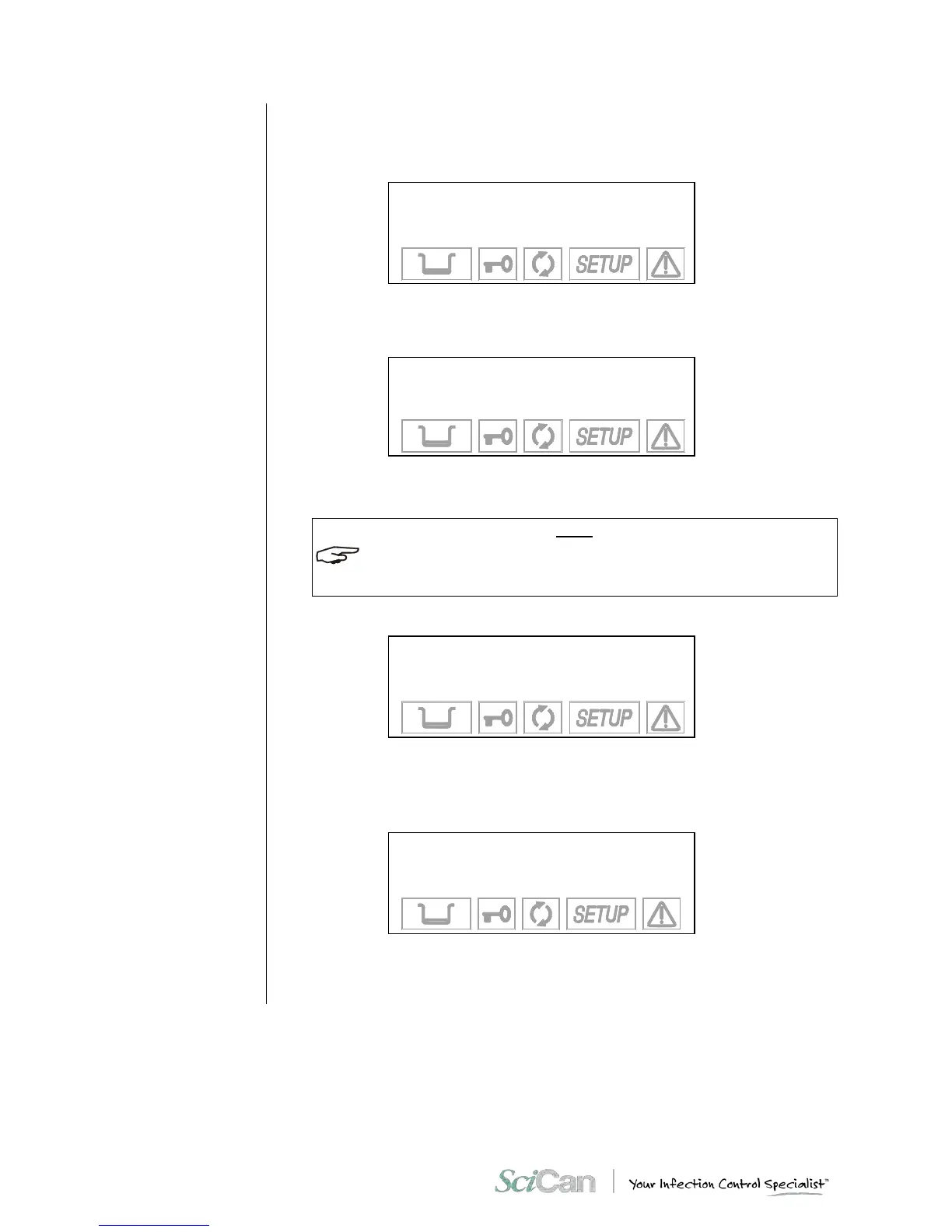
→ 134°C PROCESS +
121° C PROCESS ↑
EXIT ↓
-
Select 121 °C to perform a custom program with a sterilization process at 121 °C or 134 °C
for one at 134 °C. Move using the + and - keys and confirm with the ↵ key.
2. You will then go the screen:
TIME: XX min
+/- to set
↵ to enter
⇑ to exit
Use the + and - keys to set the duration of the sterilization process and confirm with the ↵
key.
THE DURATION OF THE STERILIZATION PROCESS IS VARIABLE FROM 4 TO 30 MINUTES
FOR THE PROGRAM AT 134 °C, AND FROM 20 TO 30 MINUTES FOR THE PROGR AM AT
121 °C.
3. After selecting the time, a new screen will ask you to specify the type of initial vacuum:
→ FRACTION. VACUUM +
SINGLE VACUUM ↑
EXIT ↓
-
Select FRACTION to perform a fractionated vacuum (for hollow bodies and porous
materials), or SINGLE for a single preliminary vacuum phase (for solid instruments). Move
using the + and - keys and confirm with the ↵ key.
4. After selecting the vacuum, a new screen will ask you to set the drying mode:
→ SHORT DRYING +
LONG DRYING ↑
EXIT ↓
-
Select LONG drying for porous and/or wrapped loads, or SHORT if you need to sterilize
solid, loose materials (and even hollow, as long as it is not wrapped). Move with the + and
- , confirm with the ↵ key.



 To Next Page