10 Mega-800 SCINCO
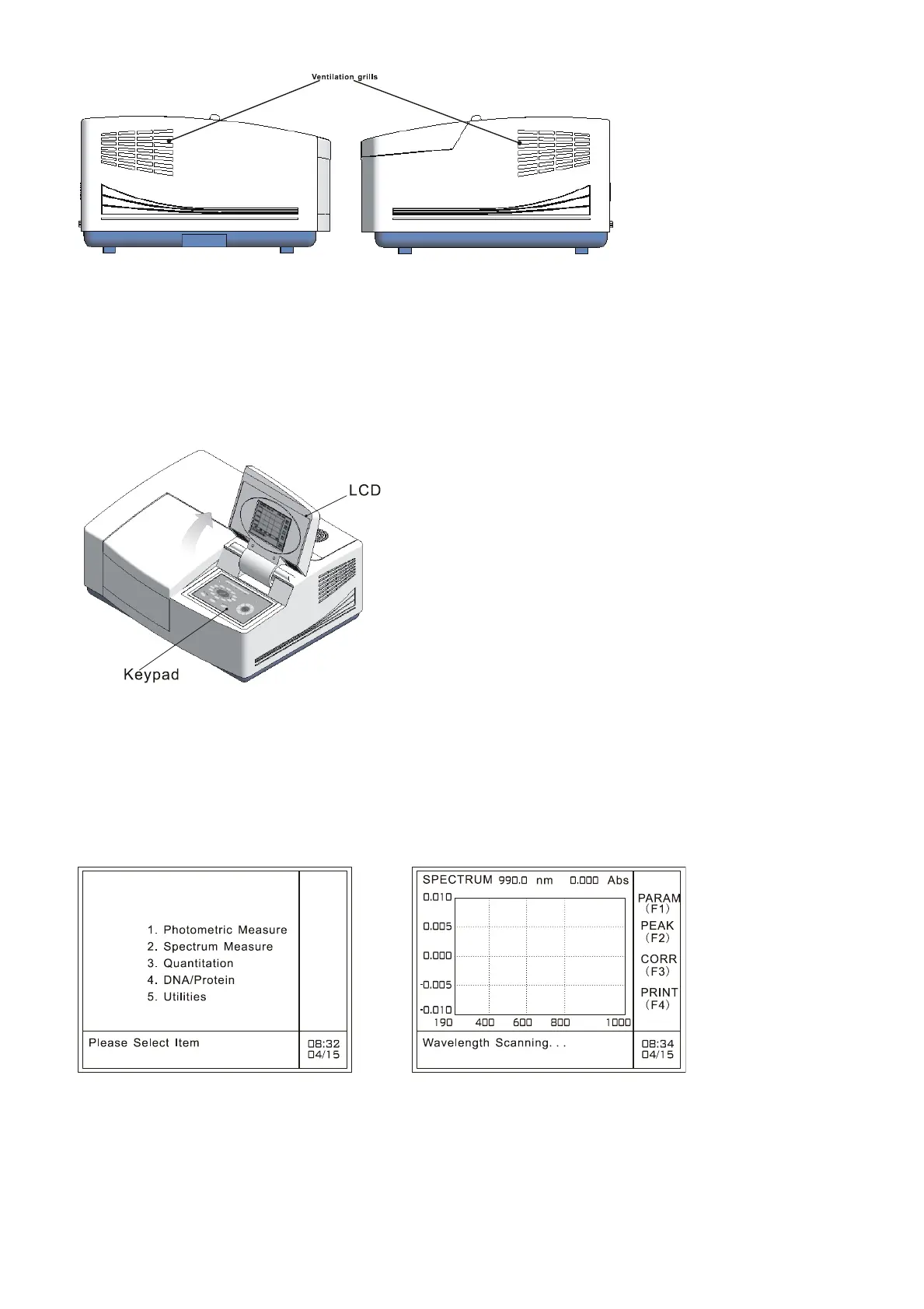
A: Left side view B: Right side view
1.2.4 Display
The display of Mega-800 is the 320×240 dots high resolution LCD, displaying the measurement data,
parameters, mode and man-machine interaction information, and the measured spectra. The display
and keypad are shown as Fig.1.5.
Fig. 1.5 Display and keypad
There are two kinds of menus. One is the main menu (Fig.1.6A), appearing after initialization, used to
select measurement mode. The other is the operation menu (Fif.1.6B), displaying current working
mode, measurement data, spectra and man-machine interaction information.
A: Main menu B: Spectrum measurement menu
Fig. 1.6 Display menu
The first line is the mode line, which is used to indicate current working mode. The column on the right
of the screen is the indicating area for function keys (F1~F4). The function keys may vary from page



 To Next Page