EasyManua.ls Logo

scinco Mega-800 - Reset System

Default Icon
77 pages
Print Icon
To Next Page IconTo Next Page
To Previous Page IconTo Previous Page
Loading...
67 Mega-800 SCINCO
It will display the current date on the indication area. The time in the above picture is 10:28 on August
7, 2005. Press key and key to increase or decrease the numeric values. Press key
and key to move the cursor. After time setting, press key to return to the utilities main
menu. When the time changed, you should quit the utilities mode to see the newly set time.
7.9 Reset system
Press on the main menu of utilities mode to reset all the parameters to the original setup. It
displays ―System busy…‖. About three seconds later, the indication information becomes ―Please
Select Item‖ and the parameters reset to original setup ones.
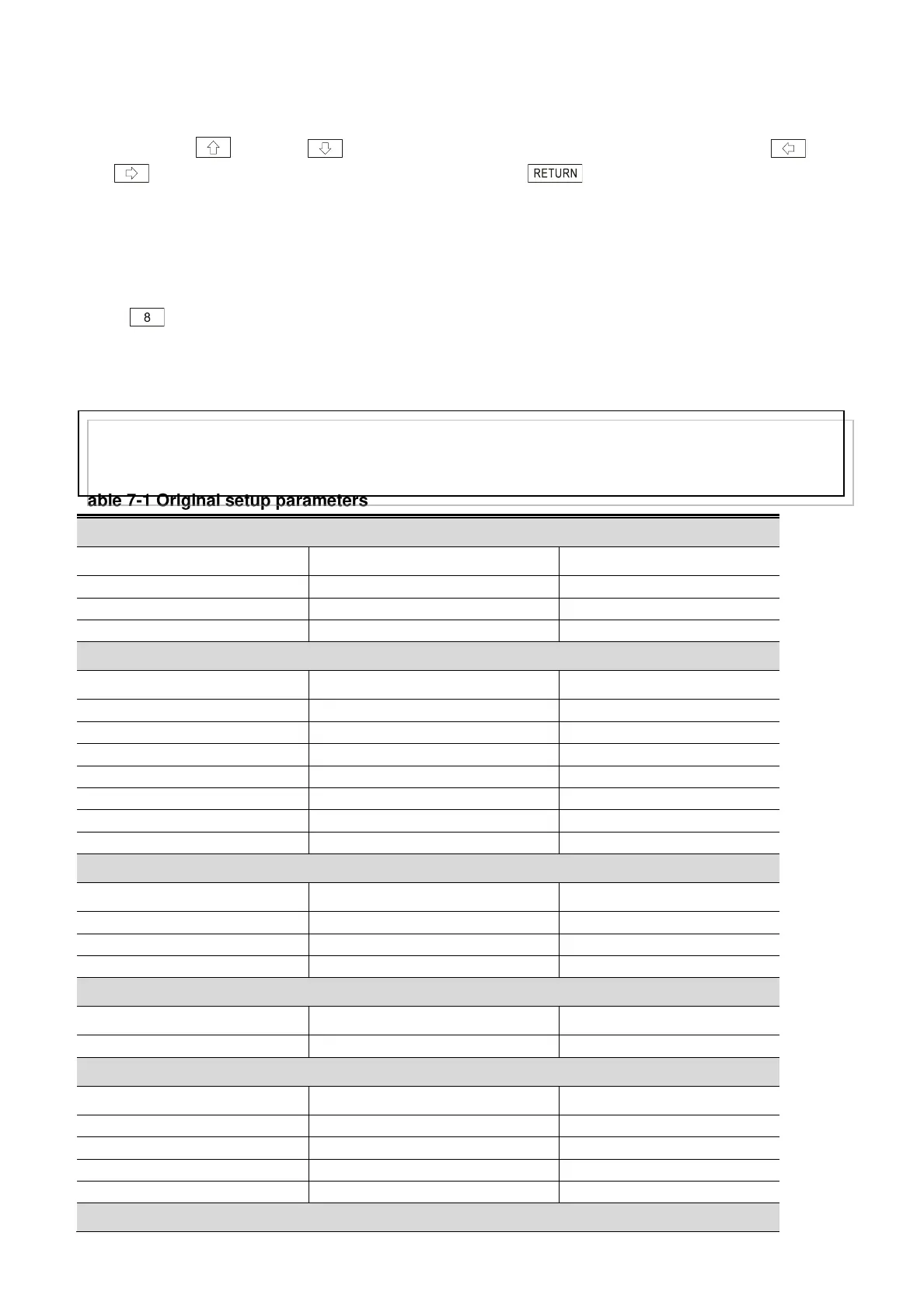
The original setup parameters are shown in Tab 7-1.
Table 7-1 Original setup parameters
Photometric measurement
Description
Parameter Name
Parameter value
Photometric mode
Abs
Measuring wavelength
260.0nm
Coefficient
10
Spectrum scanning
Description
Parameter Name
Parameter value
Photometric mode
Es
Scanning speed
Fast
Sampling interval
1.0
Wavelength range
1000.0 200.0
Photometric mode: Abs
Ordinate range
0.00 1.00
Photometric mode: T, Er, Es
Ordinate range
0.00 100.00
Light source
Deuterium lamp
Quantitative measurement
Description
Parameter Name
Parameter value
Measurement method
Standards method
Measuring wavelength
260.0nm
Concentration unit
mg/L
DNA/Protein analysis
Description
Parameter Name
Parameter value
Parameters can’t be changed
Method
1
Sample control
Description
Parameter Name
Parameter value
Sample module
8-cell changer
Drive cell No.
1
Cell No.1 blank
No
Move cell
1
Utilities
Note:
This series of instruments can record parameters. It will adopt the parameters the user set last time
even if it is power off. So it is remmened not reset system.

Table of Contents

Related product manuals