49 Mega-800 SCINCO
On the main menu of quantitative measurement, as shown in Fig. 5.2, press key to gain access
to sample control page. The sample control operation is the same as that of the photometric
measurement. Please refer to ―3.3 Sample control‖.
5.5 Auto zero
On the main menu of quantitative measurement, press key to set Abs zero automatically at
current measuring wavelength. Before starting autozero, put the blank into the cell.
5.6 Measurement
5.6.1 Use single cell
Single cell measurement includes fixed cell measurement and using one cell of multi-cell changer to
measure (refer to 3.3.6 single cell measurement).
First set up measurement parameters and sample cell parameters then construct a calibration curve.
Perform autozero. Put sample into sample cell, then press key to measure its Absorbance
value. Each time you press key, it will remeasure the sample. The measurement results
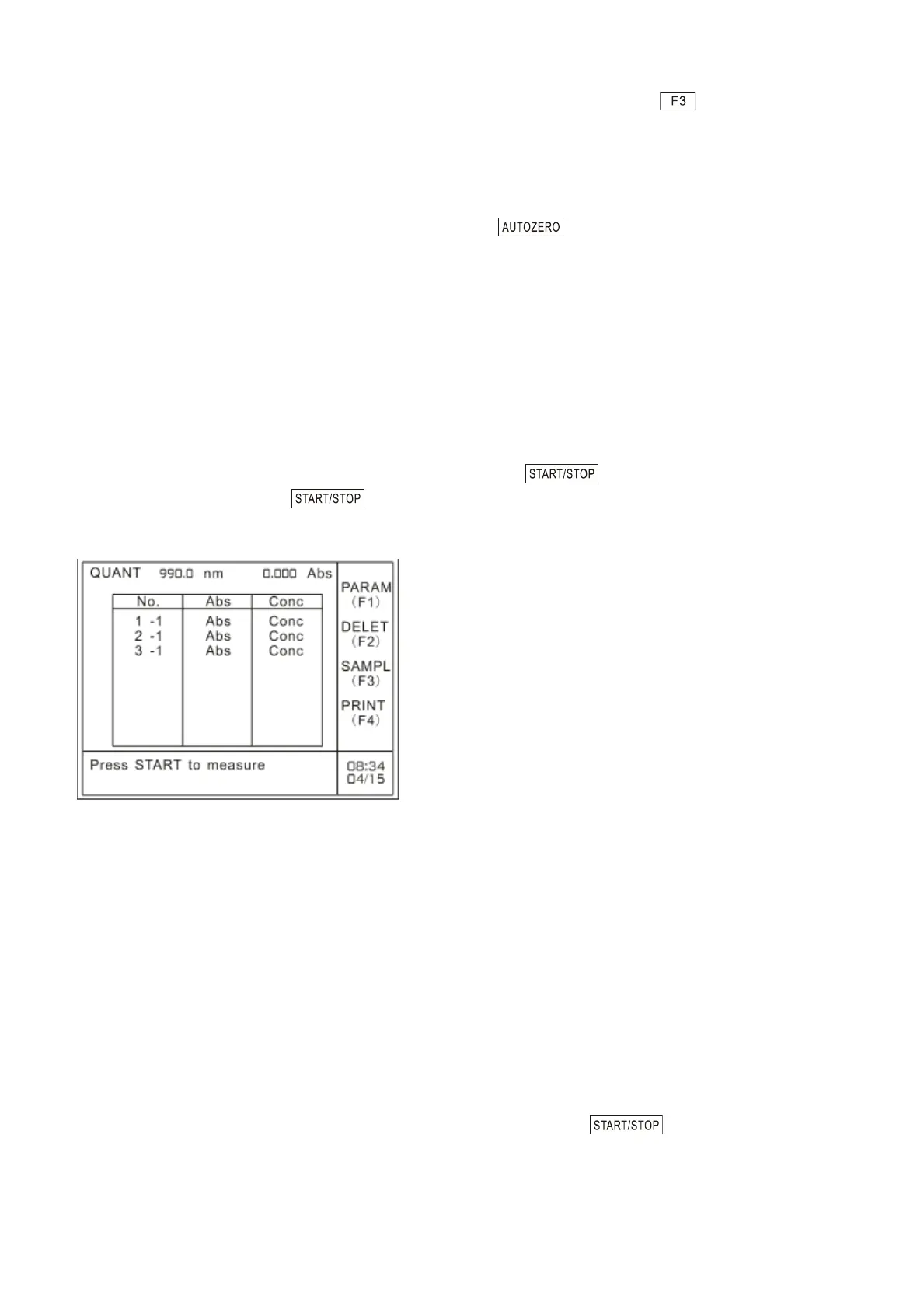
will be displayed as shown in Fig. 5.17.
Fig. 5.17 Single cell measurement results
“No.‖ in the table refers to serial number of the samples set by the user. ―2 -1‖in the table refers to
the second measurement result of No.1 cell (if use multi-cell changer, it refers to current sample cell
in use); ―Abs‖ refers to absorbance value;―Conc‖ refers to the concentration value calculated by the
calibration curve.
5.6.2 Use multi-cells
First set up measurement parameters and sample cell parameters, and then construct a calibration
curve. The measurement procedures will vary with the settings of No. 1 cell blank.
When Reagent Blank Correction in Cell No. 1 is set to ―NO‖
When Reagent Blank Correction in Cell No. 1 is set to ―NO‖, you need to perform autozero of cell
No.1. After autozero, put the samples into sample cells, then press key to start
measurement. And then the measured values will be calculated, saved and displayed on LCD one by
one.
When Reagent Blank Correction in Cell No. 1 (§3.5.3) is set to ―YES‖



 To Next Page