66 Mega-800 SCINCO
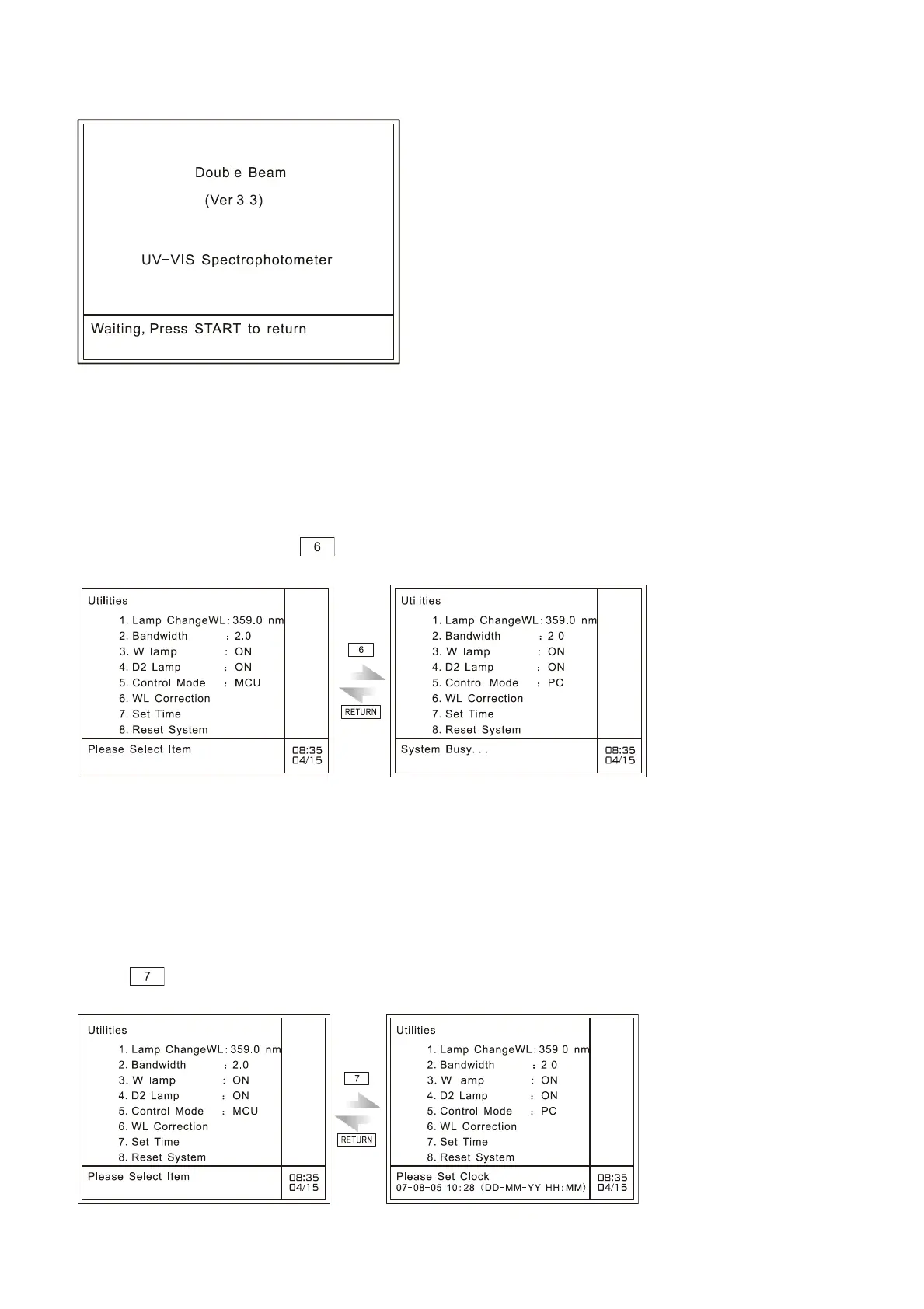
and restart. The system will prompt the user with the information ― Waiting, press START to return‖.
Fig. 7.7 Waiting for PC mode
7.7 Wavelength correction
In the case of Utilities, press to perform wavelength correction, as shown in Fig. 7.8:
Fig. 7.8 Wavelength correction
It displays ―System Busy…‖ in the indication area, meaning the instrument is performing wavelength
correction. It takes one minute to finish wavelength correction.
7.8 Set time
Press key in the case of utilities to set time, as shown in Fig. 7.8:
Fig. 7.8 Time setting page



 To Next Page